Feature Request
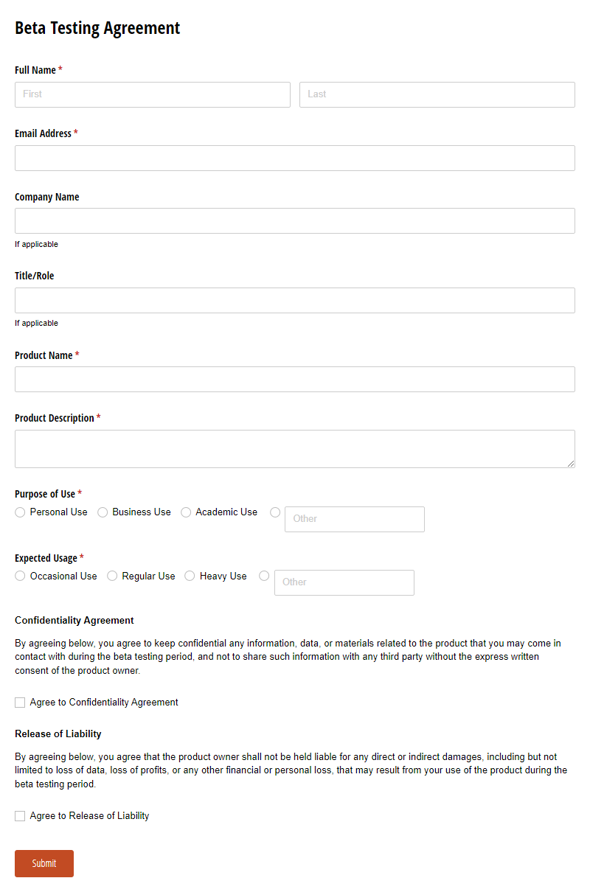
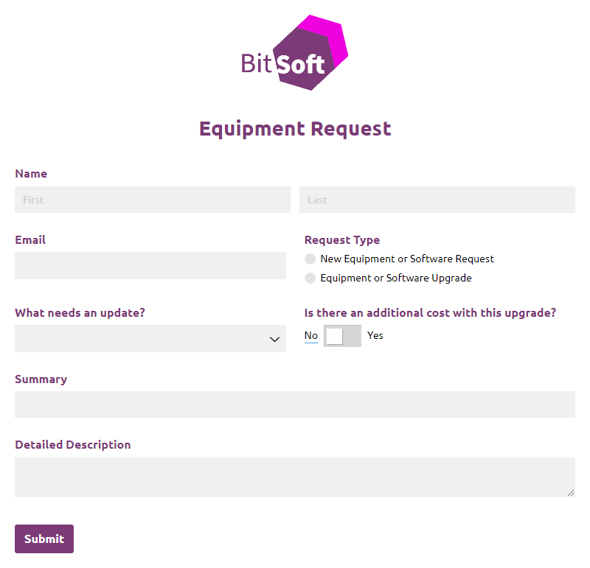
Use our free feature request form template to enable users to submit requests for your next product or release.
Using a digital Feature Request also makes your workflow easier to manage behind the scenes. You can standardize the questions, reduce incomplete submissions, and route requests to the right person while creating a cleaner experience for the people filling out the form.
Use our free feature request form template to enable users to submit requests for your next product, app, or software release.
Our Feature Request workflow begins when someone submits a new request. Upon submission, internal IT staff can mark the request as Rejected or In Progress (and then eventually Complete). Easily add, remove, or change fields to collect the exact feedback you need. Then route email notifications to the appropriate staff members for review and approval.