Cognito Forms vs Google Forms
The Best Google Forms Alternative
Cognito Forms combines advanced features with the simplicity you need. Get more flexibility, automation, and control in every form you create.
Why Cognito Forms?
Build Smarter Forms Without the Complexity
More capability, less setup
Built-in tools let you easily capture signatures and generate documents, while seamless integrations make collecting payments effortless.
Real logic that works
Perform calculations, use conditional logic to show only what matters, and create forms that automate your work—advanced capabilities that are still easy to use.
Grows with you
Start simple and scale when you’re ready. From basic forms to complex workflows, your forms evolve with your needs—no rebuilding required.
Why Customers Switch from Google Forms
Stop working around problems, and start working on what matters.
With Google Forms:
With Cognito Forms:
Google Forms
You’re juggling multiple add-ons for basic features.
Cognito Forms
Gather signatures, generate documents, and collect payments with ease—managed in app, without any extra setup or hassle.
Google Forms
Different forms are scattered across your inbox.
Cognito Forms
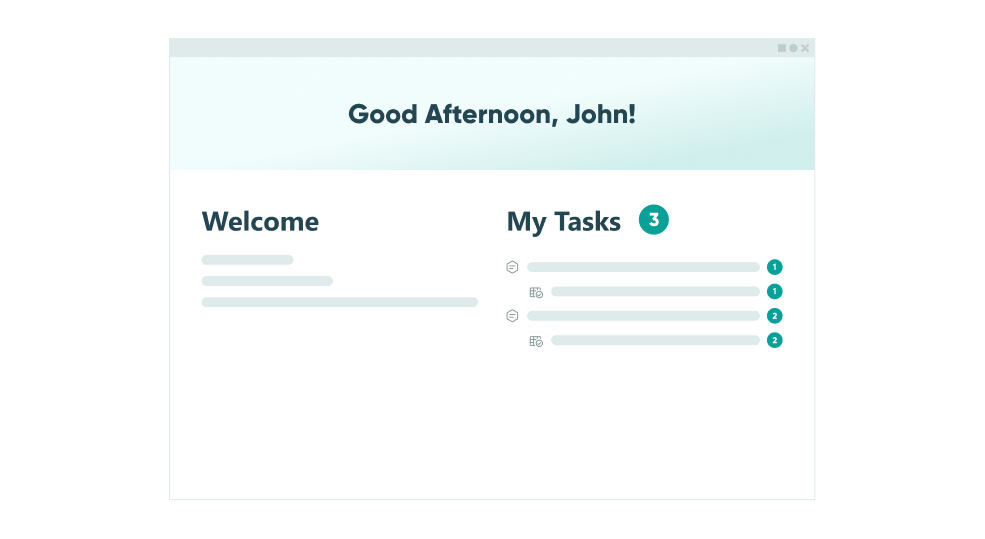
Route decisions, assign roles, and track each form’s status all in the Entries page directly in Cognito Forms.
Google Forms
Your form data lives in a disconnected sheet.
Cognito Forms
Manage and organize all your form submissions in one place with custom views, advanced filters, and easy one-click exports.
Google Forms
Respondents can’t pause and finish forms later.
Cognito Forms
Respondents can save progress and return to their forms anytime with a secure link—no account required.
Google Forms
With no white labeling, your brand is hidden.
Cognito Forms
Match every form to your brand by customizing the logos, themes, and styling.
Google Forms
No one to ask for help when you need it.
Cognito Forms
Get real support from real humans who respond to your questions and actually help.

Where Power Meets Simplicity
You shouldn't have to choose between powerful functionality and ease of use—with the right platform, you get both. See how the features stack up.
| Cognito Forms Team Plan $39/mo with 5 users | Google Forms Business Standard Plan $70/mo with 5 users | |
|---|---|---|
| No coding required | ||
| Custom branding & themes | ||
| Integrations | ||
| Conditional logic Show and hide fields based on other form fields, the current workflow status, or who is accessing the form. | With limitations | |
| Payment collection Built-in payment integrations (Stripe, PayPal, Square) for collecting payments directly from forms. | Requires an add-on | |
| Electronic signatures Collect electronic signatures on any form or any device by simply adding a signature field. | Requires an add-on | |
| Numeric calculations | ||
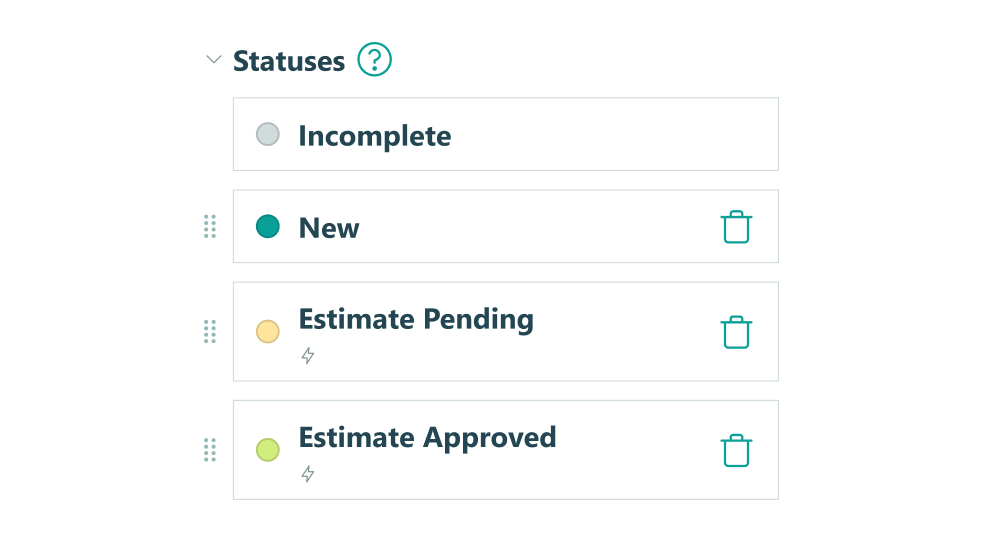
| Workflow automation Create automated workflows with automatic notifications, custom workflow statuses, and advanced logic. Require fields for certain roles or workflow steps. | ||
| Lookup fields Use entry data from other forms to populate dropdowns, perform calculations, or display text in a new form. | ||
| Save & resume capabilities Allows form users to save their progress and finish an incomplete form at a later time. | ||
| Document generation | $4/template/mo Unlimited generations | |
No credit card required |
No credit card required





departments
processing
their previous form-builder

"It was easy to squeeze in the cost of Cognito Forms Enterprise. It was a no-brainer, especially with no long-term contract."

card delivery time
since implementation

"Cognito Forms is great for any small business that can't necessarily afford a developer. It reduces staff labor, which is a savings cost, and improves the client experience."

onboarding time
over three years

"There was no way we could have grown so much if we didn't have Cognito Forms. Really, it has become the backbone for managing the entire organization."

member selection
duplicate data entry

"Cognito Forms allows us to create processes that we have full control over. We have so much flexibility compared to other SaaS products."

portal and receive
automatic reminders
and inefficiencies

"Cognito Forms’ Guest Access and Task Reminders almost completely eliminate the need for my staff to make manual follow-up calls."

Turn Form Submission into Action
Go beyond collecting responses—build forms with workflows that automate what comes next.
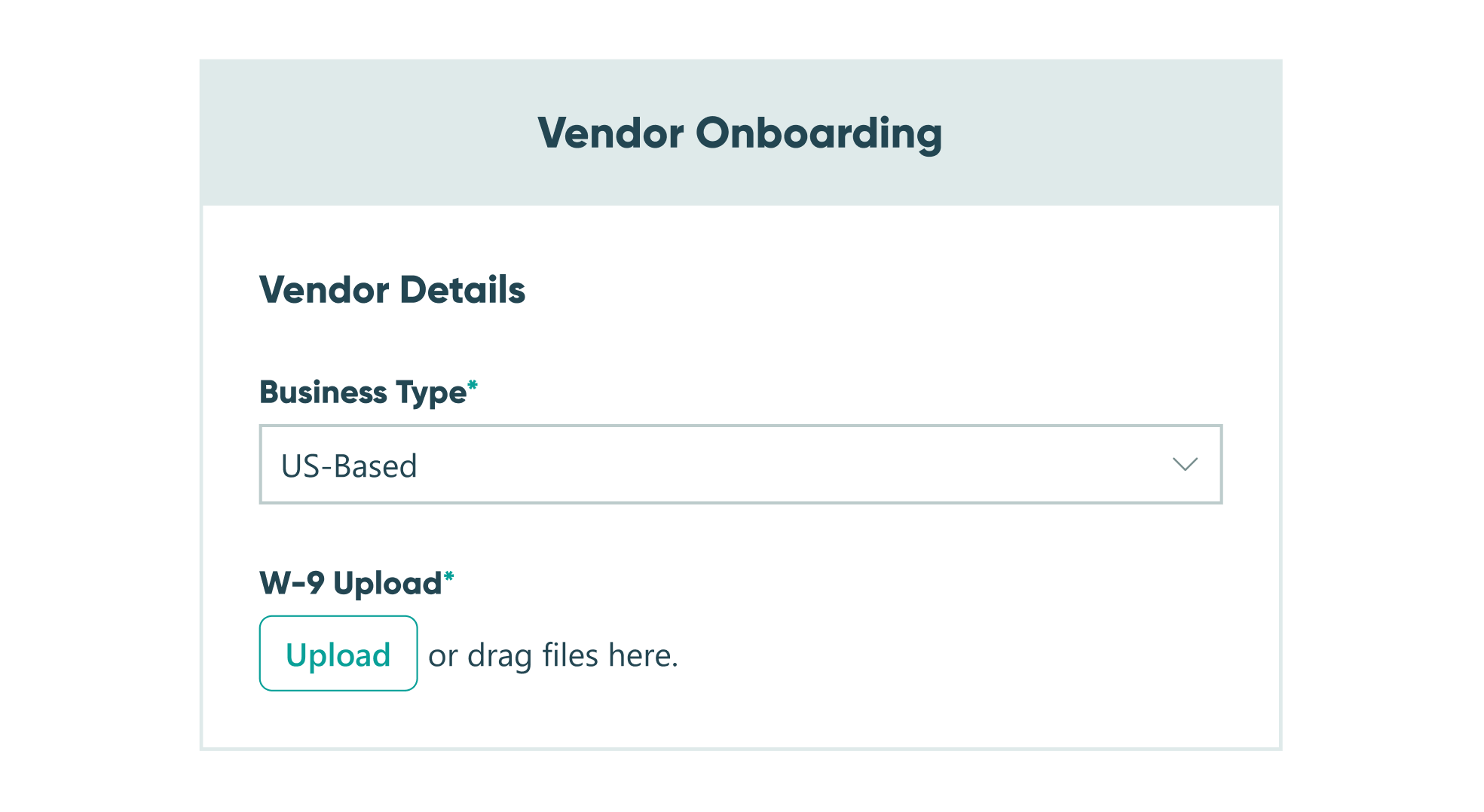
Online Form Builder
Simple enough
for quick setup,
customizable
for power users
- Repeating Sections
- Data Lookups
- Calculations
- Integrations
- Conditional Logic
- Custom Themes
Integrate with Platforms You Already Use
Our data integrations make connecting your data with your existing tools easy - for maximum impact.




Import All Your Google Forms in Minutes
It's easy:
- Step 1: Sign up or log in to your Cognito Forms account.
- Step 2: Connect your Google account.
- Step 3: Select the forms you want to import.
Ready to Choose Cognito Forms?
Start your free trial today and experience the powerful features you need at a price you'll love. No credit card required.