
Microsoft Power Automate is a workflow platform that helps teams automate tasks across apps and services. Using Microsoft Power Automate, you can connect your Cognito Forms to apps like SharePoint, Teams, OneDrive, Outlook 365, Excel, and more.
Connecting to Cognito Forms turns submissions into flows that create files, update lists, post messages, and route approvals automatically. Move data from forms into your systems fast—store documents, alert teams, route approvals, and keep records up to date automatically.
- Reduce manual handoffs
- Speed approvals
- Cut data entry errors
Use this integration to:
- Create SharePoint items and files
- Post messages in Teams, send email
- Update Excel rows or CRM records
Triggers
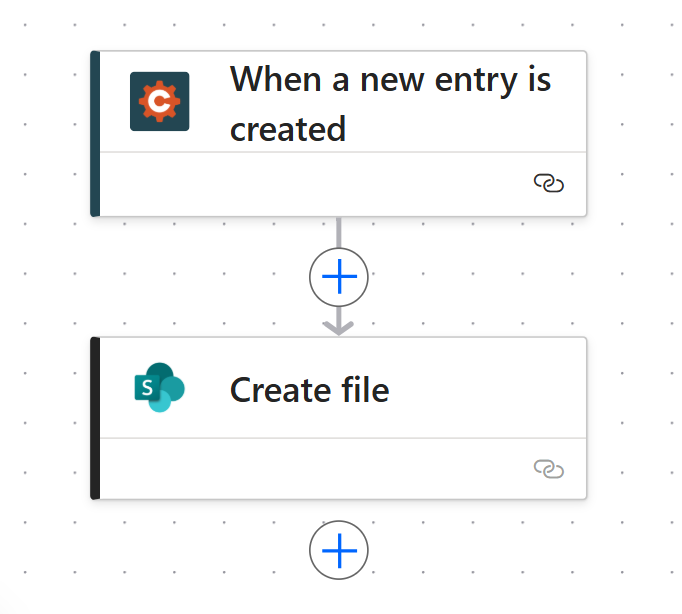
Triggers are events in Cognito Forms that start a flow:
- New Entry – When someone submits a form, automatically create SharePoint items, send Teams messages, update Excel rows, or route approvals
- Update Entry – When an entry is updated, sync changes to connected apps
- Entry Deleted – When an entry is removed, trigger cleanup actions in other systems
Actions
Actions are what you can do in Cognito Forms from other apps:
- Create Entry – Generate new form submissions from Excel rows, SharePoint lists, or other data sources
- Update Entry – Modify existing entries when data changes in connected systems
- Delete Entry – Remove entries when they’re no longer needed
- Set Form Availability – Control when forms are open or closed based on external triggers
- Get Document – Retrieve custom documents and PDFs generated by your forms
- Get File – Retrieve uploaded files and electronic signatures
- Get Entry – Pull entry data for reporting and analysis
How It Works
- Log in to Power Automate
- Go to the Power Automate dashboard and create a new cloud flow
- Choose Cognito Forms as the Trigger
- Select any trigger action, like “When a new entry is created," and choose your form
- Connect your Cognito Forms account
- Authorize access to your forms from your Microsoft account
- Add Actions
- Send emails, create SharePoint items, store files, or post in Teams
- Map Form Fields
- Use dynamic content from the form to fill fields in each app
- Add Conditional Logic
- Include if/then steps to handle approval flows or alerts
- Test and Activate
- Submit a test entry to confirm your flow works
- Save and enable
Still need help? Check out our support article.