HR Forms
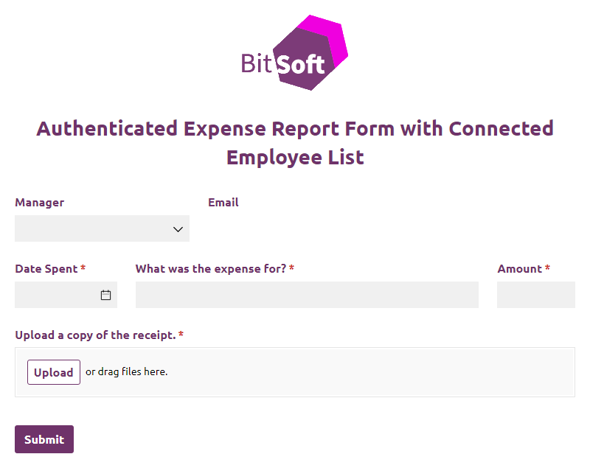
Authenticated Expense Report Form with Connected Employee List
Use our free expense report form template to enable staff members to log business expenses for reimbursement.
Preview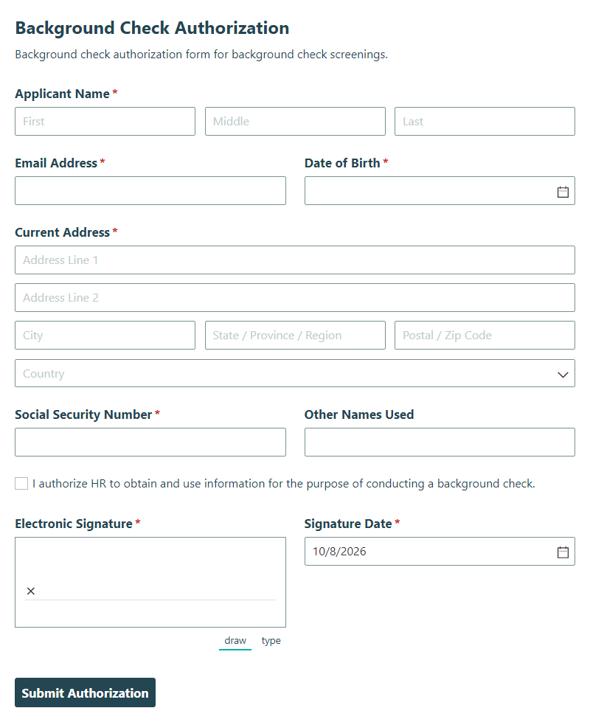
Background Check Authorization
Collect candidate consent for a background check during hiring and HR screening, and keep authorization details organized so your team can review them quickly.
Preview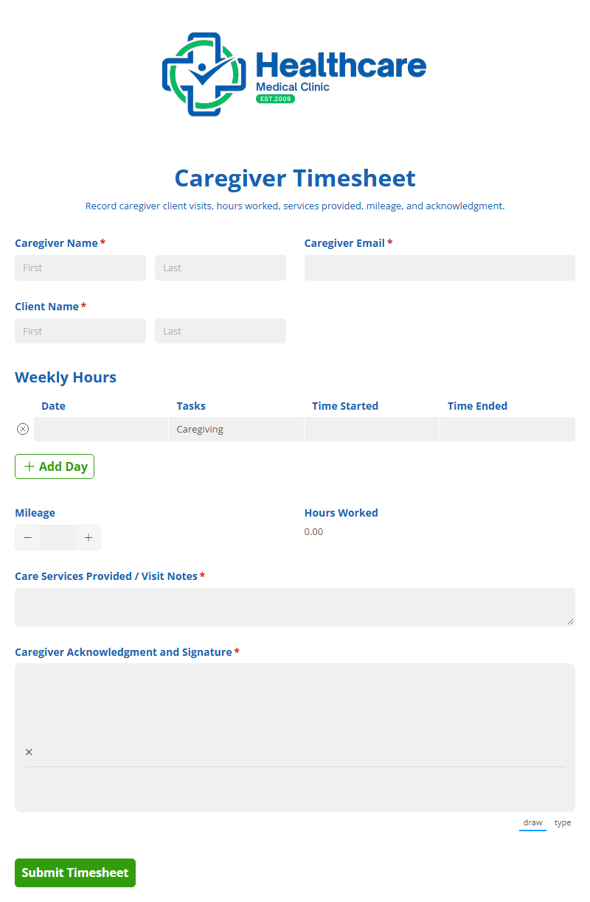
Caregiver Timesheet
Track caregiver and client visit hours, tasks, and approvals with the Caregiver Timesheet template for home care and home health aides, so teams can document visits and keep reviews moving.
Preview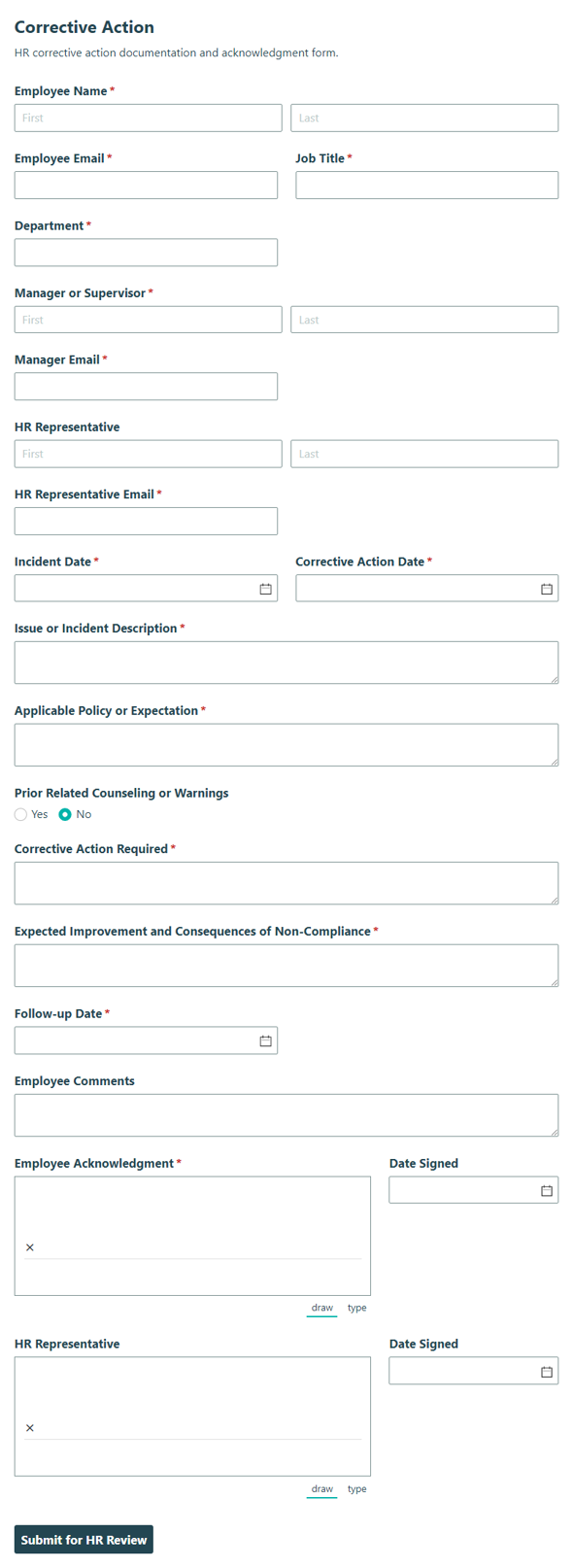
Corrective Action
Document employee performance or conduct issues, actions taken, and follow-up steps with the Corrective Action form for HR tracking and clearer accountability.
Preview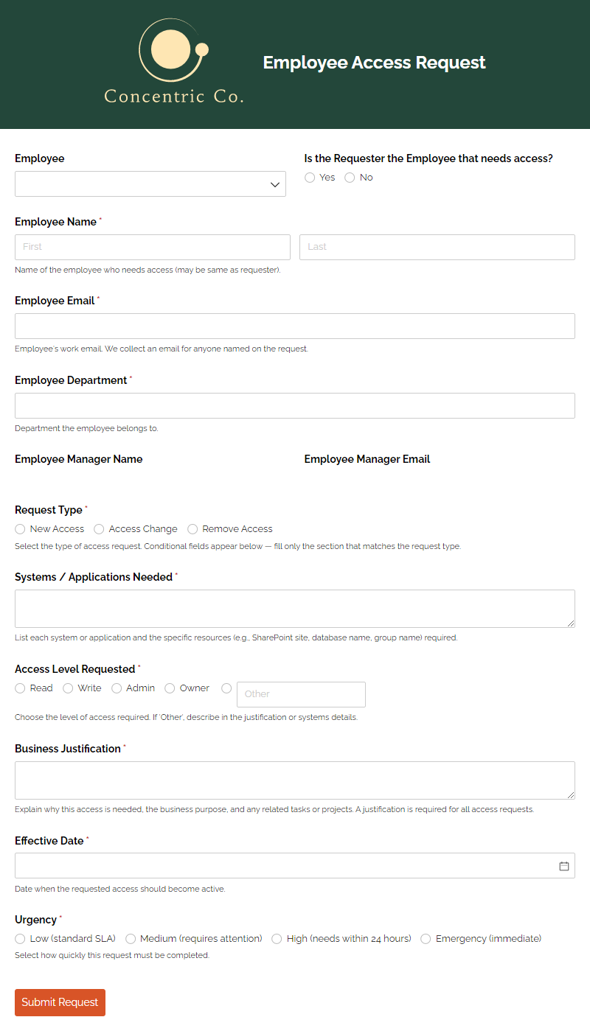
Employee Access Request Form Template
Securely track and approve employee access changes in one workflow.
Preview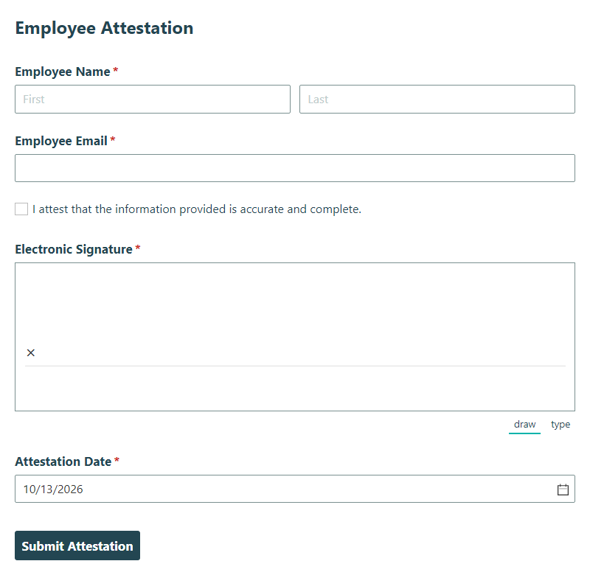
Employee Attestation
Collect employee confirmations, acknowledgments, and signed attestations for workplace policies or compliance requirements so your team can document agreement clearly.
Preview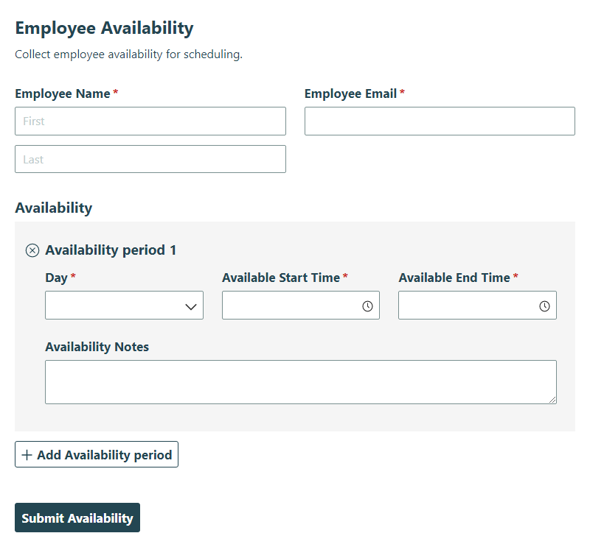
Employee Availability
Collect employee work availability, preferred shifts, and scheduling constraints in one simple form so managers can plan coverage and reduce scheduling conflicts.
Preview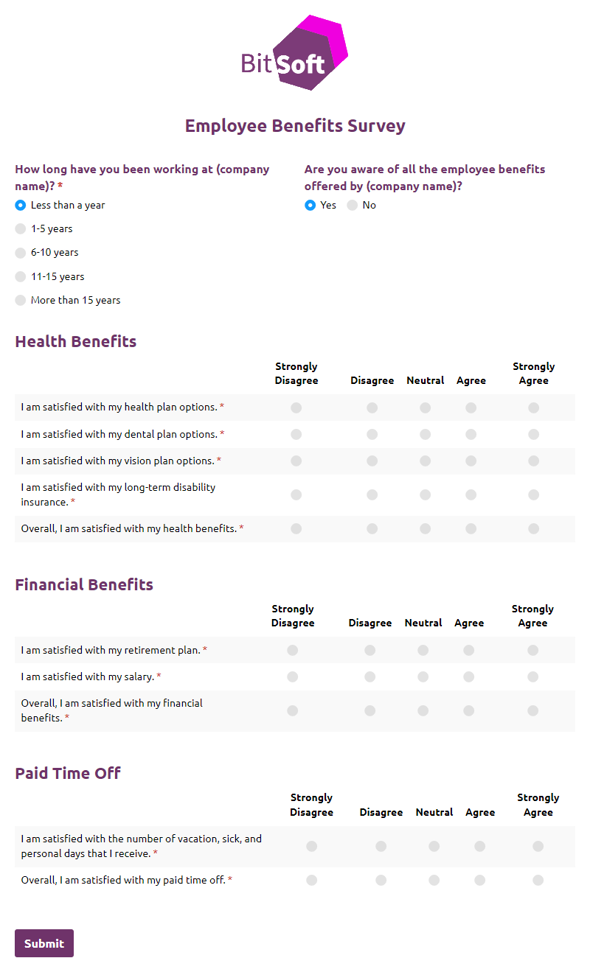
Employee Benefits Survey
Use our free employee benefits survey form template to measure satisfaction with your benefits program.
Preview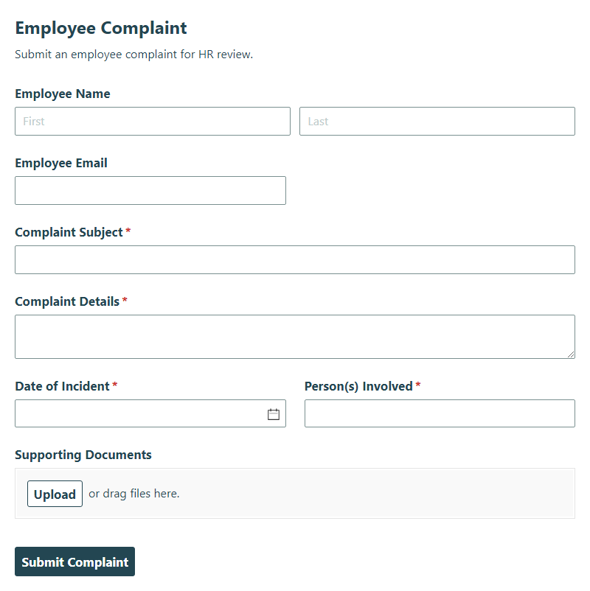
Employee Complaint
Collect employee complaints for HR review and follow-up with a clear Employee Complaint form that helps teams track concerns and respond consistently.
Preview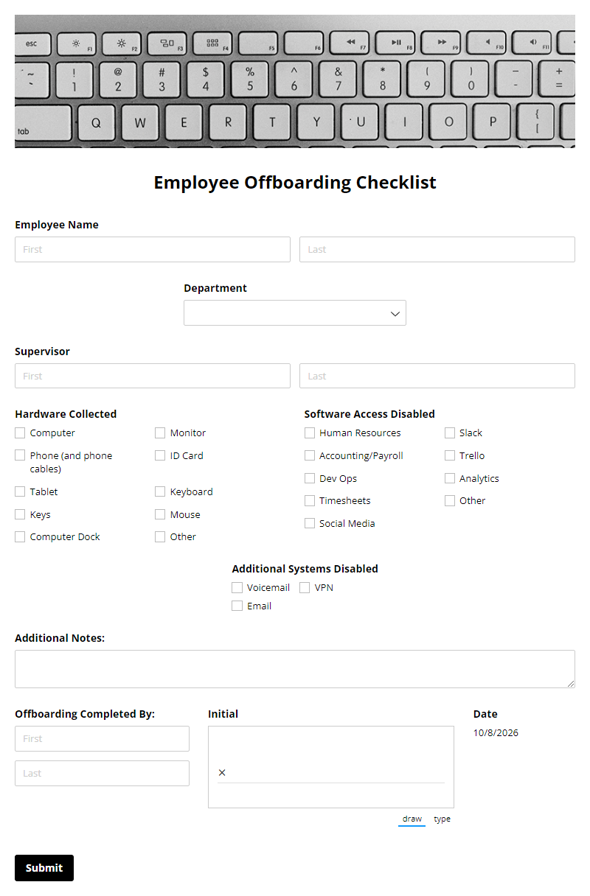
Employee Offboarding Checklist
An Employee Offboarding Checklist Form Template is a customizable tool designed to ensure a smooth and organized employee departure process. It helps HR teams track required tasks, protect company assets, and maintain compliance.
Preview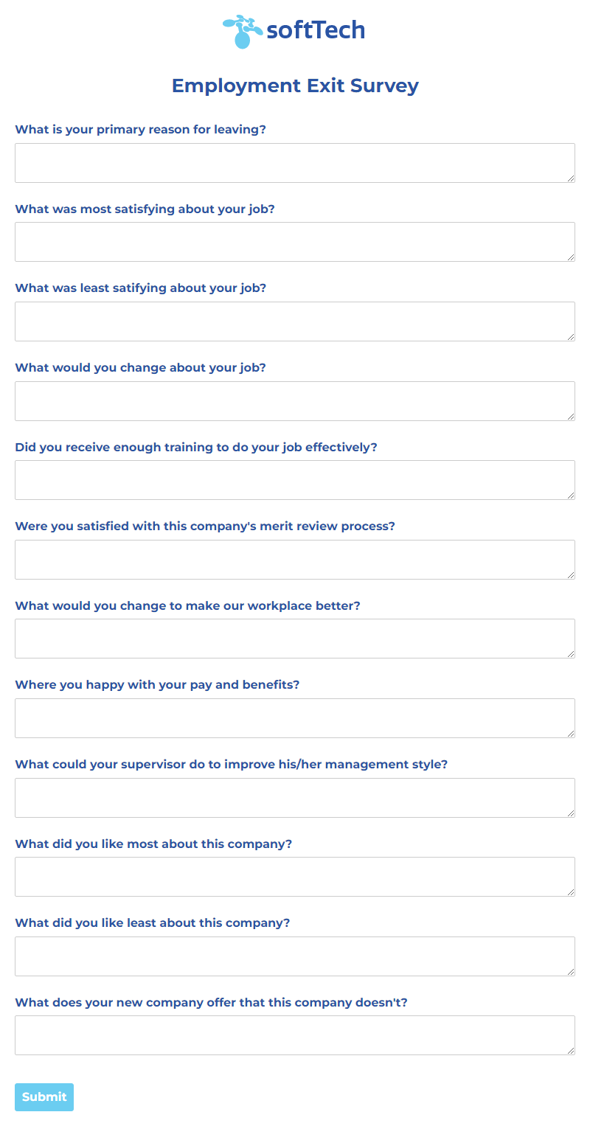
Employment Exit Survey
Use our free employment exit survey form template to collect feedback when employees depart your company.
Preview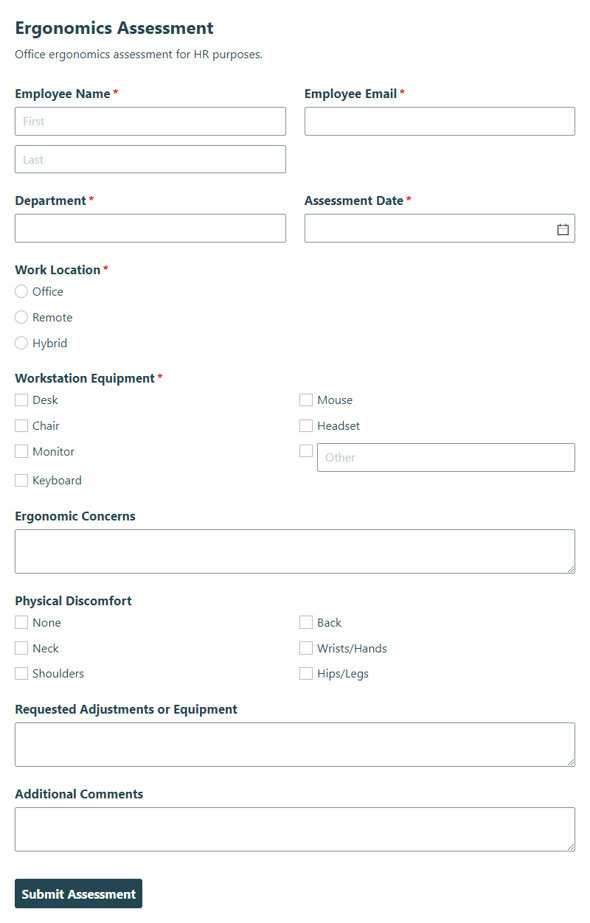
Ergonomics Assessment
Collect workplace ergonomics details for HR to identify risks, support employee comfort, and improve safety with an Ergonomics Assessment.
Preview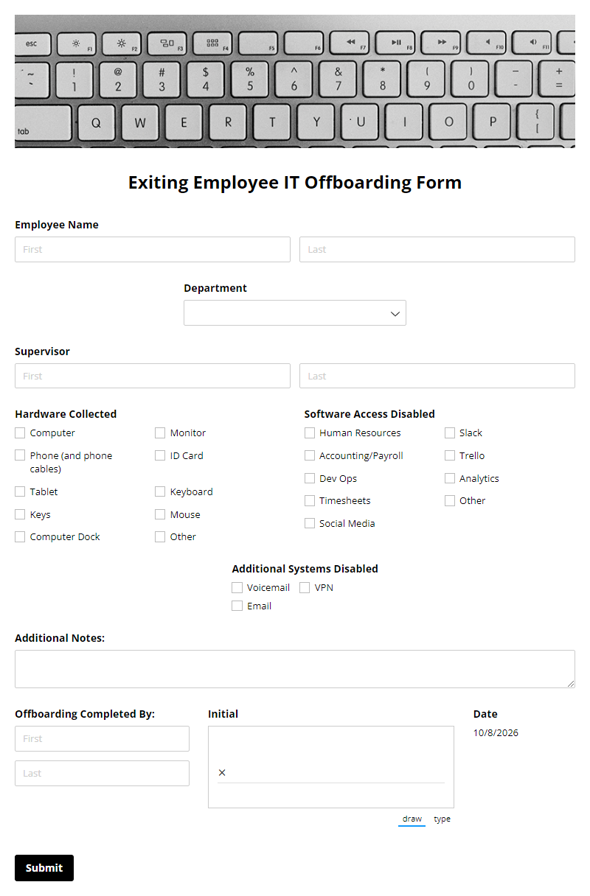
Exiting Employee Offboarding Checklist
Organize your employee offboarding with our free checklist template. Quickly check-in hardware and record disabled software when an employee leaves.
Preview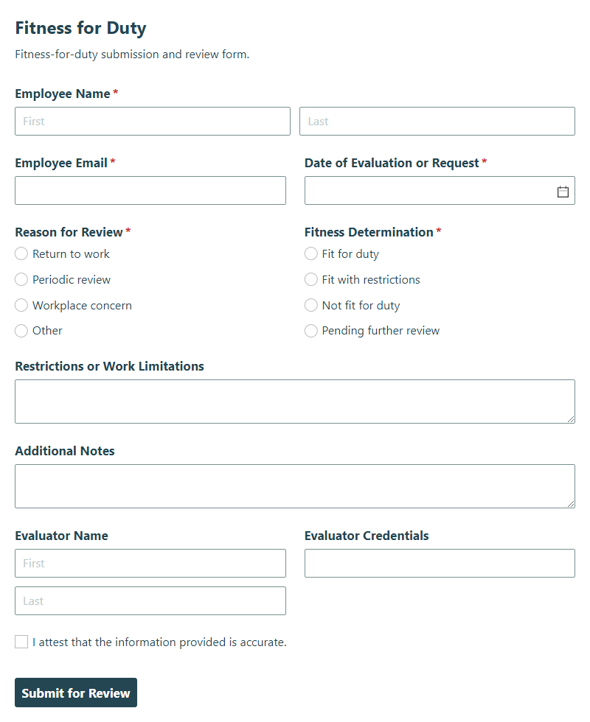
Fitness for Duty
Collect medical clearance details with the Fitness of Duty form to confirm an employee is fit to return to work safely and keep the return-to-work process clear.
Preview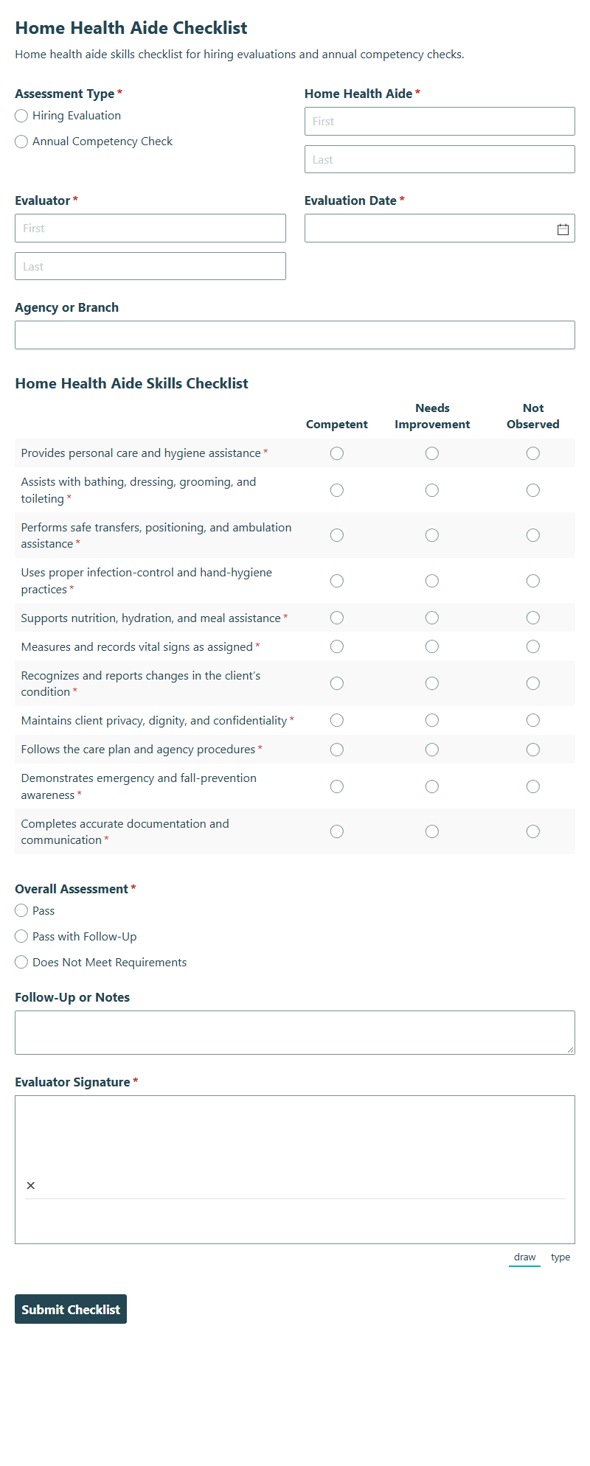
Home Health Aide Checklist
Track hiring and annual competency checks for home health aides with a clear checklist that reviews skills, tasks, and readiness for care teams.
Preview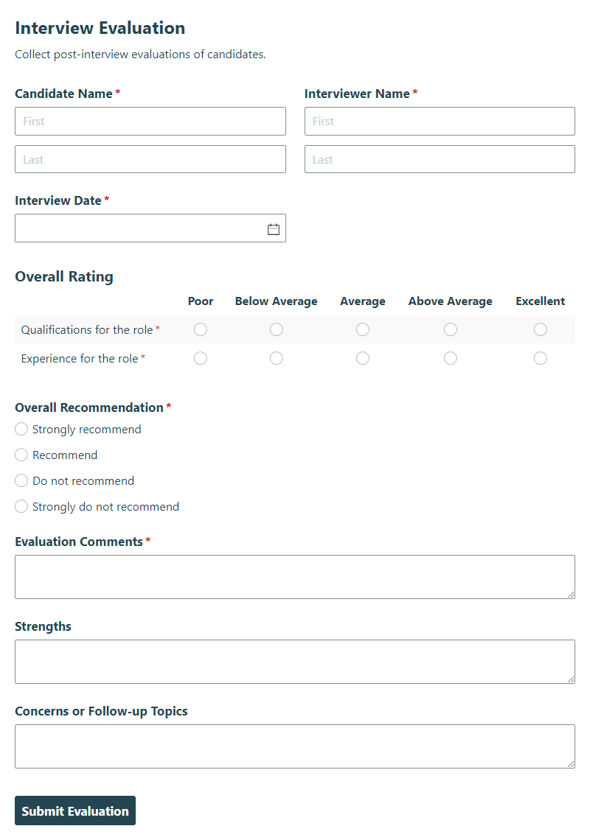
Interview Evaluation
Capture interviewer ratings and notes for a candidate interview so hiring teams can assess fit, compare feedback consistently, and move decisions forward.
Preview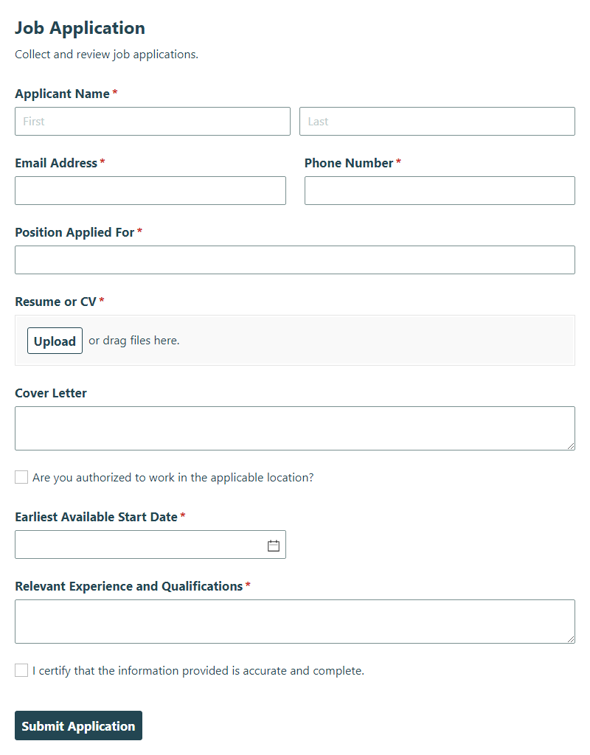
Job Application
Collect candidate details, work history, and qualifications with a Job Application form that helps hiring teams review applicants and move the right people forward.
Preview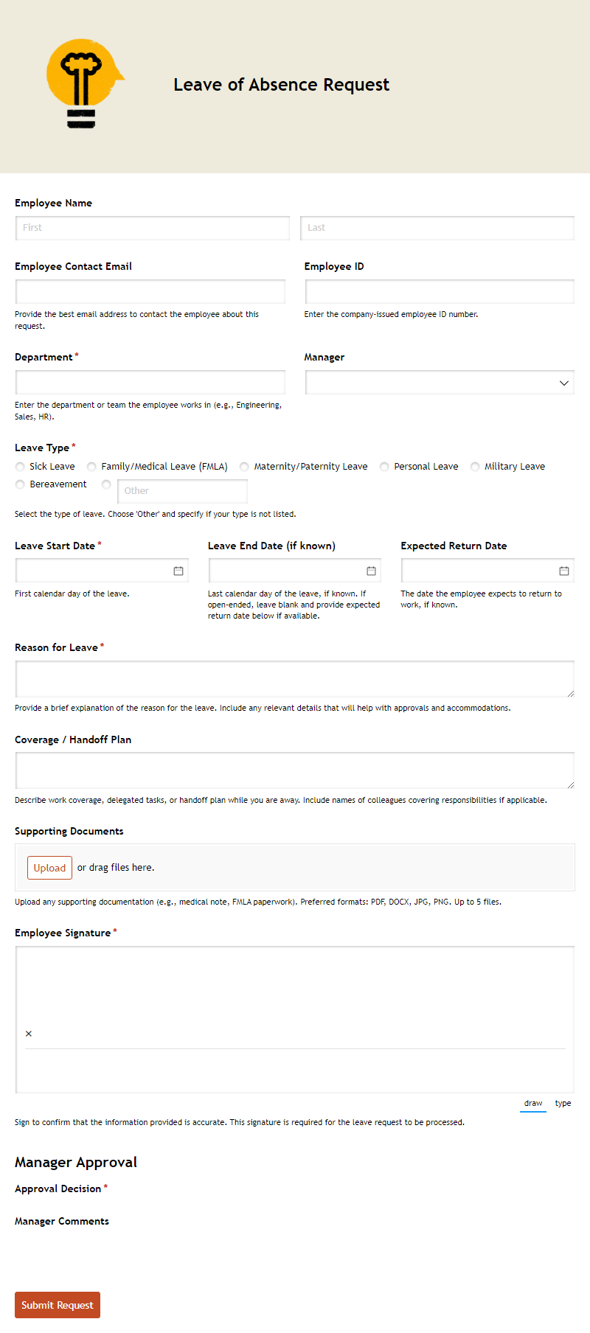
Leave of Absence Request
Streamline your team’s leave requests and approvals in one organized workflow.
Preview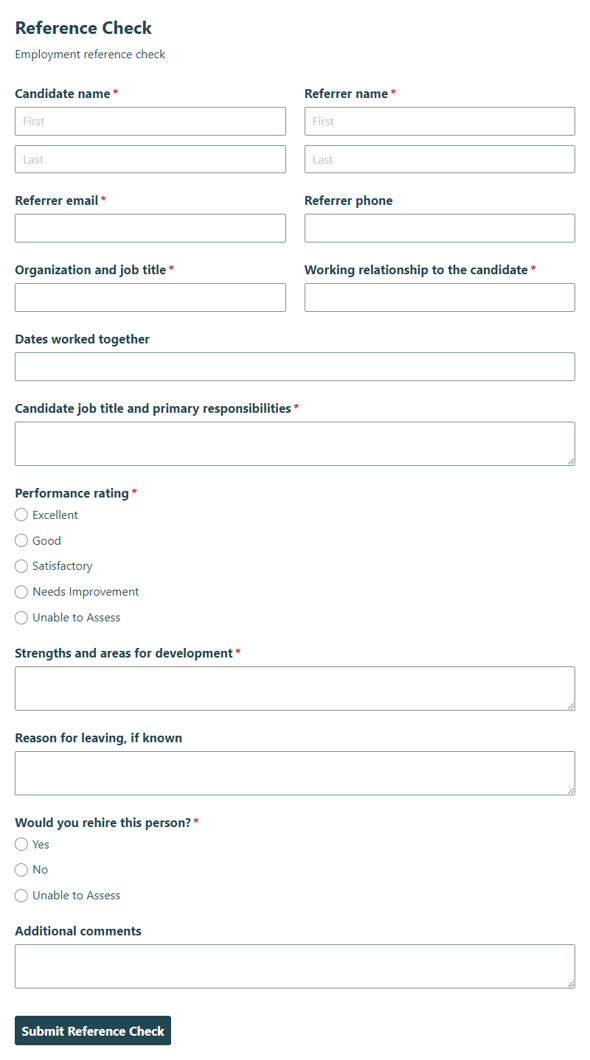
Reference Check
Collect reference details for a candidate’s work history and suitability so hiring teams can review responses with clarity and consistency.
Preview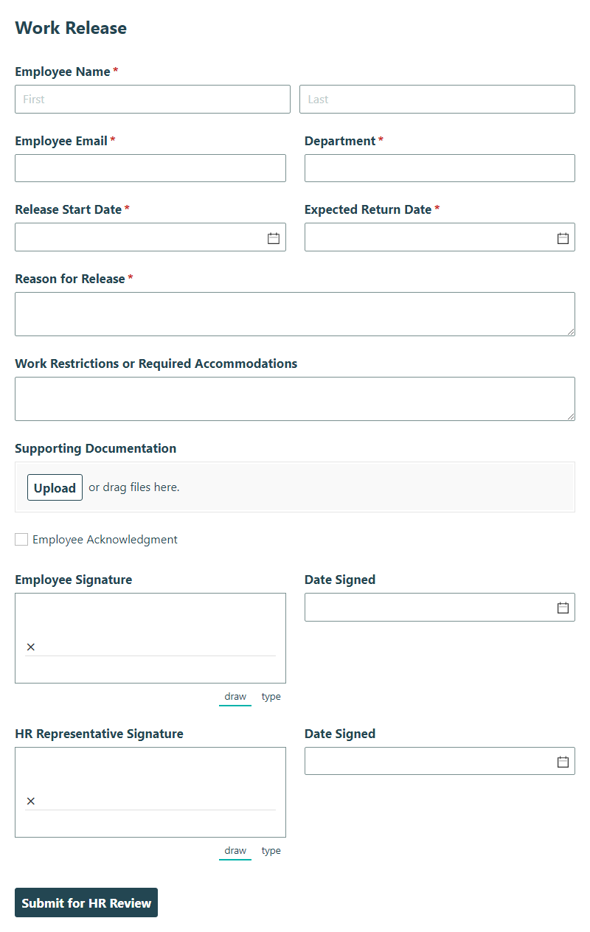
Work Release
Collect employee work release details and approvals for HR records and return-to-work tracking with this Work Release form template.
Preview
HR forms help teams replace paper forms and email chains with organized online workflows. Explore templates for hiring, onboarding, employee evaluations, write-ups, time-off requests, and exit interviews, then customize the forms that fit your process.
About HR Forms
Human resource forms give candidates, employees, managers, and HR teams a consistent way to share information. Instead of collecting details through paper packets, shared inboxes, or spreadsheet updates, you can use online HR forms to keep requests, records, and follow-up steps organized in one place.
Cognito Forms helps HR teams create forms for common people operations processes, including employment applications, onboarding, performance reviews, employee write-ups, time-off requests, and exit interviews. Each template provides a practical starting point you can adjust to your policies, field requirements, internal routing, and employee communication needs.
For HR managers and department leads, online forms make routine processes easier to manage without adding more email back-and-forth. For small business owners, they offer a simple way to collect employee information, handle document requests, and maintain consistent records as the team grows.
How to Create HR Forms With Cognito Forms
Use a template
Choose the HR form template closest to your process, then customize the fields, instructions, confirmations, and notifications for your team.

Describe what you want with AI
Use the AI Form Generator to describe the HR form you need, such as an onboarding checklist, time-off request, or employee evaluation.

Start from scratch with drag-n-drop
Build your HR form manually when you need full control over layout, fields, conditional logic, and the steps that follow each submission.
Frequently Asked Questions
HR forms collect information for common people operations tasks, including hiring, onboarding, performance reviews, time-off requests, employee records, and exits.
Start with the form tied to the process you want to improve first. Many teams begin with an employment application, onboarding form, employee evaluation, time-off request, or exit interview form.
You can create online forms for employment applications, onboarding details, policy acknowledgments, equipment requests, emergency contact details, and other steps that help a new employee get started.
Yes. Online HR forms give employees, candidates, and managers one place to submit information, which helps your team keep records organized and reduce back-and-forth follow-up.
Yes. You can update fields, wording, instructions, confirmations, and notification settings so each HR form matches your policies and internal processes.
Create a form with AI