Patient Intake
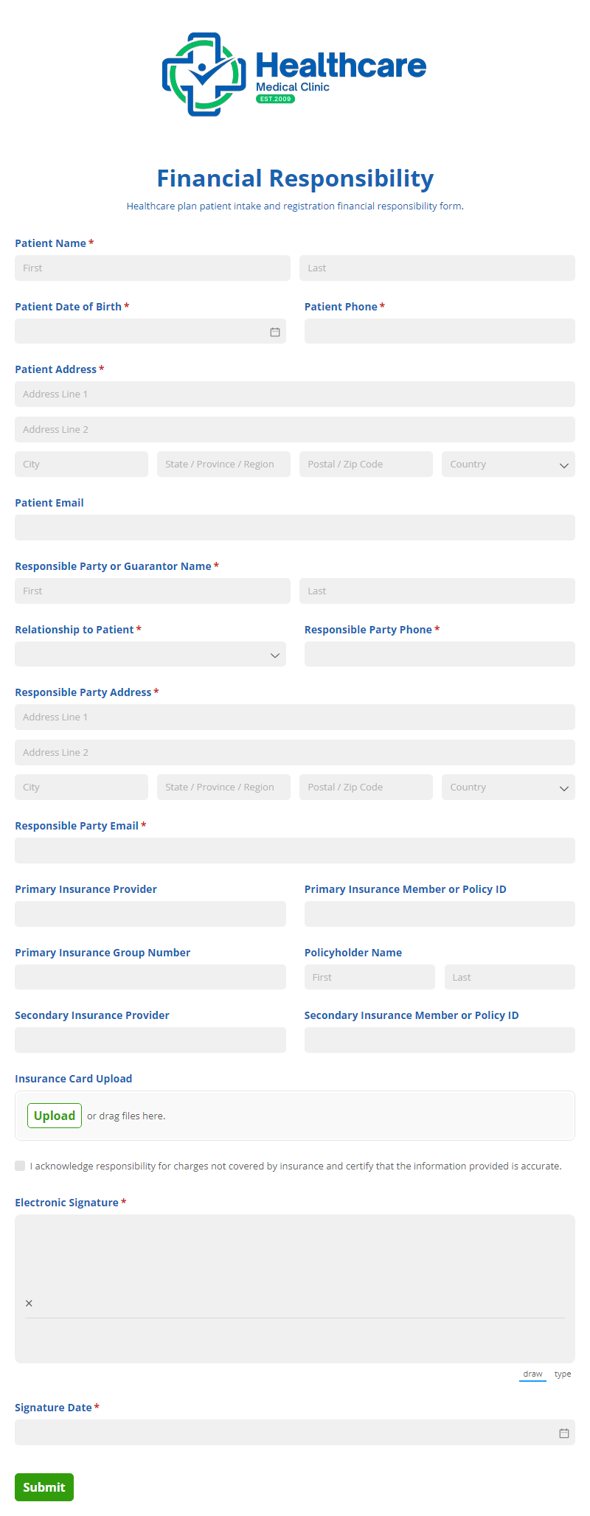
Financial Responsibility
Collect patient agreement to financial terms, payment responsibilities, and insurance coverage details with the Financial Responsibility form for healthcare intake and registration.
Preview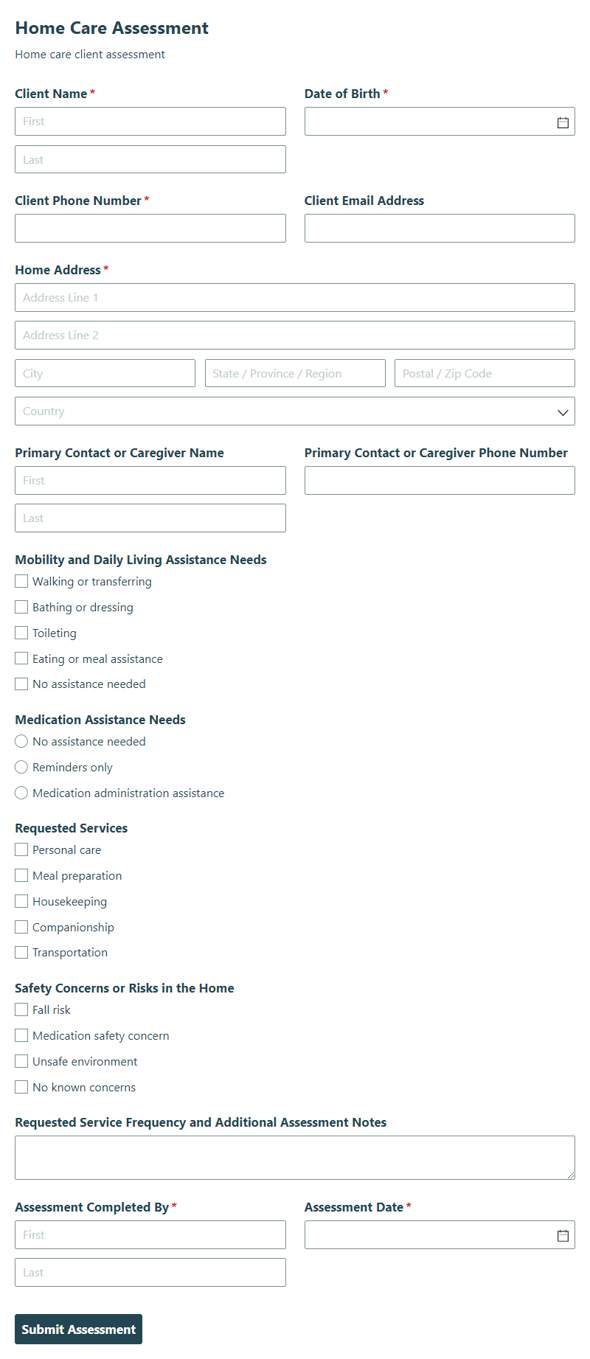
Home Care Assessment
Capture client needs, health details, and care preferences with the Home Care Assessment form so you can build a personalized home care plan with confidence.
Preview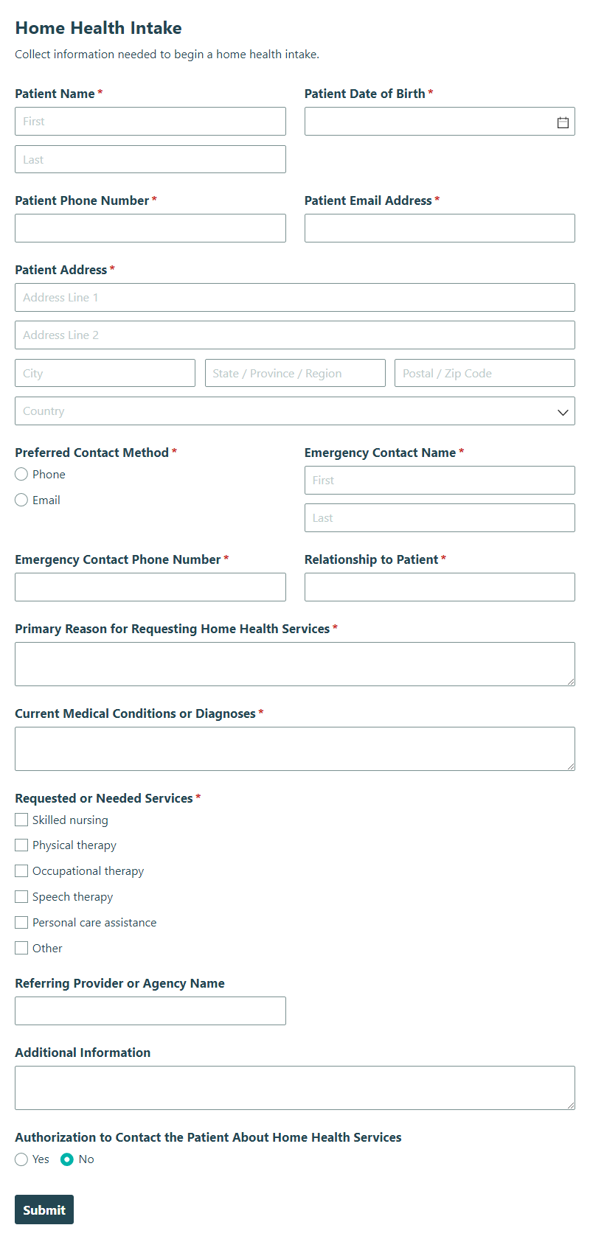
Home Health Intake
Collect patient and care details with the Home Health Intake form to help home health teams start services quickly, accurately, and with less back-and-forth.
Preview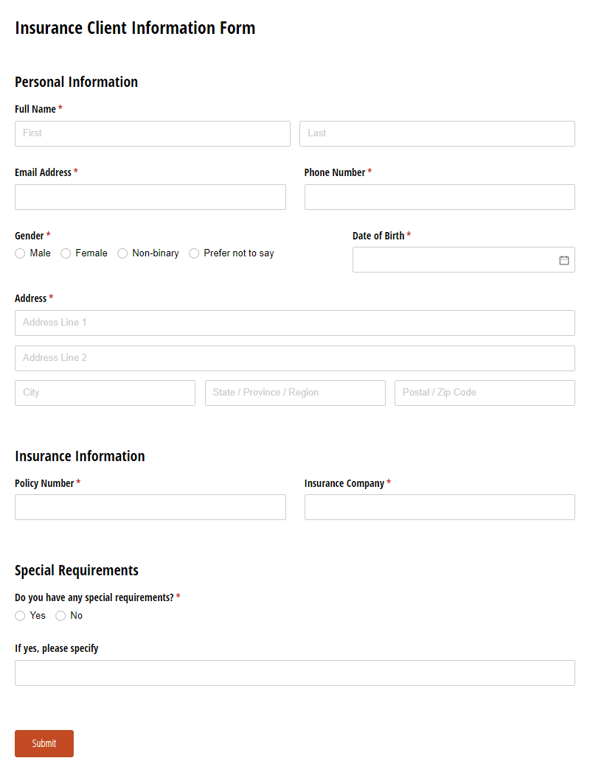
Client Information Form
Use our Insurance Client Information form template to collect essential details from new or existing clients.
Preview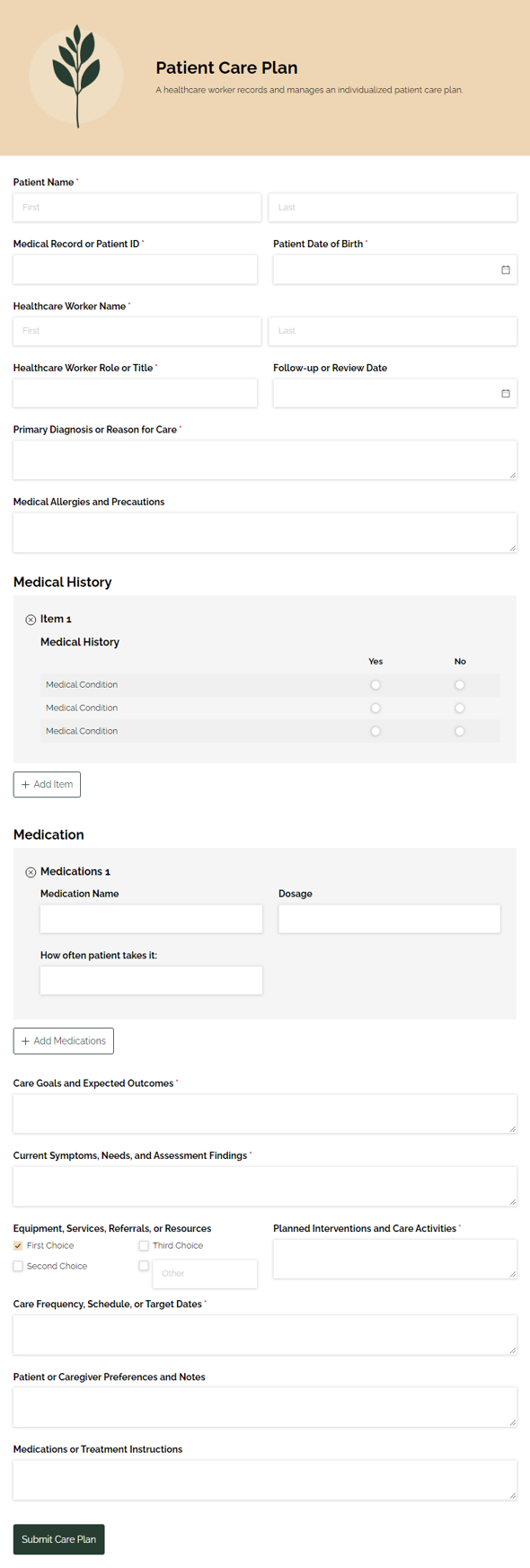
Patient Care Plan
Outline and organize a patient care plan for healthcare workers, capturing the details needed to coordinate care, track next steps, and keep everyone aligned.
Preview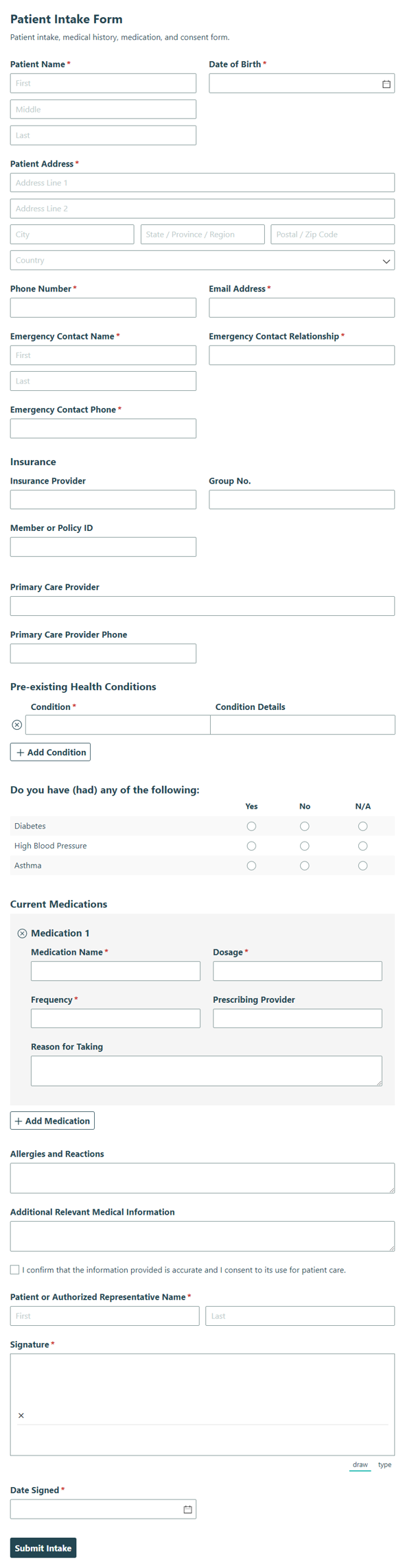
Patient Intake Form
Collect patient details, medication history, existing conditions, and consent in one Patient Intake Consent form so your care team can verify information and start visits with confidence.
Preview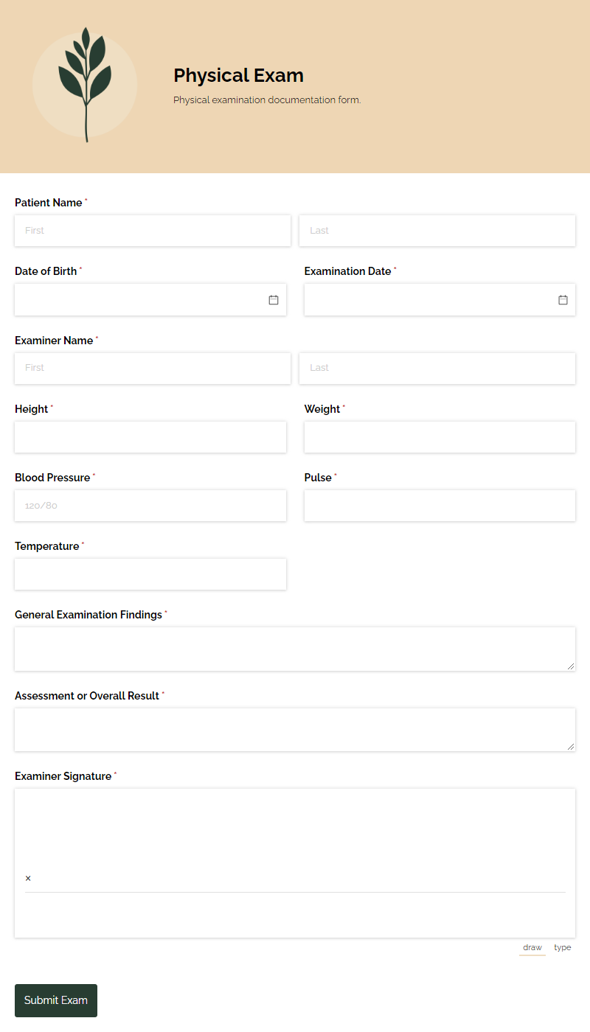
Physical Exam
Collect health details and exam results with the Physical Exam template for clinics, employers, and other reviewers who need a clear record and faster follow-up.
Preview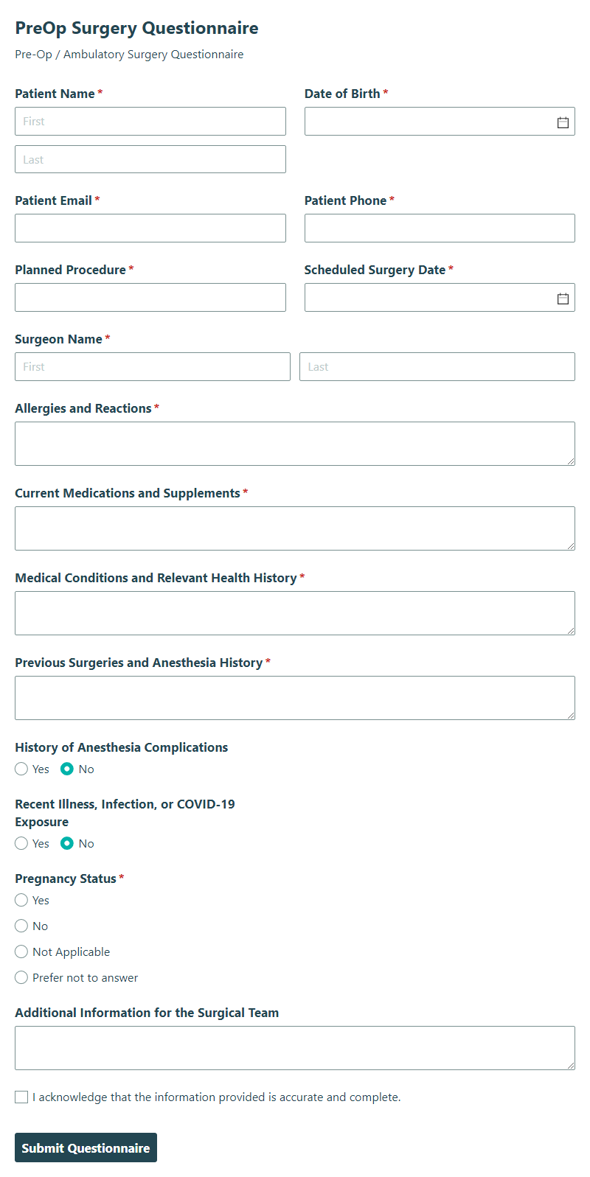
Pre-Op Surgery Questionnaire
Collect patient details and medical information before an ambulatory surgery procedure with the Pre-Op Surgery Questionnaire, so your team can prepare with confidence.
Preview
Patient intake forms help clinics and practices replace paper packets and clipboards with organized online registration. Explore templates for new patient registration, medical history, physical exams, and care plans, then customize the forms that fit your practice.
About Patient Intake Forms
Patient intake forms give patients, front desk staff, nurses, and providers a consistent way to share information before a visit. Instead of handing over clipboards or retyping handwritten answers into patient records, you can use online forms to collect registration details, insurance information, and health history in one place.
Cognito Forms offers free patient intake templates you can adjust to your practice, including repeating sections, conditional logic, Save & Resume, and electronic signatures. For office managers and practice owners, online forms make routine paperwork easier to manage across providers and locations. Looking for more templates? Browse the full set of medical forms.
How to Create Patient Intake Forms With Cognito Forms

Use a template
Choose the patient intake form template closest to your process, then customize the fields, instructions, and confirmations for your practice.

Describe what you want with AI
Use the AI Form Generator to describe the patient intake form you need, such as a new patient registration form or a physical therapy intake form.

Start from scratch with drag-n-drop
Build your patient intake form manually when you need full control over layout, fields, and conditional logic.
Frequently Asked Questions
Most practices collect contact details, insurance information, emergency contacts, medical history with current medications and allergies, and consent acknowledgments. Start from the adult medical history form and add or remove sections to match your specialty.
A digital patient intake form replaces the printed packet with a form patients complete online before their visit. Share a link or embed the form on your website, and answers become entries you can view, filter, and export.
Registration forms collect administrative details such as contact information, insurance, and emergency contacts, while intake forms add clinical details such as medical history. Many practices combine both in one multi-page form, like the adult new patient registration form.
Enterprise plan accounts can be made HIPAA compliant after you sign a Business Associates Agreement. Review your own compliance requirements too, since HIPAA covers how your practice handles patient data, not only the tools you use.
Use Zapier, Microsoft Power Automate, or webhooks to connect entries to EMR systems that support them. Check your EMR vendor’s integration options to confirm the best fit.
Create a form with AI