Cognito Forms vs Paperform
The Paperform Alternative for Process-Driven Teams
Turn submissions into completed work with less follow-up, fewer errors, and faster turnaround. Cognito Forms keeps operations moving with structured, scalable workflows.
Why Cognito Forms?
Move Faster with Complex Workflows
Work moves faster
Automate what happens after submission with approvals, task-style views, and routing so your form becomes a repeatable workflow, not just a data drop.
More capacity, same team
Build your form once, then confidently collect submissions – the system handles complexity for you.
Enterprise-grade security
Collect and manage sensitive data with strong security controls, helping you avoid exposure, errors, and compliance headaches.
Why Customers Choose Cognito Forms
All the capabilities you need, without the limitations.
With Paperform:
With Cognito Forms:
Paperform
Harder to confidently structure complex solutions without a meaningful learning curve, which slows teams down.
Cognito Forms
A process-driven setup that’s easier to standardize across teams once the desired outcome is clear.
Roll out consistent forms faster by turning a working pattern into a repeatable template the whole team can reuse.
Paperform
Embedded forms can feel heavy and load slowly, increasing abandonment risk.
Cognito Forms
An operations-first experience that prioritizes reliable completion and structured data capture.
Keep submissions flowing smoothly—even during traffic spikes—without the form becoming the bottleneck.
Paperform
No way to pull in data from other forms or submissions.
Cognito Forms
Lookup fields pull data from other Cognito Forms entries so forms can share and reuse live data across a system.
Build once and run a connected set of forms (customers → orders → fulfillment) without duplicating lists or re-entering data.
Paperform
As the form library grows, consistency and governance can get messy, leading to duplication and drift.
Cognito Forms
A repeatable foundation that supports standardization across teams and processes.
Design once and scale to thousands of submissions with consistent data and predictable handoffs.
Paperform
No clear, built-in “status engine” for tracking where each request sits in a multi-step business process, so teams recreate status tracking elsewhere.
Cognito Forms
Workflow statuses that explicitly represent the state of each entry from start to completion.
See what’s pending, in progress, or done at a glance—so nothing falls through the cracks.
Paperform
Limited ability for multiple people to participate in the same submission after it’s submitted, which makes “review → update → approve” harder to run inside the platform.
Cognito Forms
Workflow steps that let different roles edit, review, and complete the same entry as it moves through a process.
Run real approval and handoff processes without exporting data or chasing updates over email.

Where Power Meets Simplicity
You shouldn't have to choose between powerful functionality and ease of use—with the right platform, you get both. See how the features stack up.
| Cognito Forms Team Plan with 5 users $39/mo | Paperform Pro Plan with 3 users $59/mo | |
|---|---|---|
| Starting plan level | Free | Free |
| No coding required | ||
| Integrations & API access | ||
| Workflow automation with forms Create automated workflows with automatic notifications, custom workflow statuses, and advanced logic. Require fields for certain roles or workflow steps. | Basic conditional logic + post-submission emails only | |
| Entry statuses | ||
| Post-submission editing | ||
| Activity log | ||
| Client portals | 5 guests/mo included; Additional guest tiers start at $25/mo for 50 guests | |
| Conditional logic Show and hide fields based on other form fields, the current workflow status, or who is accessing the form. | ||
| Lookup fields Use entry data from other forms to populate dropdowns, perform calculations, or display text in a new form. | ||
| Payment collection Built-in payment integrations (Stripe, PayPal, Square) for collecting payments directly from forms. | Stripe, PayPal, and Square | Stripe, PayPal, and Square |
| Payment processing fee on Free plans | 2% | 5% |
| Electronic signatures Collect electronic signatures on any form or any device by simply adding a signature field. | ||
| Document generation Create and generate documents directly from your form data, and download them instantly for easy sharing. | $4/template/mo Unlimited generations | |
| HIPAA compliant | ||
| Repeating sections | ||
No credit card required |
No credit card required
Where Customers See the Difference
See how Cognito Forms compares to Paperform in the key areas that matter most to teams.
| Cognito Forms | Paperform | |
|---|---|---|
| Workflow automation | 4.8 | 4.7 |
| Value for money | 4.7 | 4.7 |
| Customizable branding | 4.7 | 4.3 |
| Drag & drop builder | 4.9 | 4.0 |





departments
processing
their previous form-builder

"It was easy to squeeze in the cost of Cognito Forms Enterprise. It was a no-brainer, especially with no long-term contract."

card delivery time
since implementation

"Cognito Forms is great for any small business that can't necessarily afford a developer. It reduces staff labor, which is a savings cost, and improves the client experience."

onboarding time
over three years

"There was no way we could have grown so much if we didn't have Cognito Forms. Really, it has become the backbone for managing the entire organization."

member selection
duplicate data entry

"Cognito Forms allows us to create processes that we have full control over. We have so much flexibility compared to other SaaS products."

portal and receive
automatic reminders
and inefficiencies

"Cognito Forms’ Guest Access and Task Reminders almost completely eliminate the need for my staff to make manual follow-up calls."

Forms that Power Your Processes
Go beyond collecting responses—automate the busywork, connect every step of your process, and create workflows that keep your clients and team in sync.
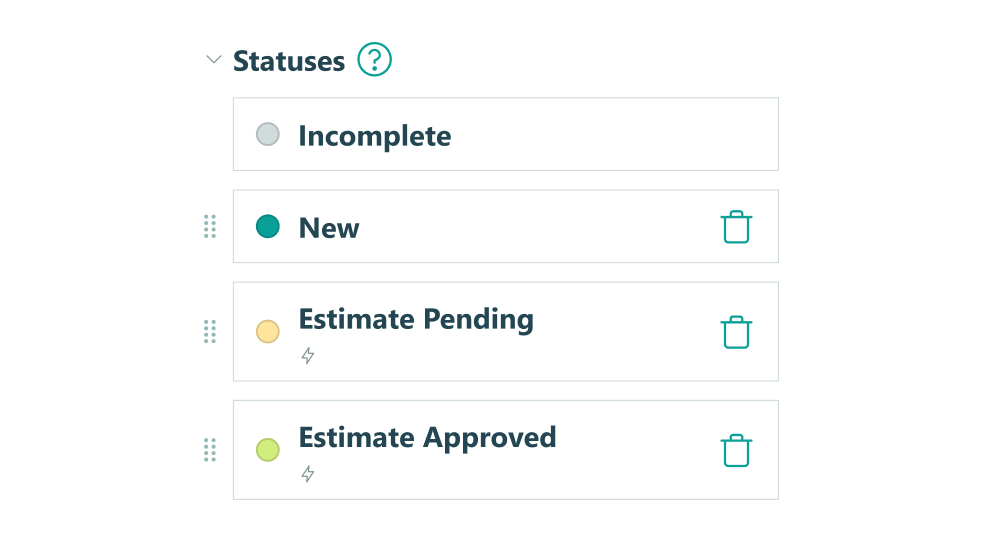
Build custom forms with Workflow statuses, actions, and roles to automate approvals, route submissions, and trigger next steps, without manual handoffs or bottlenecks
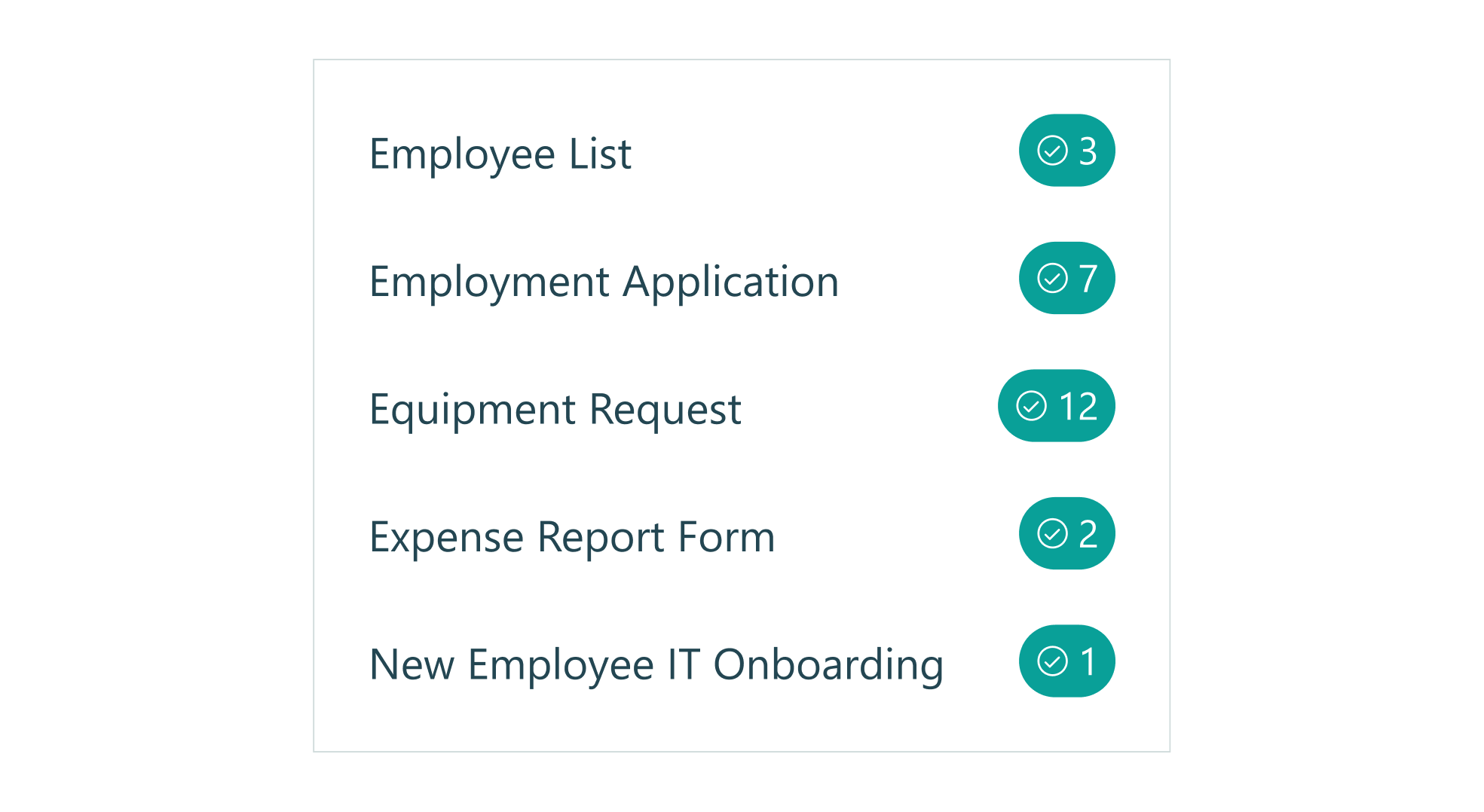
Assign tasks with deadlines, send automatic reminder emails on schedule, and ensure your work moves forward without constant oversight
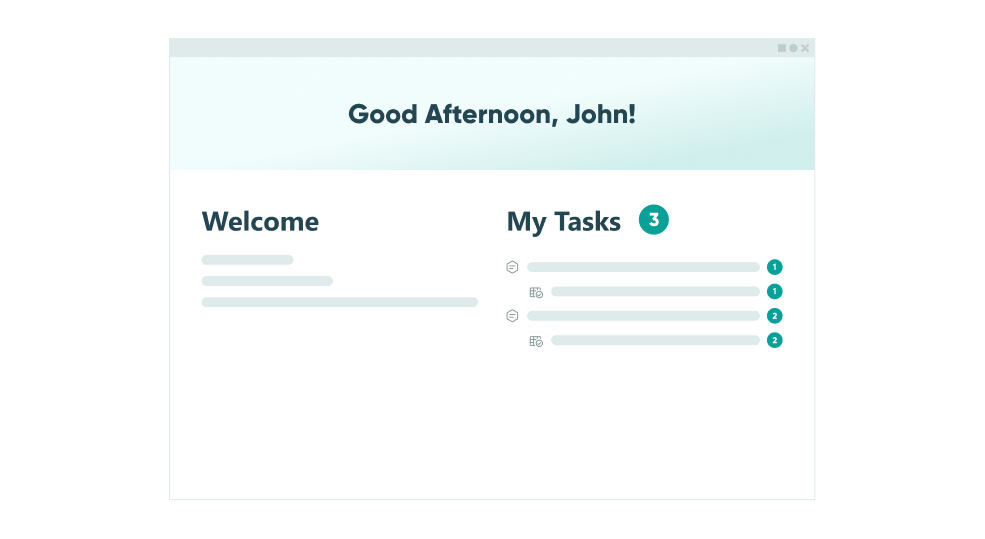
Create secure, self-service portals for your customers to submit forms, view previous submissions, complete assigned tasks, and track form status, all without your help
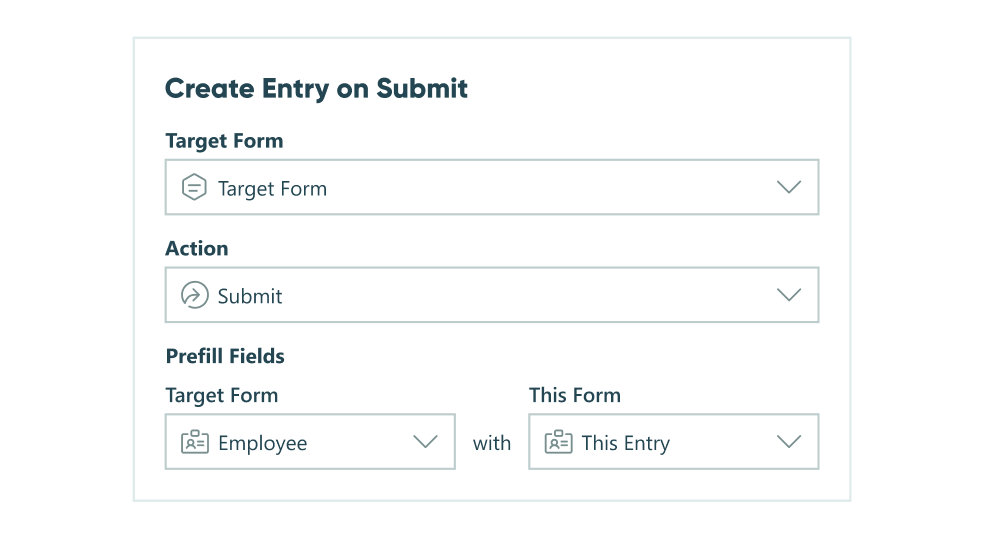
Automatically create new entries in other forms when a new submission comes in, populating fields and connecting related information across your forms and workflows
Online Form Builder
Simple enough
for quick setup,
customizable
for power users
- Repeating Sections
- Data Lookups
- Calculations
- Integrations
- Conditional Logic
- Custom Themes
Integrate with Platforms You Already Use
Our data integrations make connecting your data with your existing tools easy - for maximum impact.




Ready to Choose Cognito Forms?
Start your free trial today and experience advanced form features without the premium price. No credit card required.