Powered by AI and connected to your forms and Cognito Forms knowledge, the Cognito Forms Support Chatbot is built to help you work smarter, not harder.
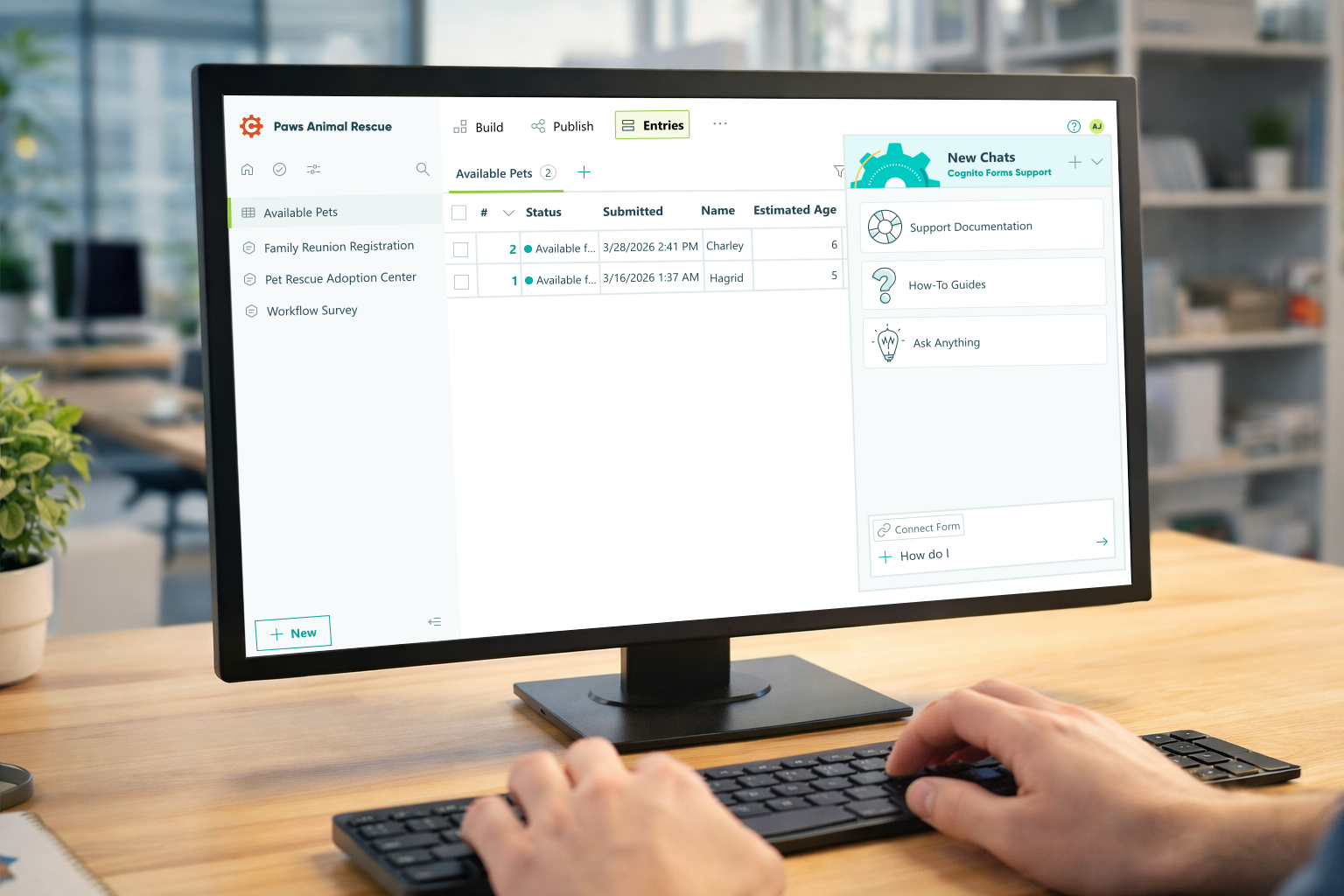
AI is changing the way people build things, and form building is no exception. The Cognito Forms Support Chatbot is an AI-fueled assistant built right into your workflow. It’s ready to help you solve problems, improve your designs, and think through complex configurations without ever leaving the platform.
But here’s the thing: most users are only scratching the surface of what the Cognito Forms AI bot can do.
Let’s change that.
Where to Find the Chatbot
Before we dive into use cases, here’s a quick orientation. The Cognito Forms Support Chatbot lives in the bottom-right corner of your screen. You’ll find it on the organization dashboard, as well as on the Build, Entries, and Publish pages. It’s also available on every support page on the Cognito Forms website.
The chat window is flexible.
- Location
You can drag it anywhere on the screen by hovering over the dialog until your cursor changes to a four-directional arrow, then dragging it to a new position. - Size
Resize your chat by hovering along the edge of the window and dragging inward or outward. - Lock in place
To dock the chatbot on the right side of the page, look for the icons at the top of the dialog box. Click the third icon from the left; that’s the square with a line about two-thirds of the way across. Clicking it again will return the chat to its original size and spot.
Keep in mind, while you can move or dock the chatbot, it stays visible and can’t be hidden.
Your chat history is saved automatically and won’t disappear unless you delete it or your account is removed. You can access past conversations, rename them, or delete them by clicking the circular arrow icon (second from the left) at the top of the dialog. When you’re ready for a fresh start, just hit the plus sign to open a new chat.
Once your chatbot is in the right place and size, let’s look at some tips to get the best results.
Best Practices for Getting Great Results With AI
Like any AI tool, the quality of what you get out depends largely on what you put in. A few simple habits will make a big difference.
Be specific about what you’re trying to accomplish
Vague questions get vague answers. The more context you provide, the more targeted and actionable the response.


Tell the Support Chatbot about your form and your audience
Is this a public-facing intake form for a government agency? An internal tool for a small team? A complex multi-department approval chain? Who needs to be involved in the approval process? That context shapes what good advice looks like.
The more detailed information you provide the chatbot, the more accurate the advice you will receive.
Ask follow-up questions
Keep going beyond the first answer. If the response doesn’t make sense or goes the wrong direction, push back. Ask if there’s a simpler way to structure something, or what the tradeoffs are between two approaches. The chatbot can refine its suggestions as you dig deeper.
Ways to Use the Support Bot
Most AI tools answer questions in a vacuum or use generic advice based on how you describe your situation.
The Cognito Forms Support Chatbot is different: it understands the platform your forms are built on and analyzes your actual forms.
When you have a form open on the build page or connect a form for AI to analyze, you’re not getting generic answers. AI is not guessing how everything is set up. You’re getting guidance that’s grounded in how your actual form works.
Here are some of the most valuable ways to leverage that connection:
Explain this workflow to me.

Have you ever inherited a form that someone else built, or come back to your own work after months away and felt lost in the logic? You can ask the chatbot to walk you through it step by step.
This is especially useful when onboarding new team members, auditing older forms for accuracy, or understanding a complex approval chain before making changes.
How can I improve this workflow?
The chatbot doesn’t just explain, it advises. If your workflow feels bloated or hard to manage, AI can spot inefficiencies and suggest improvements.
That might mean reducing unnecessary approval steps, consolidating redundant notifications, or simplifying conditional logic that’s grown tangled over time.
Think of it as a second set of eyes from someone who’s seen a lot of form configurations and is considered an expert.
What would you change to make this form easier to maintain?
Long-term maintainability is one of the most underappreciated aspects of form design. Forms that work fine when they are built can become nightmares to update as requirements evolve.
The Support Chatbot can review your current setup and suggest structural changes, such as clearer naming conventions, consolidated calculations, and simplified branching logic, that will save you headaches down the road.
How do I improve the respondent experience?
Poor experiences often hurt completion rates. If your form is long, confusing, or asks for information people don’t expect to need, you’ll lose submissions.
The Support Chatbot can suggest practical UX improvements, such as breaking long forms into labeled sections, improving field instructions, using conditional logic to hide questions that don’t apply, or reordering fields to make them feel more intuitive.
Ask it for help with documents.
Cognito Forms can automatically generate documents upon form submission, including contracts, confirmation letters, receipts, and approval notices. But setting up document generation well requires thinking through your form structure, your field naming, and how data flows into the template.
The Support Chatbot understands how document generation works inside Cognito Forms, so it can give design suggestions for your form with the output in mind from the start.
This is especially useful when the document needs to pull from conditional fields, calculated values, or multi-step approval workflows, where the connection between form data and document output gets more complex.
** The Support Chatbot can provide guidance on creating a document template, but it does not create the template.
Ask it for help with integrations.
Connecting Cognito Forms to other tools (payment processors, CRMs, automation platforms) adds significant power but can also introduce complexity.
The chatbot can help you think through how to structure your form, so your forms integrate cleanly with the tools you’re already using.
How can I make this form more ADA-compliant?
Accessibility is no longer optional, especially for government, nonprofit, or public-facing organizations.
The Support Chatbot can review your form setup and suggest improvements, such as clearer field labels, better instructional text, simpler navigation, and field structures that work well with screen readers.
“How can I make this form more ADA-compliant for United States government users?”
Why This Matters
The users who get the most out of AI tools are the ones who stop thinking of them as search engines and start thinking of them as collaborators.
The Cognito Forms AI assistant isn’t just there to answer “how do I do X” questions. It can help you analyze what you’ve built, spot potential issues, and think through better approaches.
Some of the highest value things you can ask the Cognito Forms Support Chatbot to do:
-
Identifies broken or risky workflows
The chatbot can flag incomplete logic, missing steps, or configurations that could cause problems. -
Generates form documentation
The chatbot can create internal workflow explanations, user instructions, or onboarding materials for new team members. -
Provides actionable suggestions
The chatbot not only tells you “this could be a problem” but also “here’s how to fix it.” -
Helps you understand the full picture
The chatbot can give guidance on calculations, conditional logic, integrations, and workflows, not just individual fields.
Start Improving Your Forms and Workflow Today
Next time you run into confusion with your forms, use the Cognito Forms Support Chatbot as a brainstorming partner.
Whether you’re troubleshooting a workflow, designing an improved user experience, or documenting how your forms work, the chatbot can help guide the process right inside the Cognito Forms interface.
Support Chatbot is ready and waiting in the bottom right corner of the screen.

Amy Jussel
Amy, the Cognito Forms content marketing manager, is a strategic digital marketer that thrives in crafting innovative solutions to complex problems. Off-duty, you will find her nose in a book, woodworking on her endless DIY projects, or playing zookeeper to her family and faux farm.