 By
By 
Most HR teams don’t need more software. They need fewer spreadsheets, fewer email chains, and one place to collect every PTO request, new hire packet, and incident report.
Below are eight free HR templates that follow the employee lifecycle, from the first application to the exit survey. Each one is ready to use as is, and you can change any field, add rules, or connect it to the rest of your HR process in the form builder.
Why Do These Templates Include a Connected Employee List?
Five of the templates below have “connected employee list” (or “connected job openings list”) in their names. That means the template comes with a second form that stores your employee records, and the main form uses a Lookup field to reference it.
Here’s what that gives you:
- One source of truth: You update an employee’s details in one place instead of in every form.
- Less retyping: Employees choose their name from a list, so you don’t end up with “Jon,” “Jonathan,” and “J. Smith” in the same report.
- Cleaner reporting: Every entry ties back to the same employee record, so you can filter timesheets, PTO requests, and feedback by person or department.
Set up your employee list once, and you can reuse it across every HR form you build.
Employment Application
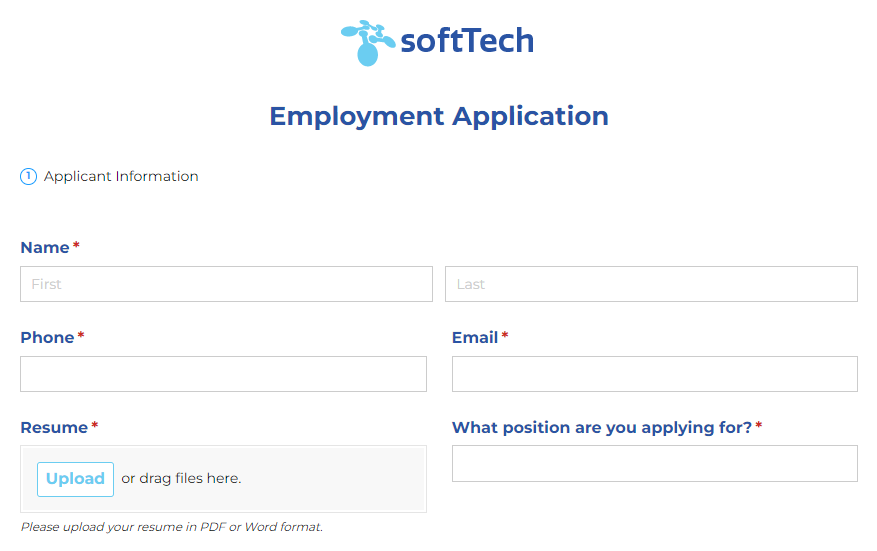
Hiring goes faster when every candidate answers the same questions in the same order. The employment application template gives you that structure, and its connected job openings list lets applicants choose the role they’re applying for instead of describing it.
- Best for: Recruiters and hiring managers filling more than one role at a time
- What to collect: Contact information, position, work history, education, references, and a résumé upload
- Make it yours: Use conditional logic to show role-specific questions only when a candidate selects that position
Employee Onboarding Forms
A new hire’s first week sets the tone for everything after it. The new employee onboarding checklist keeps paperwork, equipment, and introductions in one place, so nothing slips between HR, the hiring manager, and IT.

- Best for: HR coordinators and managers bringing on new team members
- What to collect: Start date, department, manager, emergency contacts, and signed policy acknowledgments with electronic signatures
- Pair with: The new employee IT onboarding form, so your IT team can set up accounts and equipment before day one
Timesheet
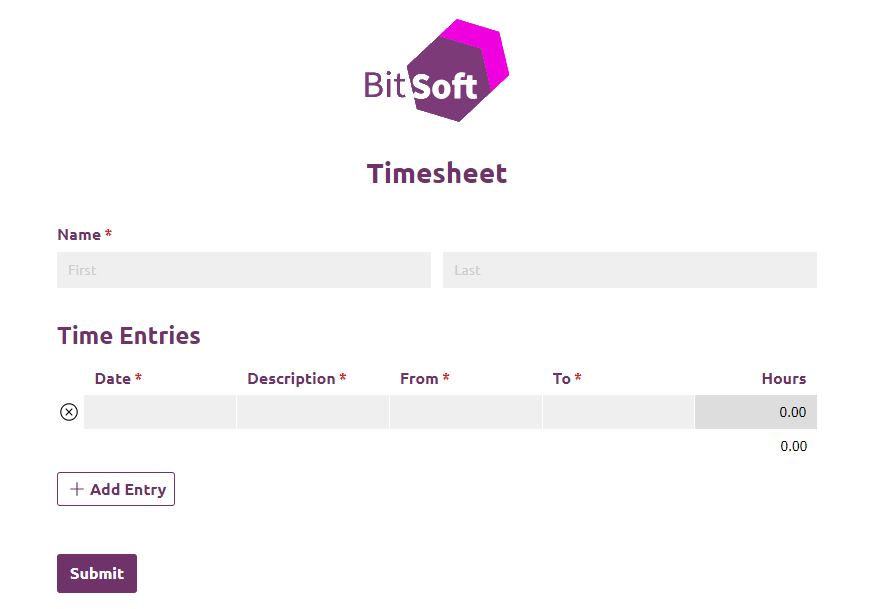
Payroll is only as accurate as the hours behind it. With the timesheet template, employees choose their name from your employee list and log hours by day, and you can use Calculations to total the week.
Consistent time records also matter for compliance. Under the Fair Labor Standards Act, employers need to keep records of hours worked for nonexempt employees.
- Best for: Teams with hourly or project-based staff
- What to collect: Date, start and end times, breaks, and project or department
- Make it yours: Add a manager approval step with Workflow before you send hours to payroll
PTO Request Form
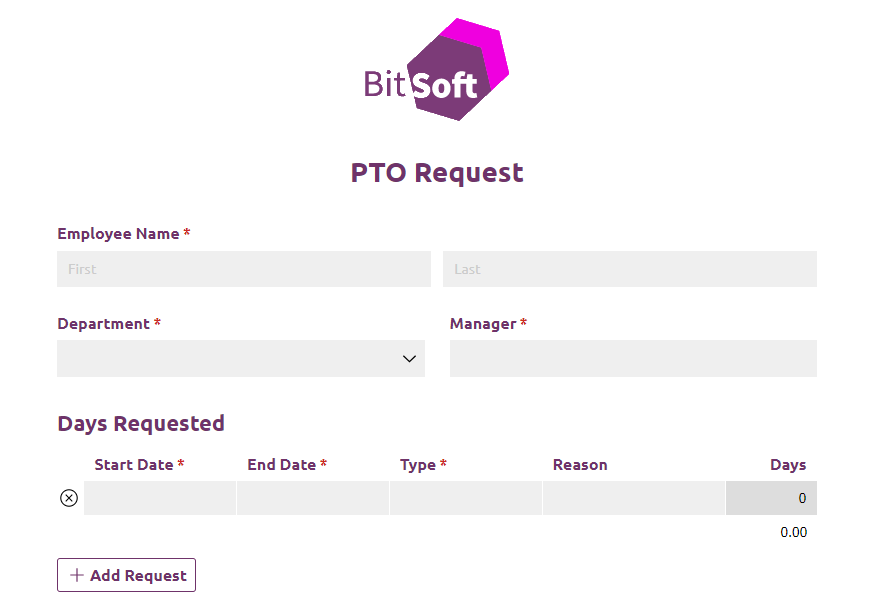
Time-off requests buried in email are easy to miss and hard to track. The PTO request form gives every request the same format, so managers can review dates at a glance and HR has a record of what they approved.
- Best for: Managers approving time off and HR teams tracking leave
- What to collect: Type of leave, start and end dates, total days requested, and a coverage plan
- Make it yours: Set up an approval process like the example below, so each request goes to the right manager
Expense Report
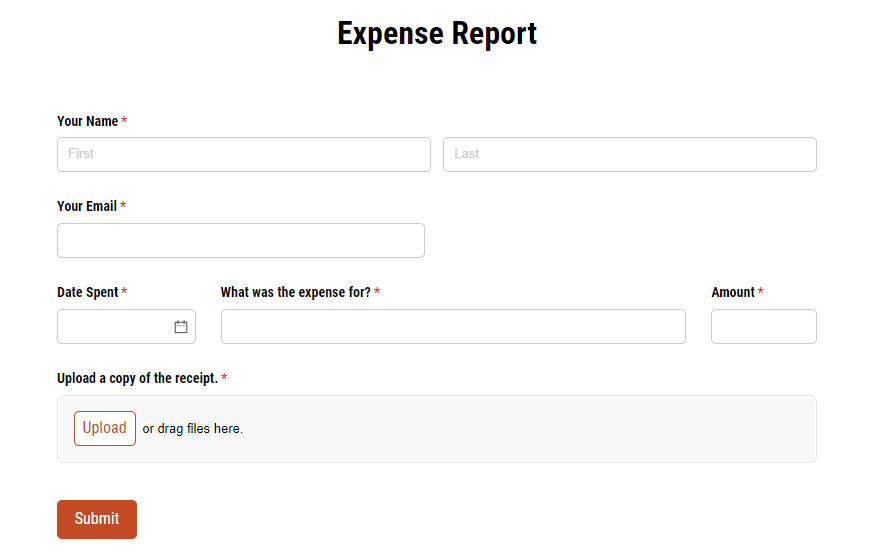
Chasing receipts is nobody’s favorite part of the month. With the expense report form, employees list each expense, attach a photo of the receipt, and submit everything at once.
- Best for: Finance and HR teams reimbursing travel, mileage, and purchases
- What to collect: Date, category, amount, business purpose, and receipts with file uploads
- Make it yours: Already using an employee list? Start with the authenticated expense report instead
360-Degree Feedback Form
Performance reviews are more useful when they include more than one perspective. The reviewer feedback form lets peers, direct reports, and managers rate a colleague against the same criteria, so feedback stays consistent from person to person.
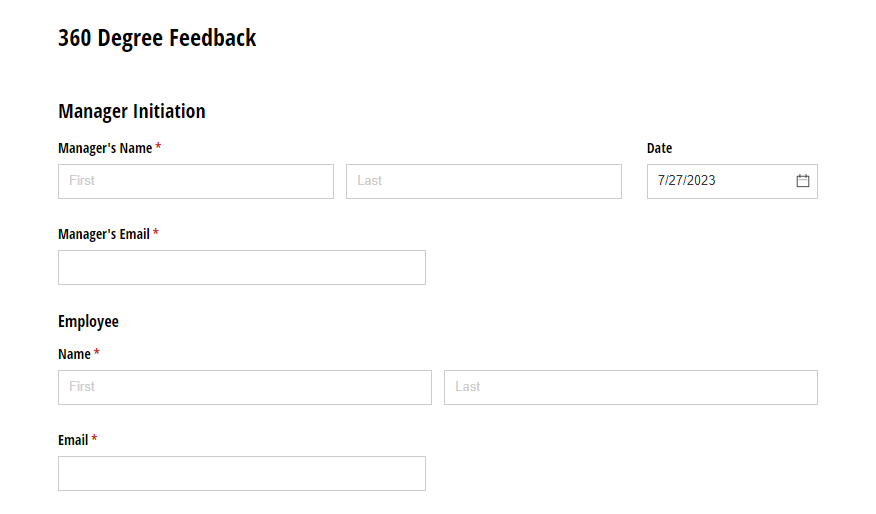
- Best for: Managers running annual or quarterly reviews
- What to collect: Ratings for core competencies, strengths, areas for growth, and open comments
- Pair with: The self-evaluation feedback form, so employees can rate themselves on the same scale
Safety Incident Report
When something goes wrong on the job, details fade fast. The safety incident report gives employees a quick way to record what happened, where, and who was involved while it’s still fresh.
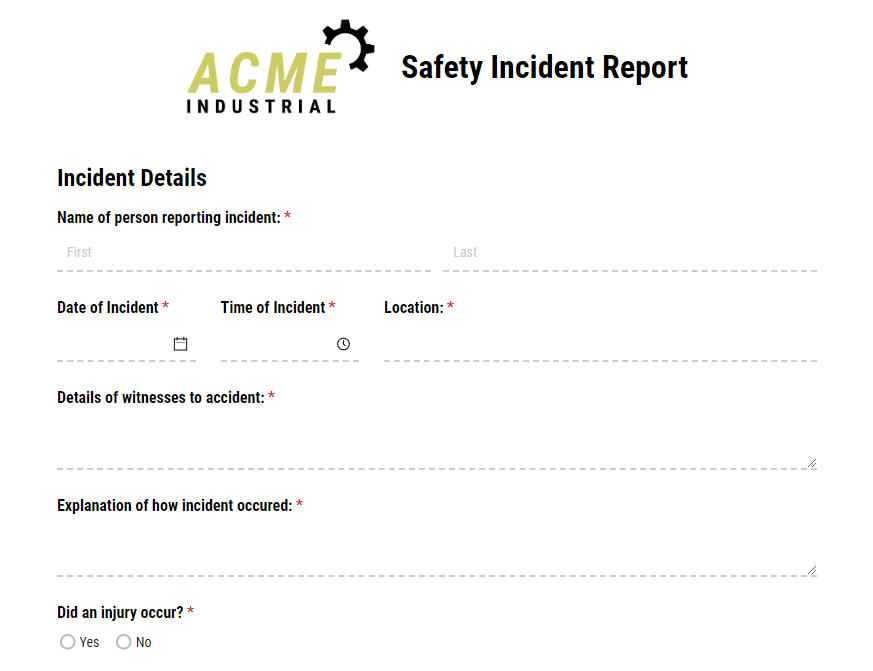
Many employers also need to log certain work-related injuries and illnesses under OSHA’s recordkeeping rules, and a consistent report makes that much easier.
- Best for: Operations, facilities, and HR teams in any workplace
- What to collect: Date, time, location, description, witnesses, injuries, photos, and corrective action
- Make it yours: Use conditional logic to show injury questions only when someone was hurt
Employment Exit Survey
People who are leaving often share what current employees won’t. The employment exit survey gives you a consistent set of questions for every departure, so you can spot patterns in why people leave.
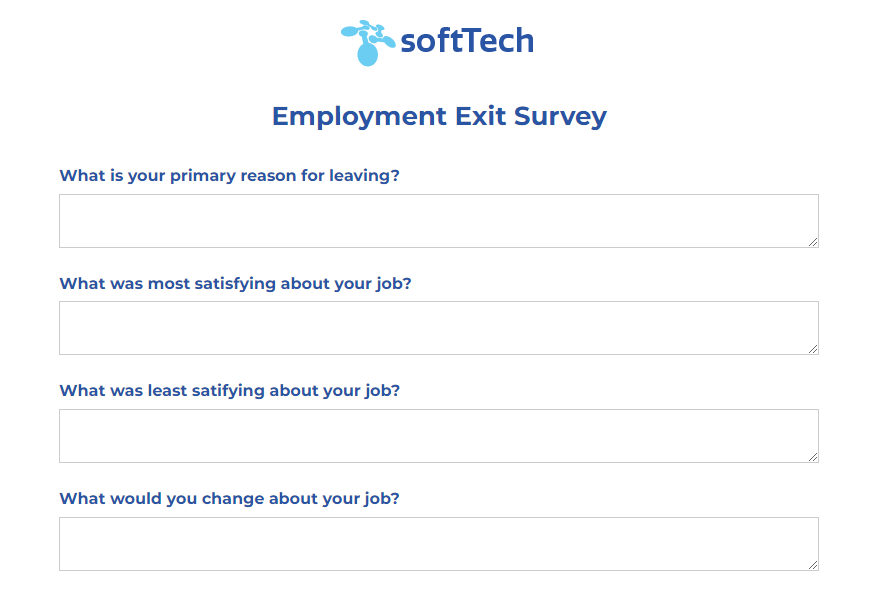
- Best for: HR teams tracking retention
- What to collect: Reason for leaving, ratings for role, management, and culture, and what might have changed their decision
- Pair with: The exiting employee offboarding checklist to track returned equipment, final pay, and account access
How Do You Build an HR Approval Workflow?
Most of these templates collect information. Workflow automation is how you decide what happens next. Here’s how a PTO request might move from employee to HR:
- Employee submits: The employee chooses their name from the employee list, enters their dates, and submits the request.
- Manager reviews: You assign a manager role, and the manager gets an email with a link to approve or deny.
- HR is notified: Once the manager approves, you can send an email notification to HR with the request details.
- Employee hears back: A confirmation email lets the employee know the decision, and the entry stays on the Entries page for your records.
You can use the same pattern for timesheets, expense reports, and onboarding checklists. For a deeper look at mapping out these steps, read our guide to mastering your HR management workflow.
Where Should You Start?
Pick the HR task that takes up the most of your week, whether that’s chasing timesheets or sorting through PTO emails, and start there. Set up your employee list with that first template, then add the others as you need them.
Every template here is free, and we built each one to be changed. Add your own fields, branding, and approval steps until it fits the way your team works.