Coffee Order Form with Connected Sales Tax Database
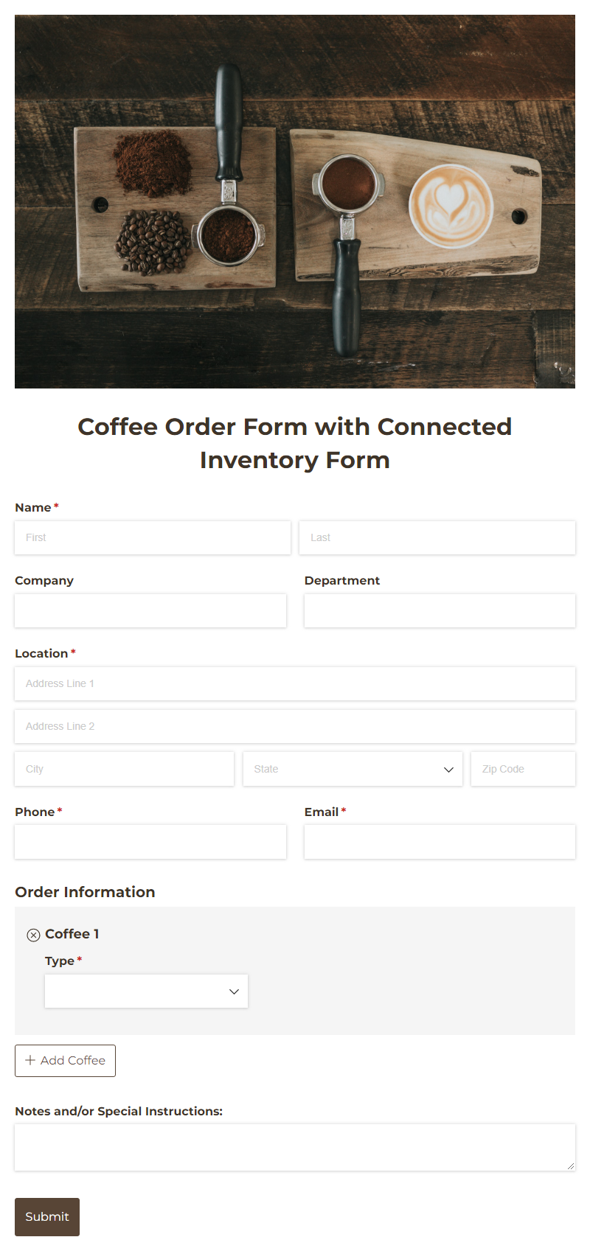
Use our free Cognito Coffee Order Form template to easily collect and process bulk coffee orders.
Use our free Coffee Order Form template to easily collect and process bulk coffee orders with automatic sales tax calculation. This template is connected to an Inventory form, which populates the order form with coffee blends and prices, and a Sales Tax Database, which automatically calculates the correct sales tax based on the customer’s location.
Simply add your inventory (including products, prices, and quantities) to the Coffee Inventory form, and the Coffee Order form auto-populates the Choice field dropdowns. Product availability is limited based on your specified quantities that you can update at any time. The Sales Tax Database form contains tax rates by state, which are automatically applied to calculate the correct sales tax amount based on the customer’s shipping address. Be sure to update the sales tax rates in the database to match your current local tax requirements.
This template uses Lookup fields. For full functionality, you must be on a Team plan or higher and copy the forms it’s connected to.