Medical Forms
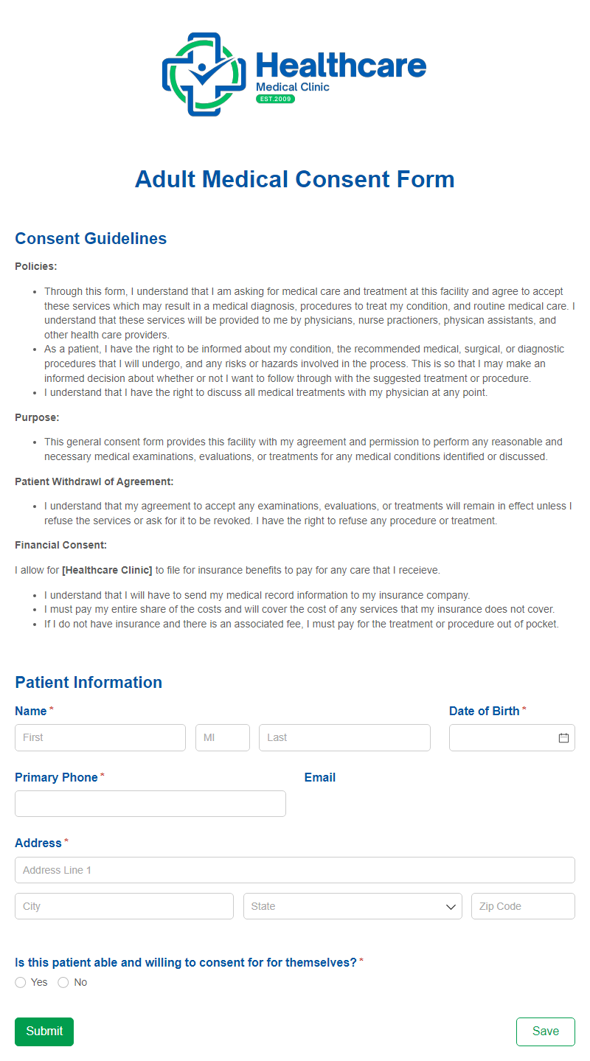
Adult Medical Consent Form
Collect an adult patient's consent to treatment, with a separate signature path for a legal guardian, health care agent, or surrogate when the patient can't consent for themselves.
Preview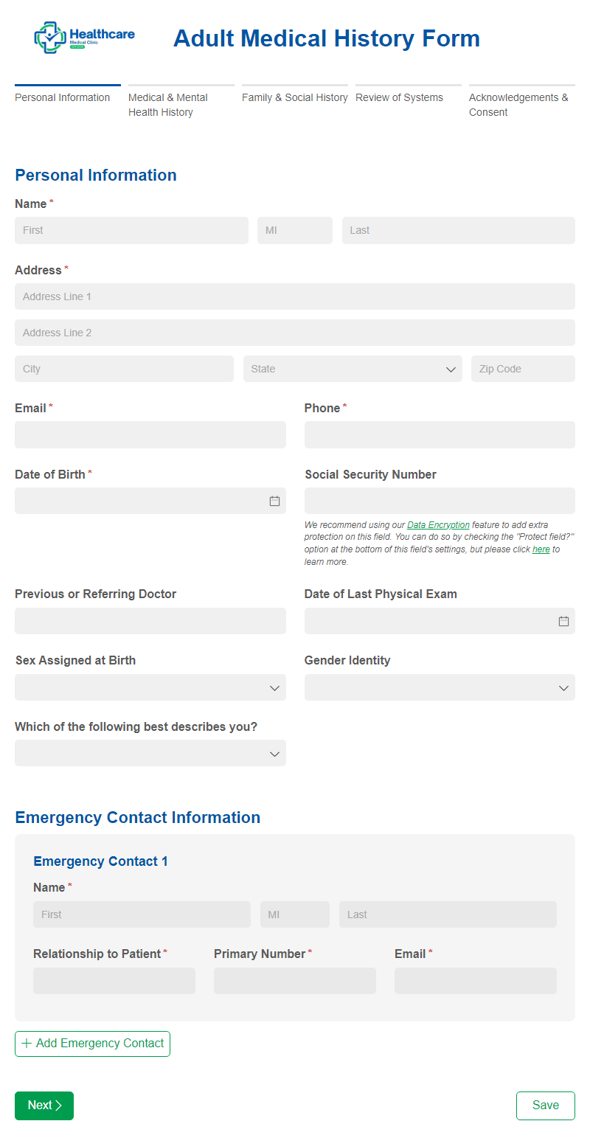
Adult Medical History Form
Use our adult medical history form to gather a patient's current and prior medical health history.
Preview
Appointment Request
Use our free appointment request form template to enable patients to request appointments online.
Preview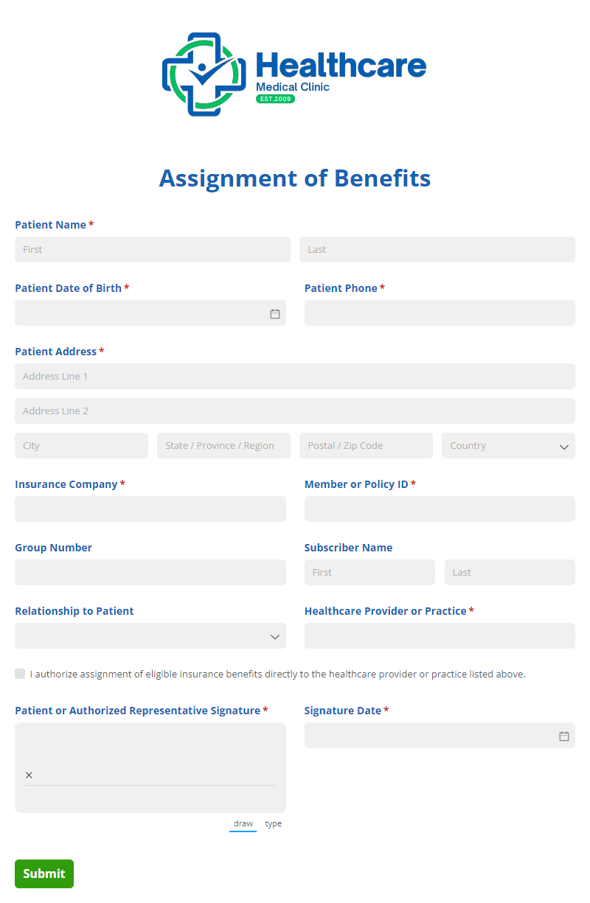
Assignment of Benefits
Collect authorization to assign insurance benefits directly to a provider or organization with the Assignment of Benefits form, so you can document consent clearly and keep claims moving.
Preview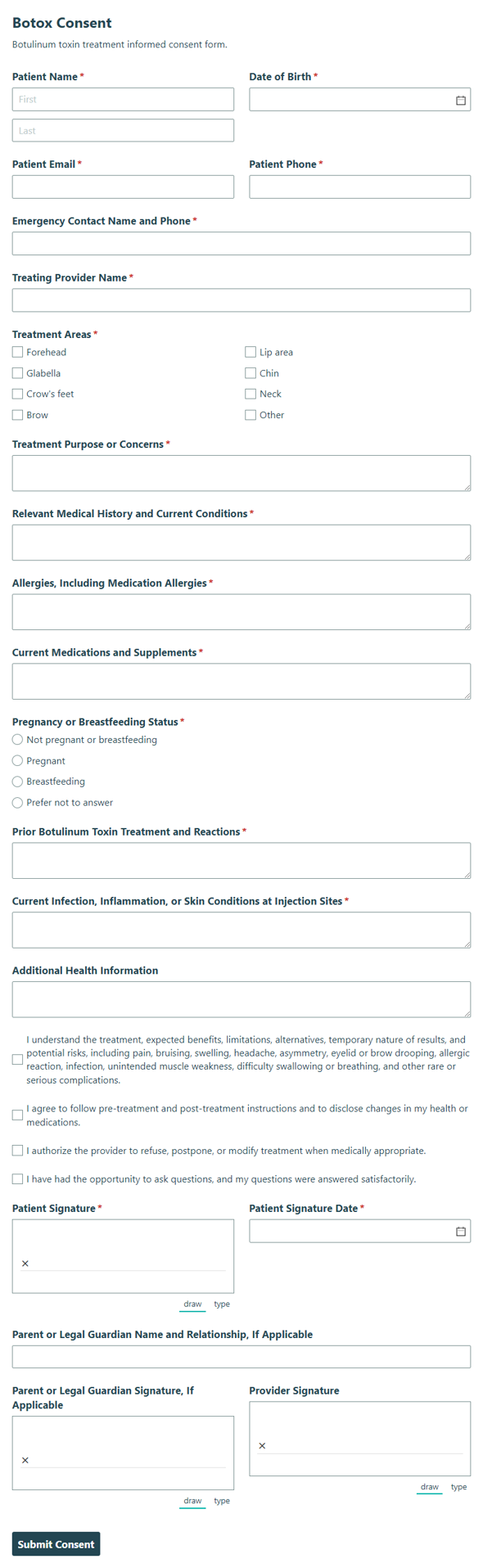
Botox Consent
Collect informed consent and medical acknowledgement for Botox treatment, including risks, benefits, and patient authorization, so providers can document a clear record before care.
Preview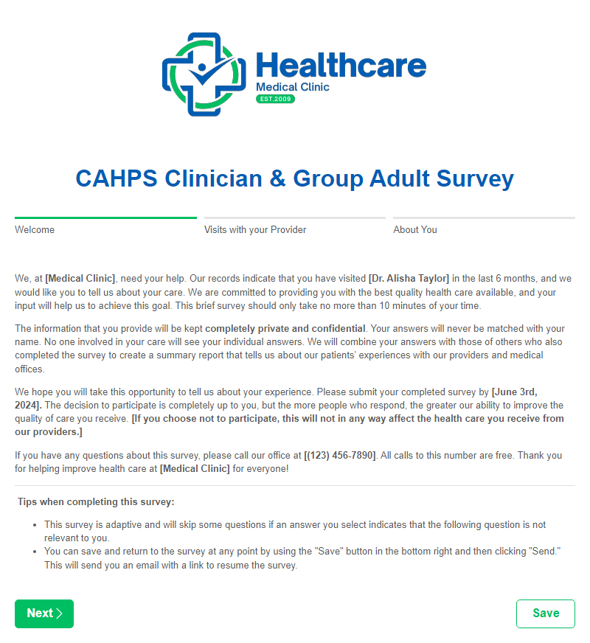
CAHPS Clinician & Group Adult Survey
Use our CAHPS Clinician & Group Adult Survey to collect feedback from your patients about their experiences with your providers. All required questions and content are built in using the publicly available CAHPS survey content and adapted to an online format.
Preview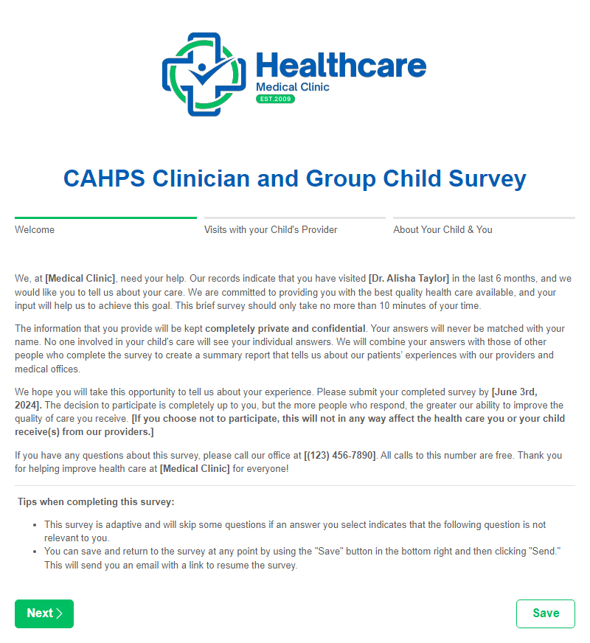
CAHPS Clinician & Group Child Survey
Use our CAHPS Clinician & Group Child Survey to collect feedback from your patients about their experiences with your providers. All required questions and content are built in using the publicly available CAHPS survey content and adapted to an online format.
Preview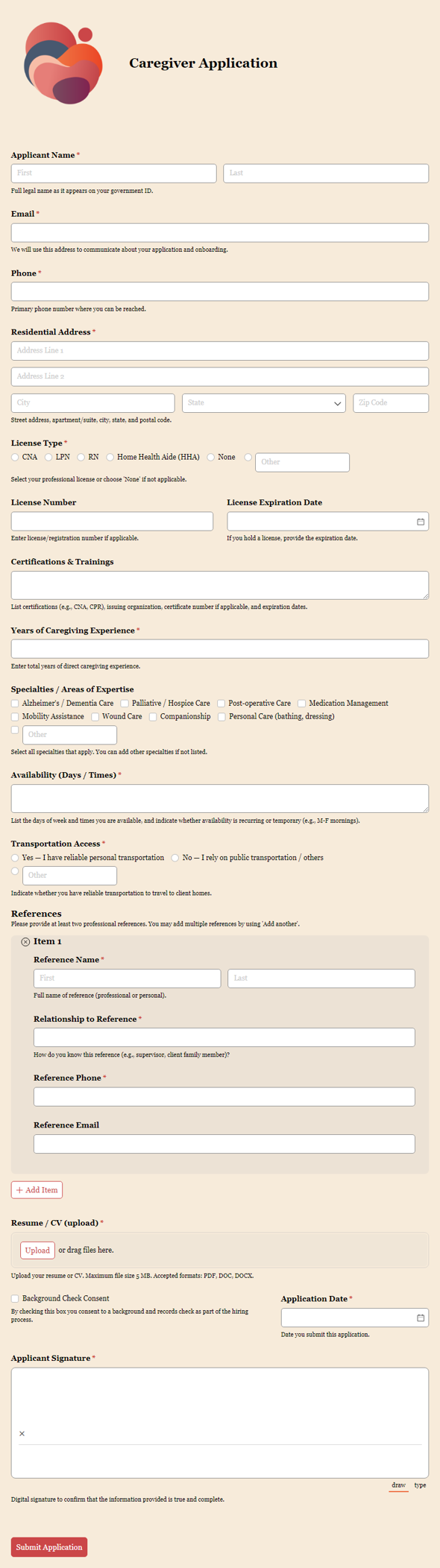
Caregiver Application
Accept caregiver applications online and review qualifications in one simple workflow.
Preview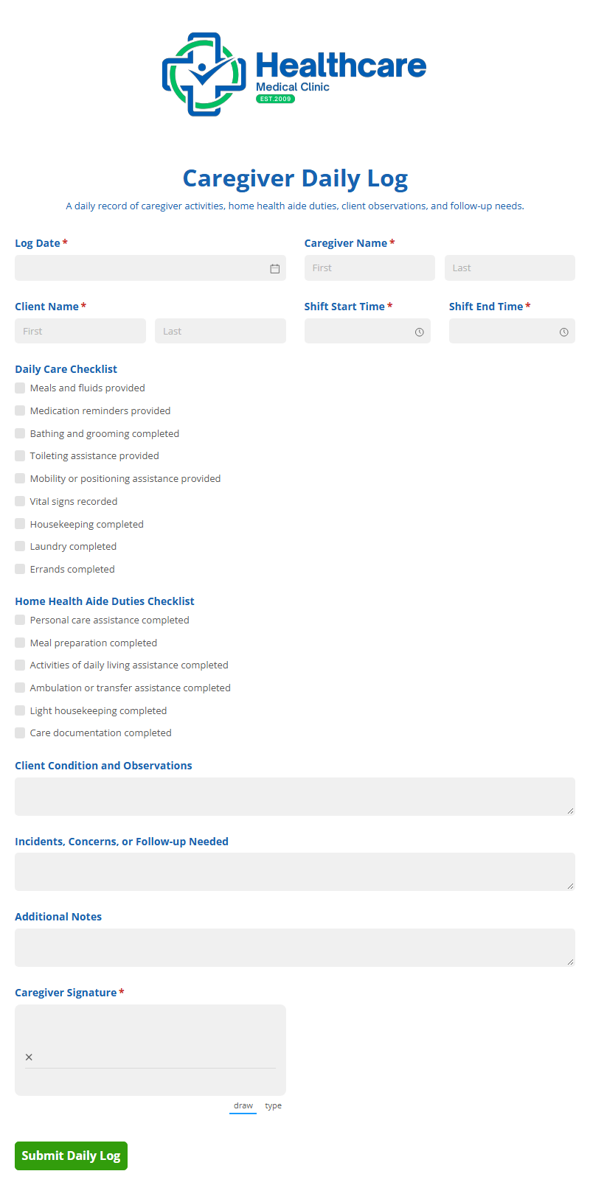
Caregiver Daily Log
Track caregiver duties, completed tasks, and client care notes in one daily log for home health aides and care teams, so every shift stays organized and easy to review.
Preview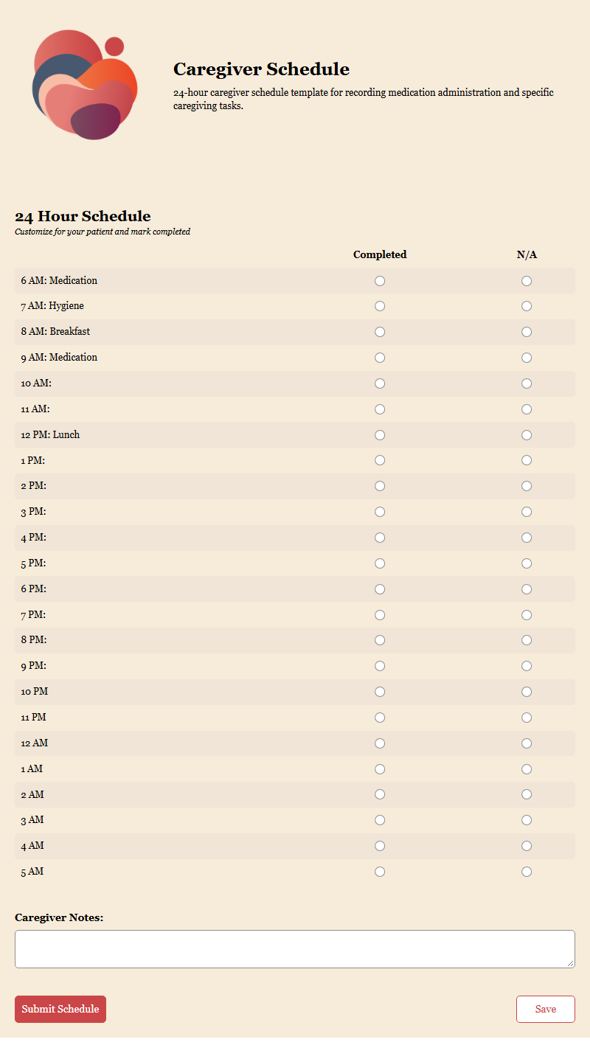
Caregiver Schedule
Track hour-by-hour caregiving tasks and medication times with a simple yes/no completion status so families and care teams can stay organized.
Preview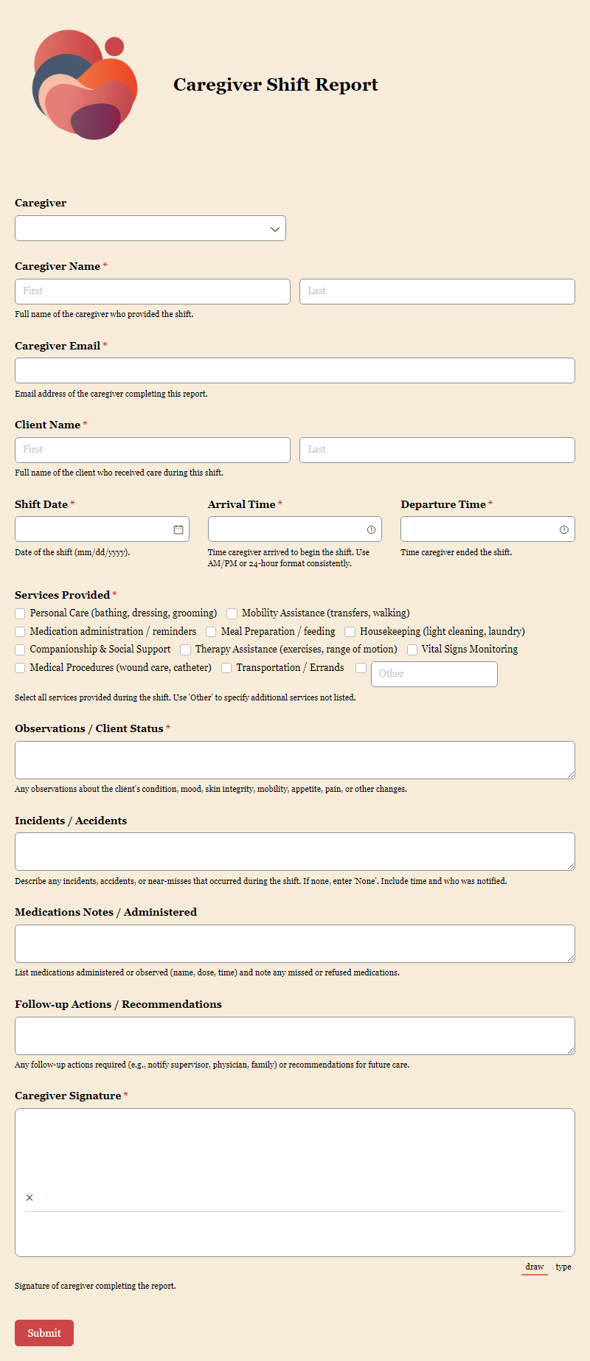
Caregiver Shift Report
Streamline caregiver shift reports and team communication in one digital workflow.
Preview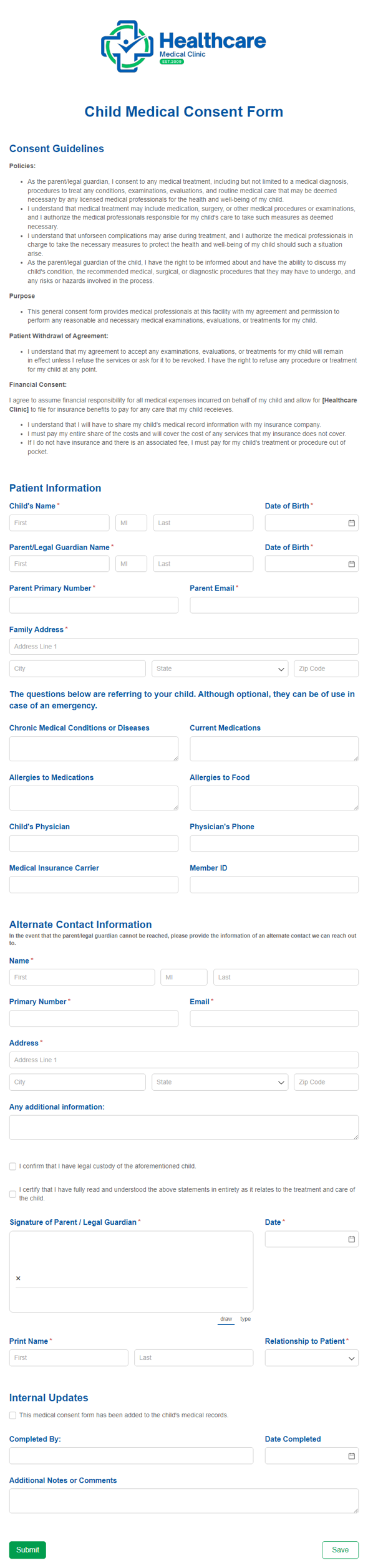
Child Medical Consent Form
Use our child medical consent form to collect a parent/legal guardian's consent and approval prior to any medical treatments for their child.
Preview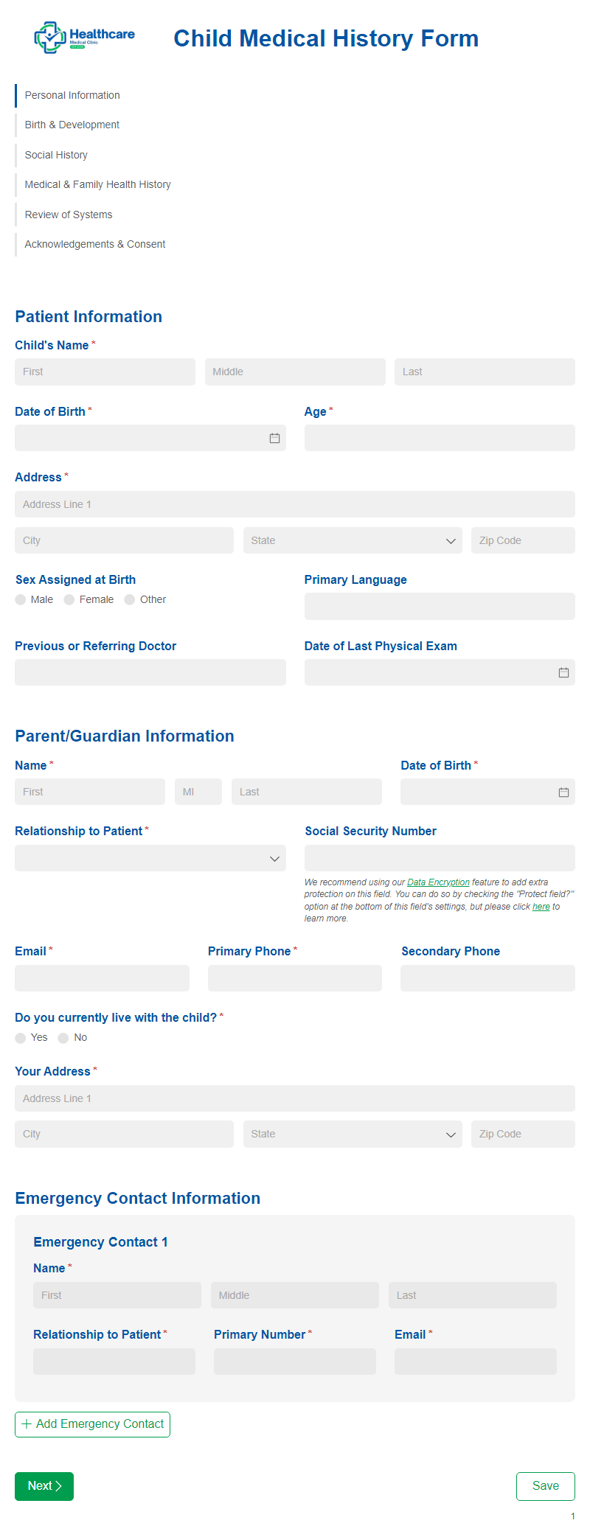
Child Medical History Form
Use our child medical history form to gather a child's prior and current medical health history.
Preview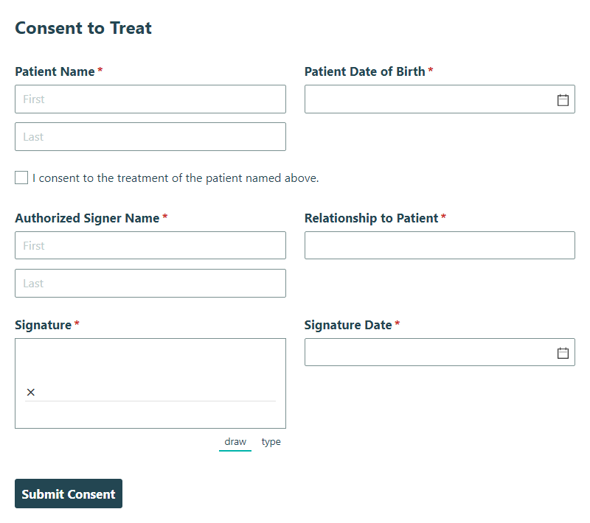
Consent to Treat
Collect patient permission to receive medical care and treatment with the Consent to Treat form, so staff can document authorization and move forward with care.
Preview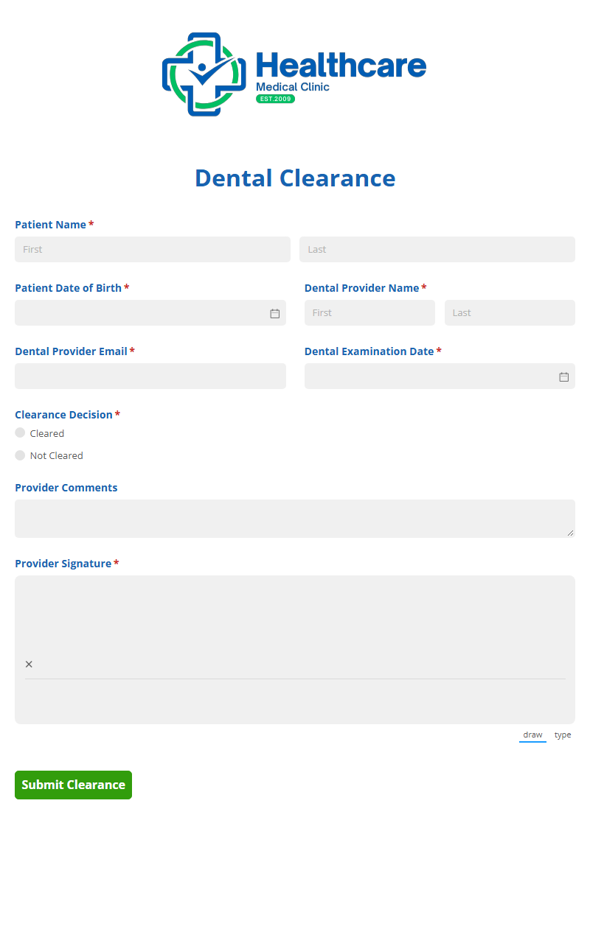
Dental Clearance Form
Collect dental and medical approval details for patients before procedures or treatment with the Dental Clearance form, so providers can review readiness and move care forward.
Preview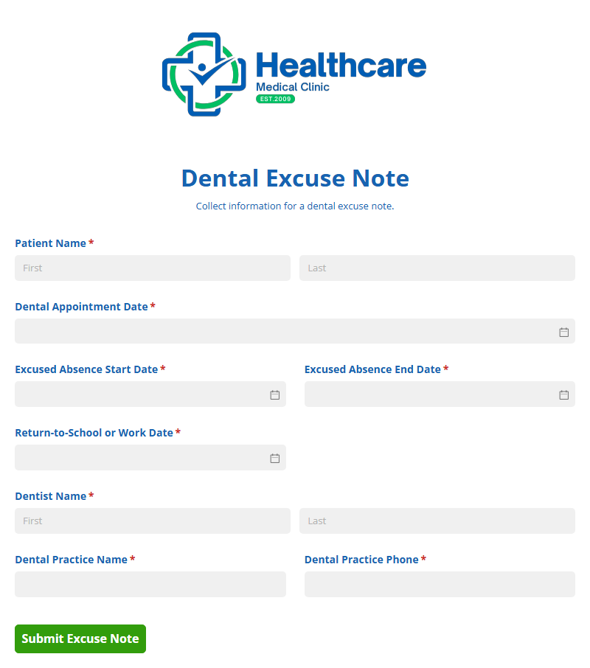
Dental Excuse Note
Collect details for a dental excuse note for school or work, including the visit date and reason for absence, so staff can prepare a clear note quickly.
Preview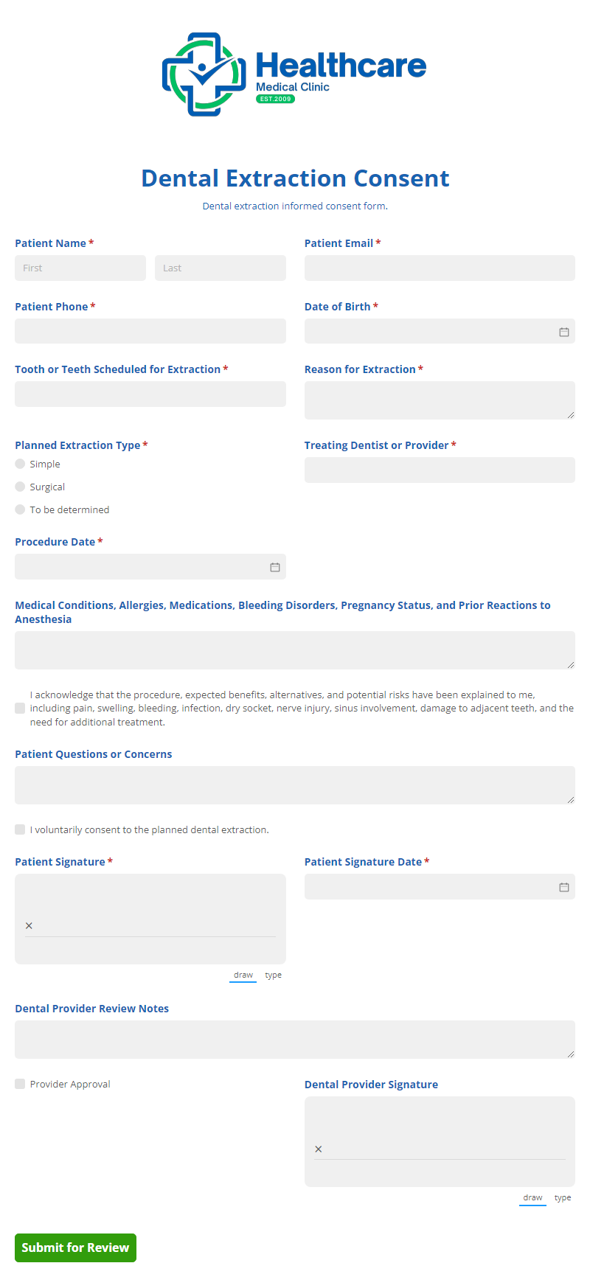
Dental Extraction Consent
Collect patient consent and acknowledgment for dental extraction procedures, risks, and aftercare with a clear Dental Extraction Consent form that helps dental teams document approval and next steps.
Preview
Dental Health History Form
Use our dental health history form to gather a patient's current and prior dental health history.
Preview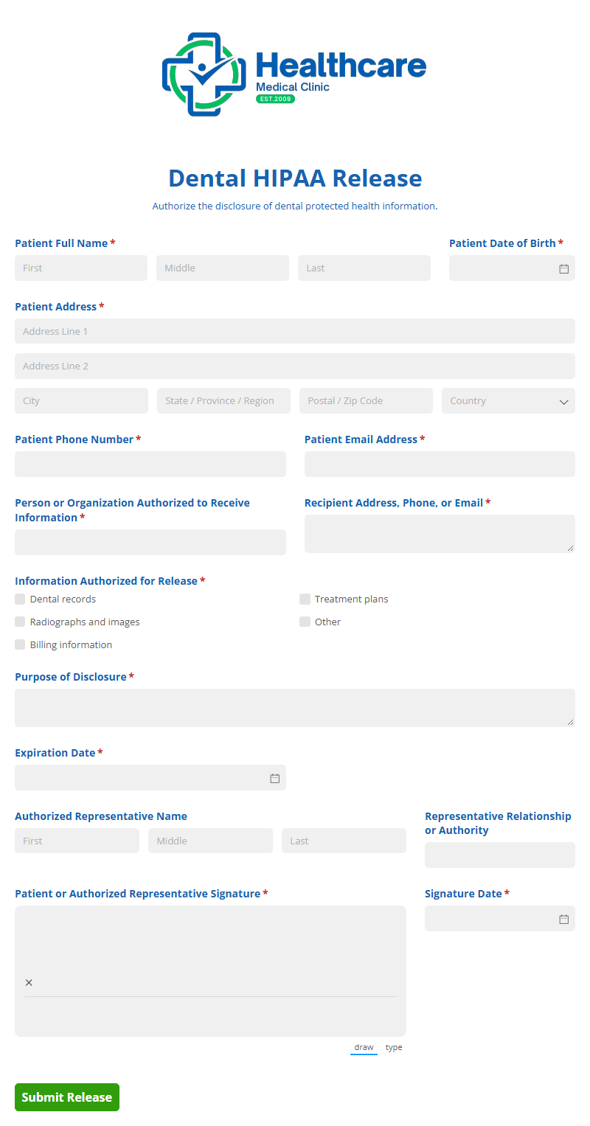
Dental HIPAA Release
Authorize the sharing of dental records and protected health information with designated individuals or providers using the Dental HIPAA Release template for clear, documented consent.
Preview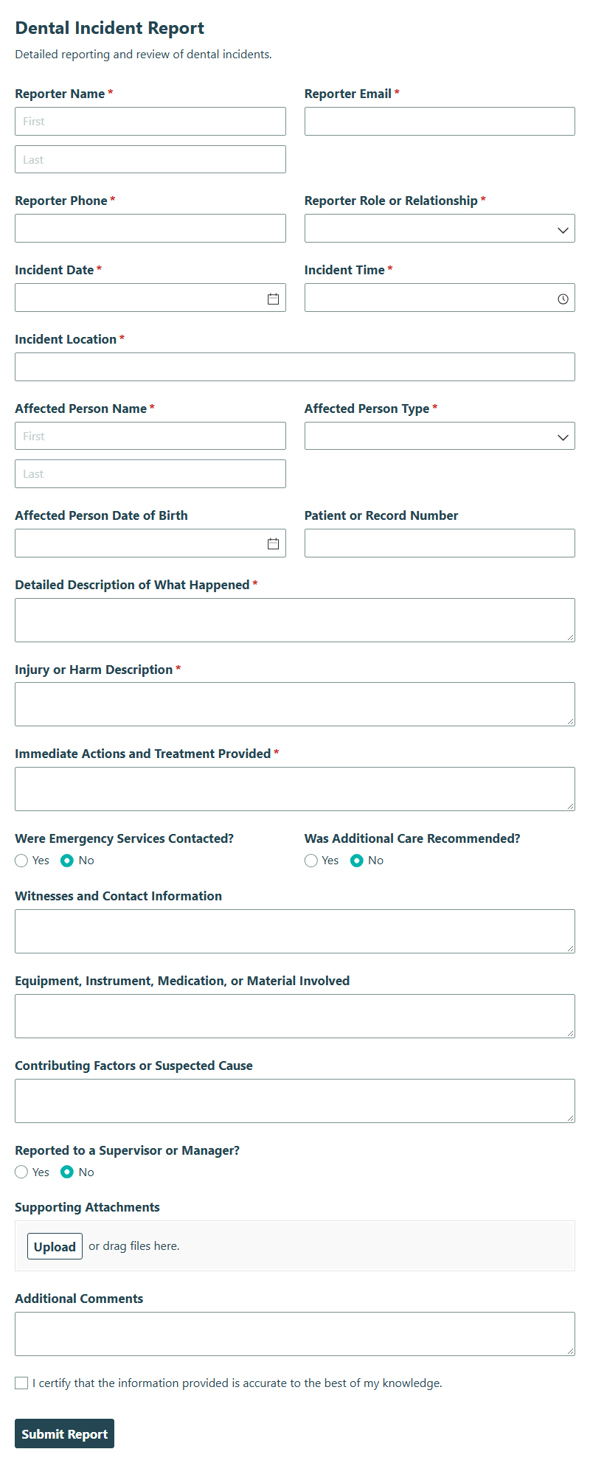
Dental Incident Report
Collect detailed information about dental incidents, injuries, and follow-up actions with this Dental Incident Report template for accurate recordkeeping and faster review.
Preview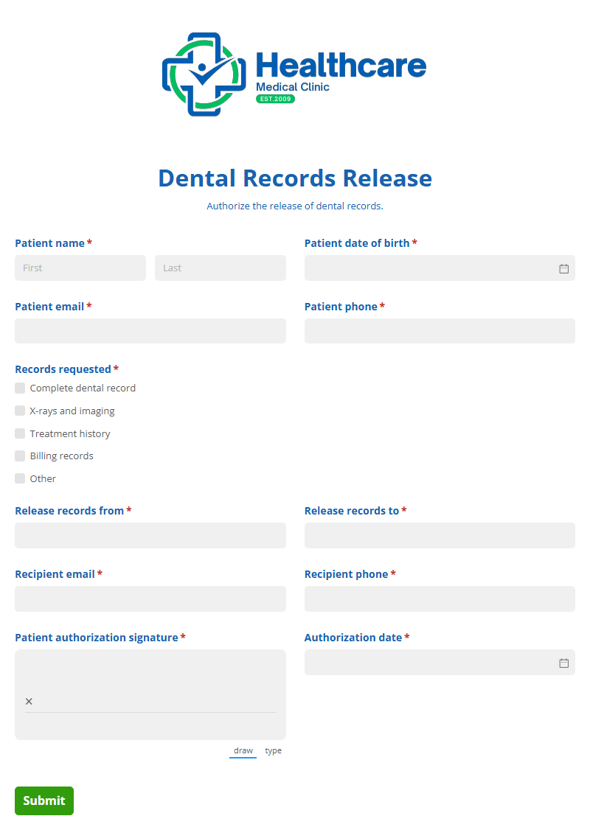
Dental Records Release
Collect authorization from patients who want their dental records shared with a designated person or provider, and keep release requests organized from start to finish.
Preview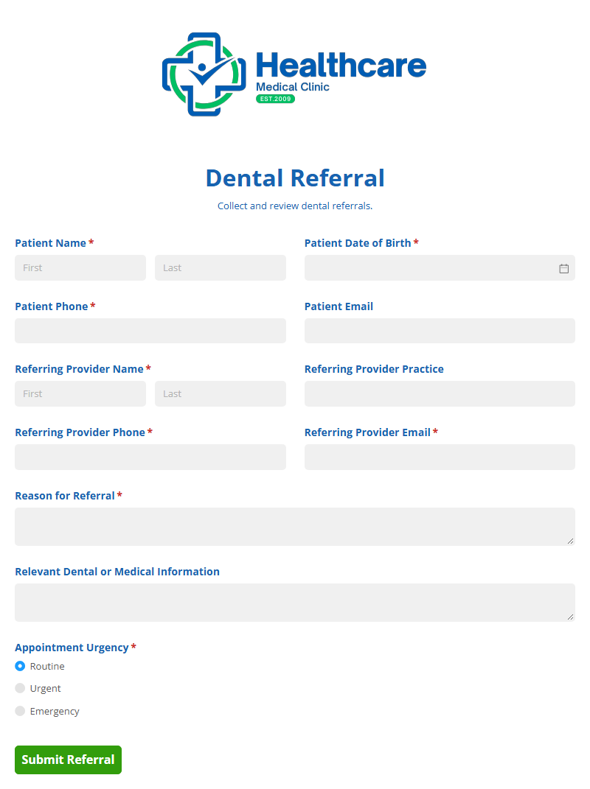
Dental Referral
Collect patient and treatment details with this Dental Referral template for specialists and providers, helping practices send clear referrals and keep care moving.
Preview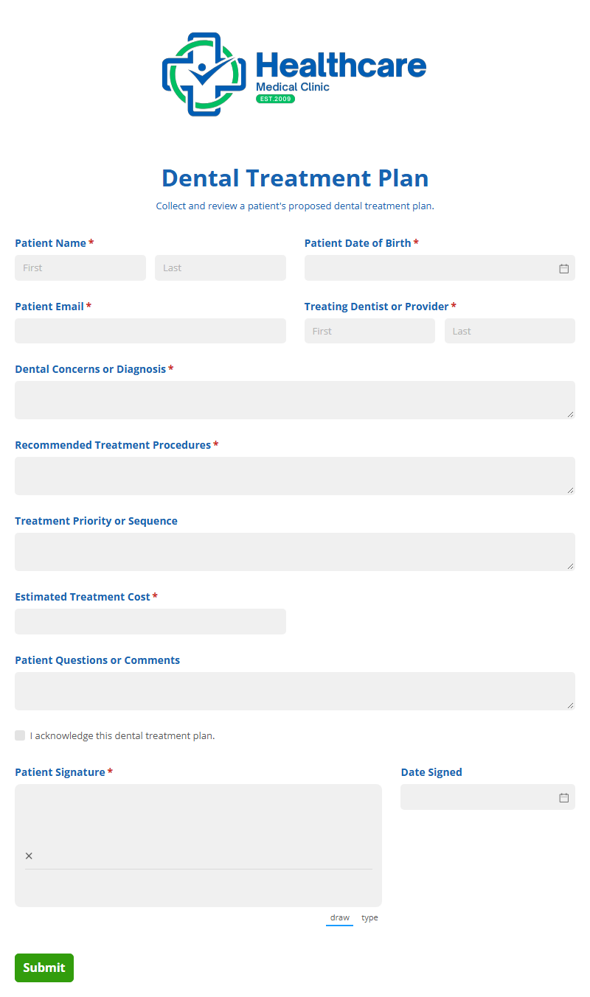
Dental Treatment Plan
Collect patient dental treatment details, recommended procedures, and cost estimates in one place so dental teams can review plans clearly and keep care moving.
Preview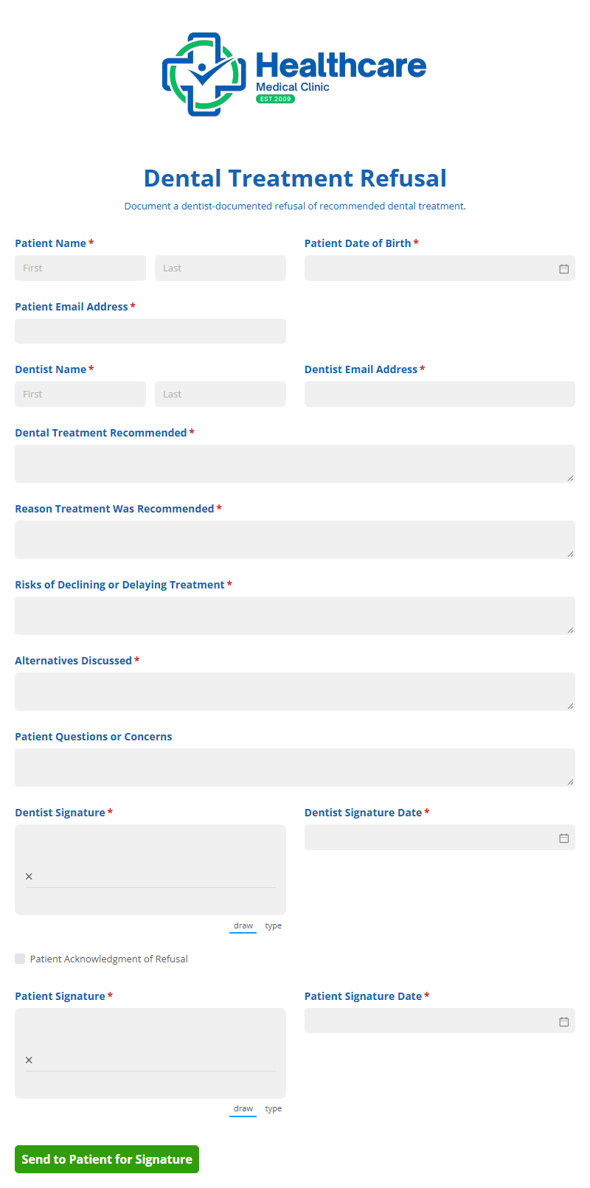
Dental Treatment Refusal
Document a patient's informed refusal of recommended dental treatment and capture dentist and patient signatures so your practice has a clear record of the decision.
PreviewDental X-Ray Refusal
Record a patient’s refusal of recommended dental X-rays and confirm they understand the risks with this Dental X-Ray Refusal template for clear documentation.
Preview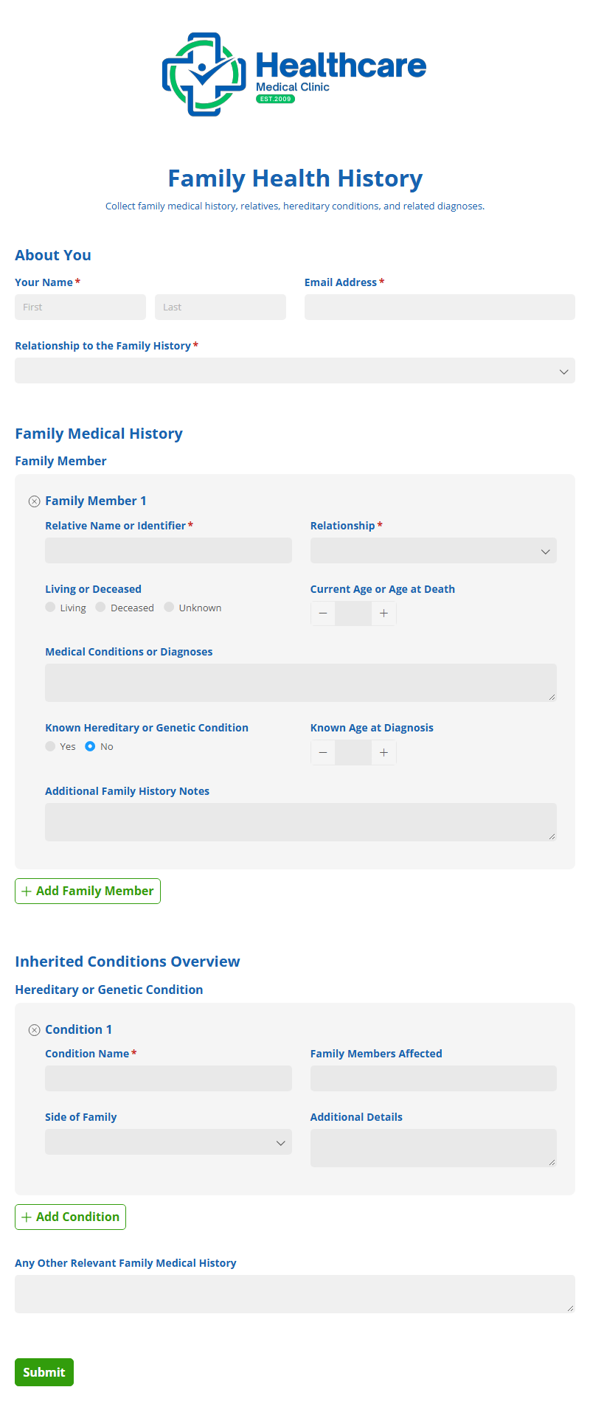
Family Health History
Collect family relatives and hereditary conditions with the Family Health History form to help care teams understand medical patterns, risks, and background at a glance.
Preview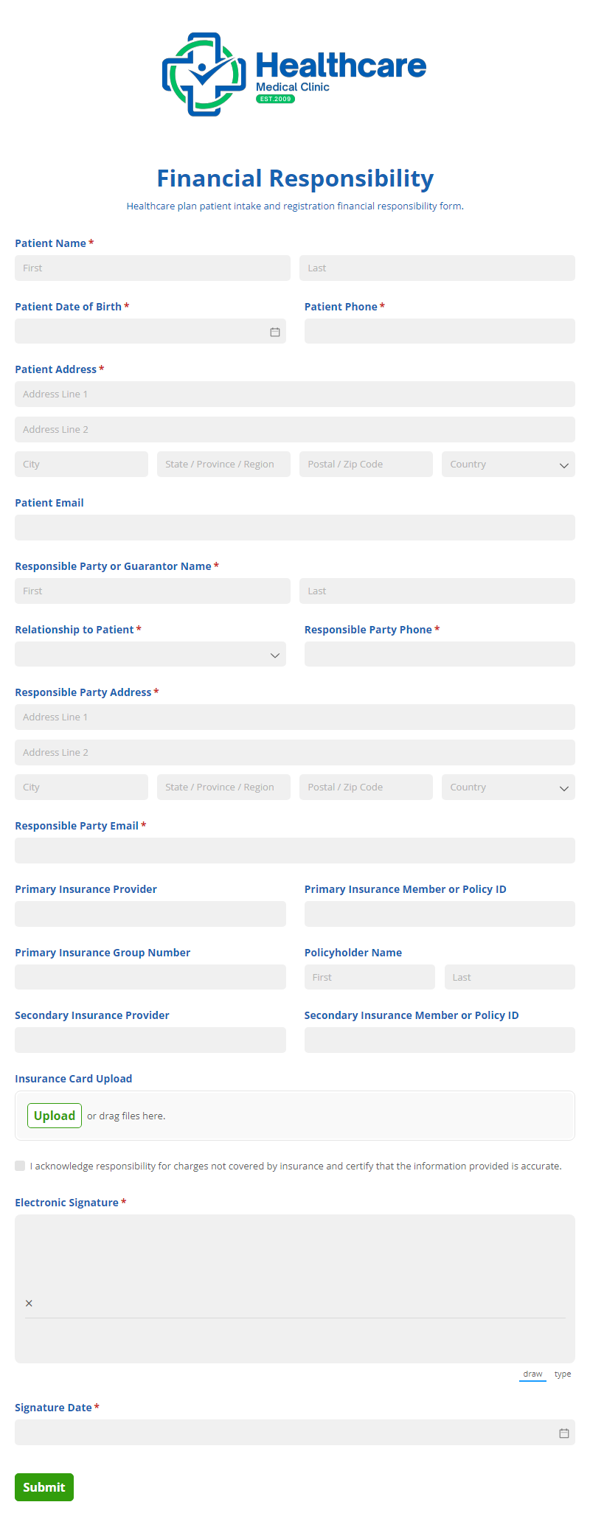
Financial Responsibility
Collect patient agreement to financial terms, payment responsibilities, and insurance coverage details with the Financial Responsibility form for healthcare intake and registration.
Preview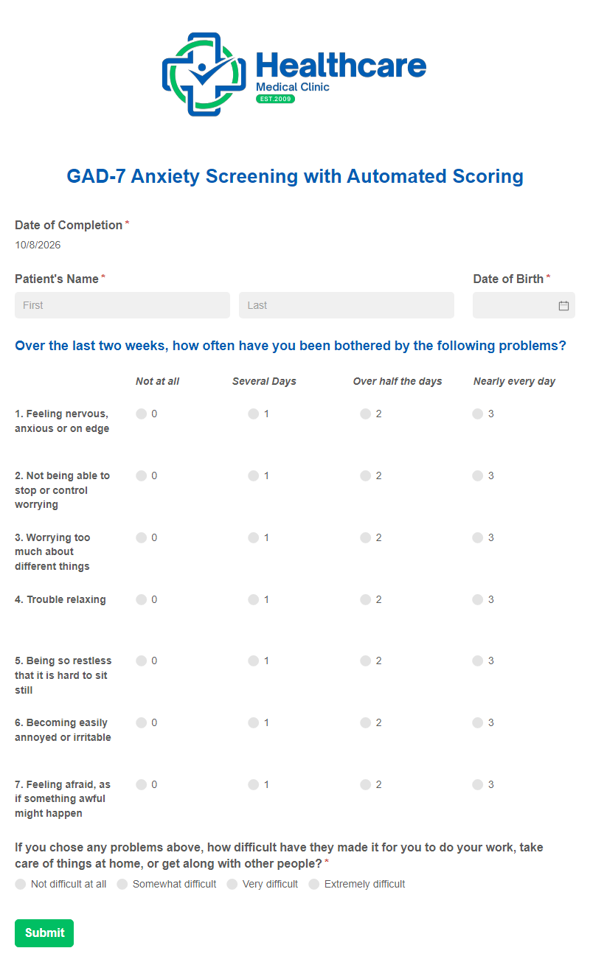
GAD-7 Anxiety Screening Template with Automated Scoring
Our GAD-7 Anxiety Screening Template with Automated Scoring provides you with a digital version of the frequently used anxiety screening while also calculating the patient’s total score automatically.
Preview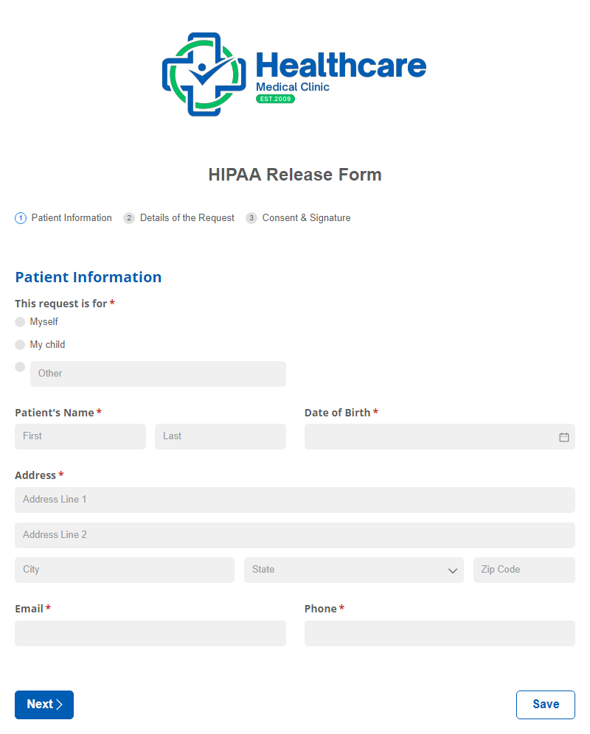
HIPAA Release Form
Collect patient consent to share medical info securely and maintain privacy standards.
Preview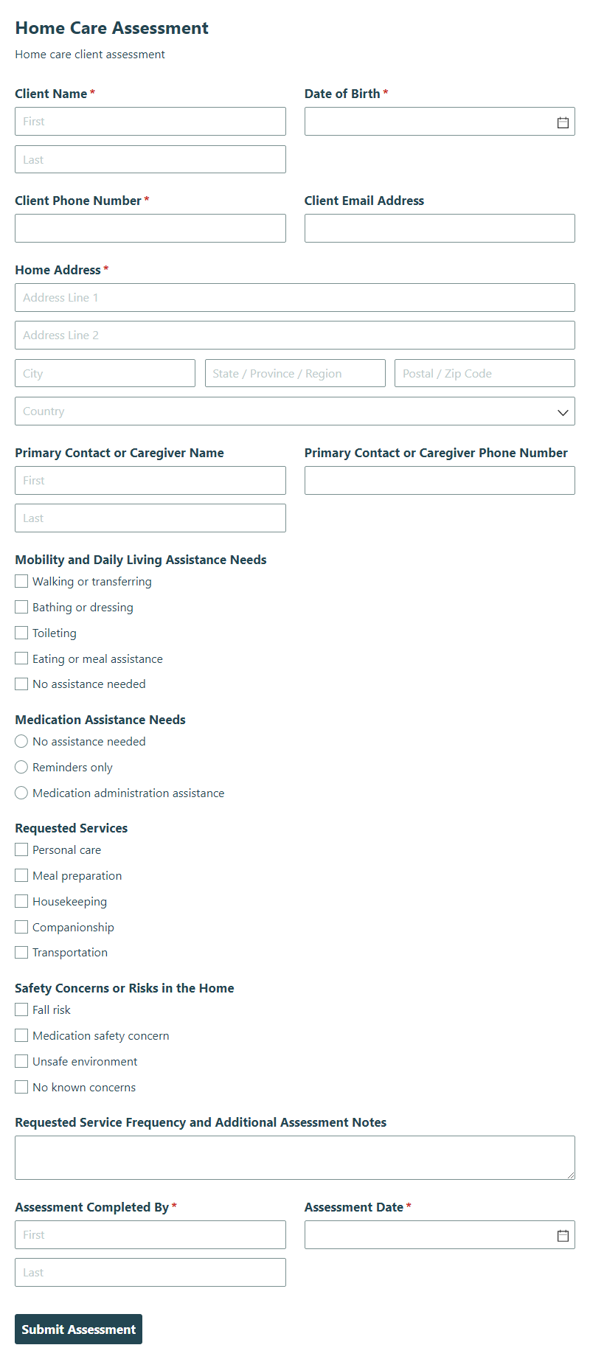
Home Care Assessment
Capture client needs, health details, and care preferences with the Home Care Assessment form so you can build a personalized home care plan with confidence.
Preview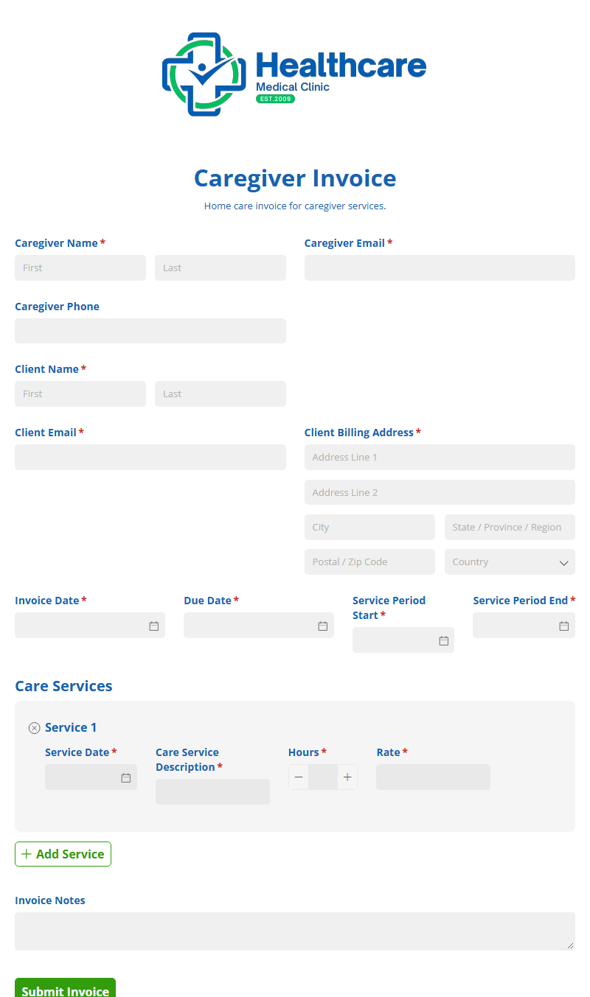
Home Care Invoice
Create professional invoices for home care and home health services, collecting service details, billing information, and payment-ready totals so caregivers can bill clearly and get paid faster.
Preview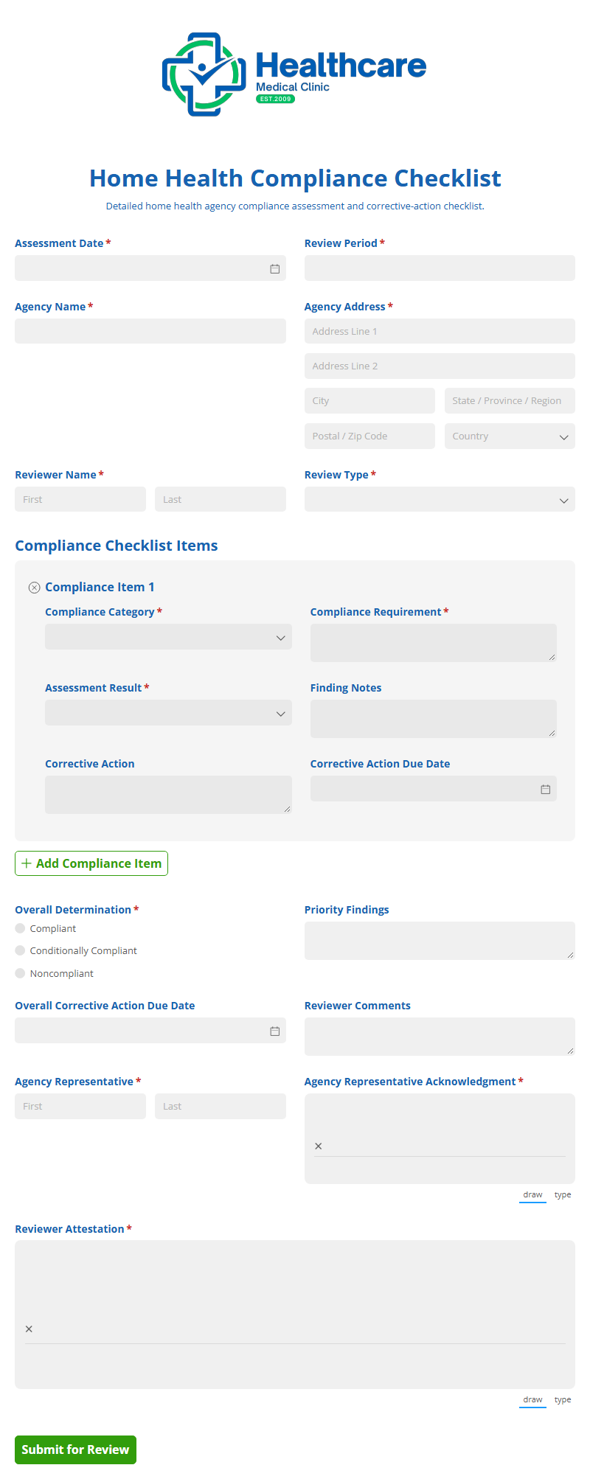
Home Health Compliance Checklist
Track agency compliance tasks and requirements with a detailed checklist for home health operations, helping teams stay organized and ready for reviews.
Preview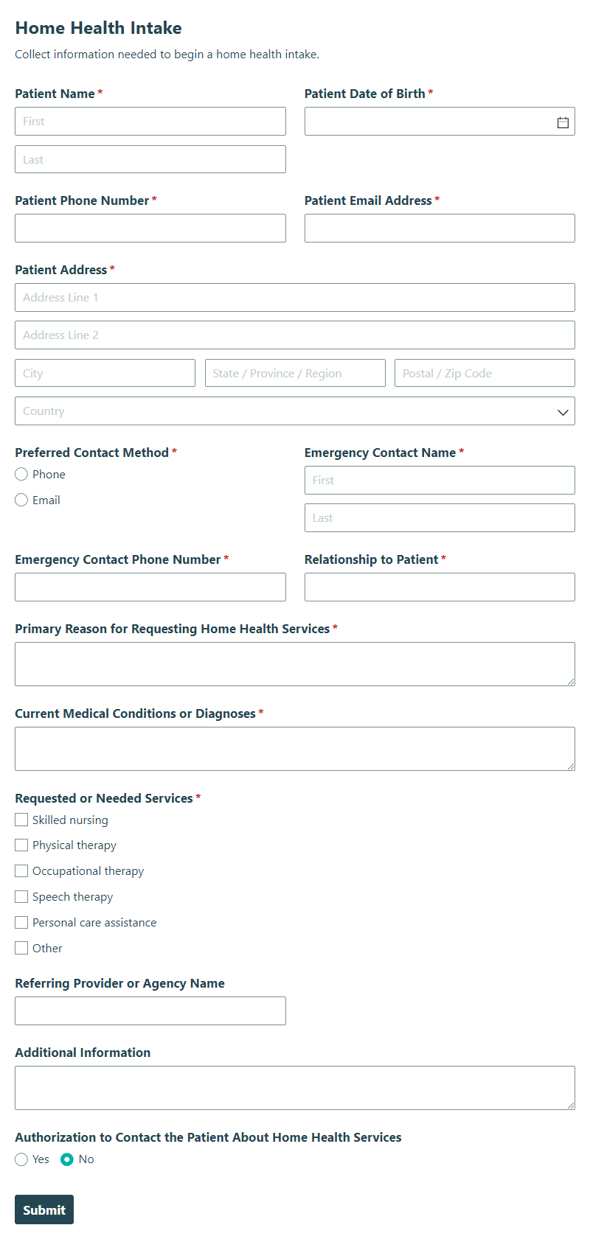
Home Health Intake
Collect patient and care details with the Home Health Intake form to help home health teams start services quickly, accurately, and with less back-and-forth.
PreviewHome Health Referral
Collect patient and provider details with the Home Health Referral form to submit home health care referrals quickly and accurately for care teams and intake staff.
Preview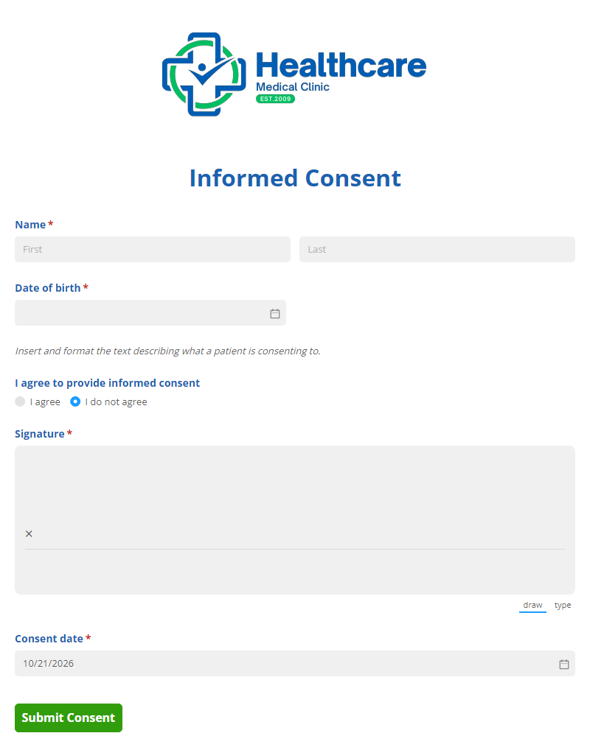
Informed Consent
Collect signed consent and confirm participants understand the purpose, risks, and terms before proceeding with the Informed Consent form.
Preview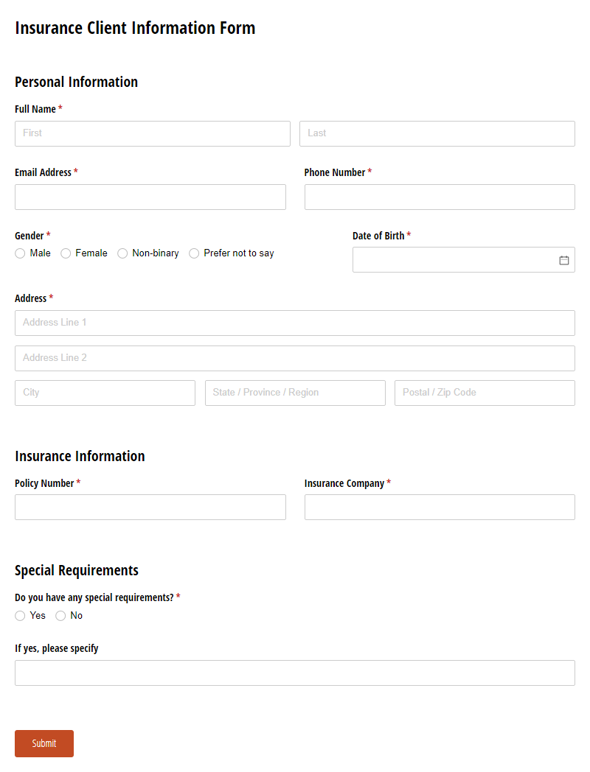
Client Information Form
Use our Insurance Client Information form template to collect essential details from new or existing clients.
Preview
Medical History Form
Use our free medical history form template to collect patient health information online before appointments.
Preview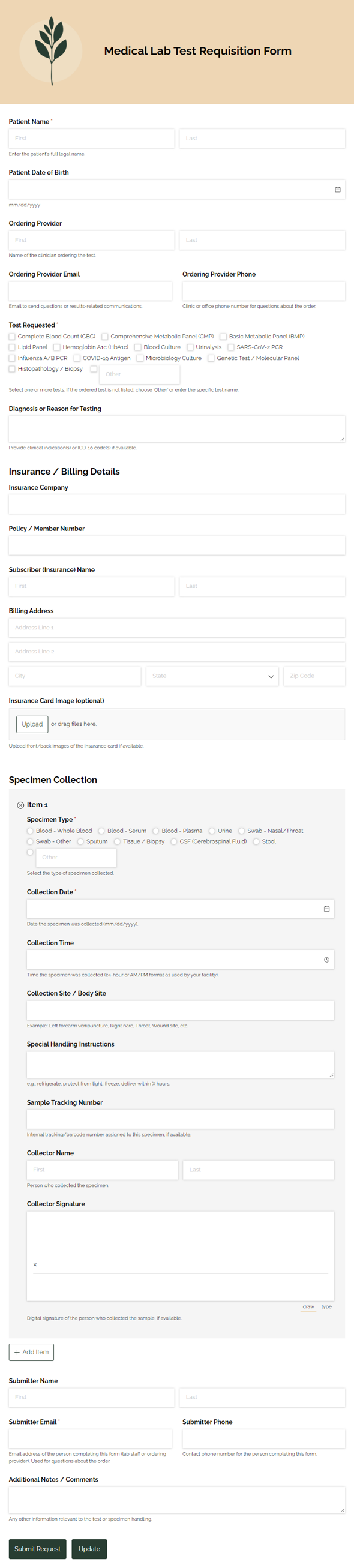
Medical Lab Test Requisition
Streamline lab test requisitions and specimen tracking in one digital workflow. A Lab Test and Medical Requisition Form can help quickly inform staff of data.
Preview
Medical Release Form (HIPAA Form)
Replace your inefficient paper release of information forms using our free HIPAA release form.
Preview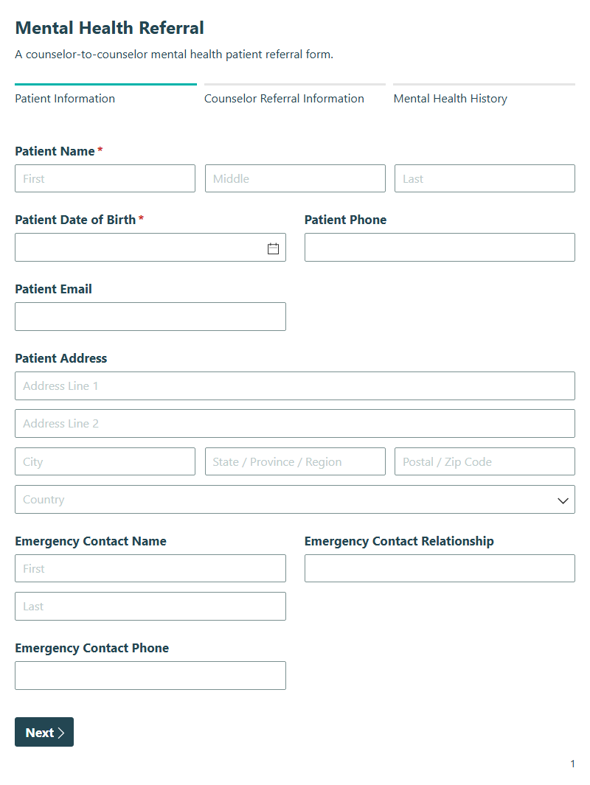
Mental Health Referral
Collect referral details, patient history, and handoff notes in a Mental Health Referral form for counselors and care teams so the next provider can review the case quickly.
Preview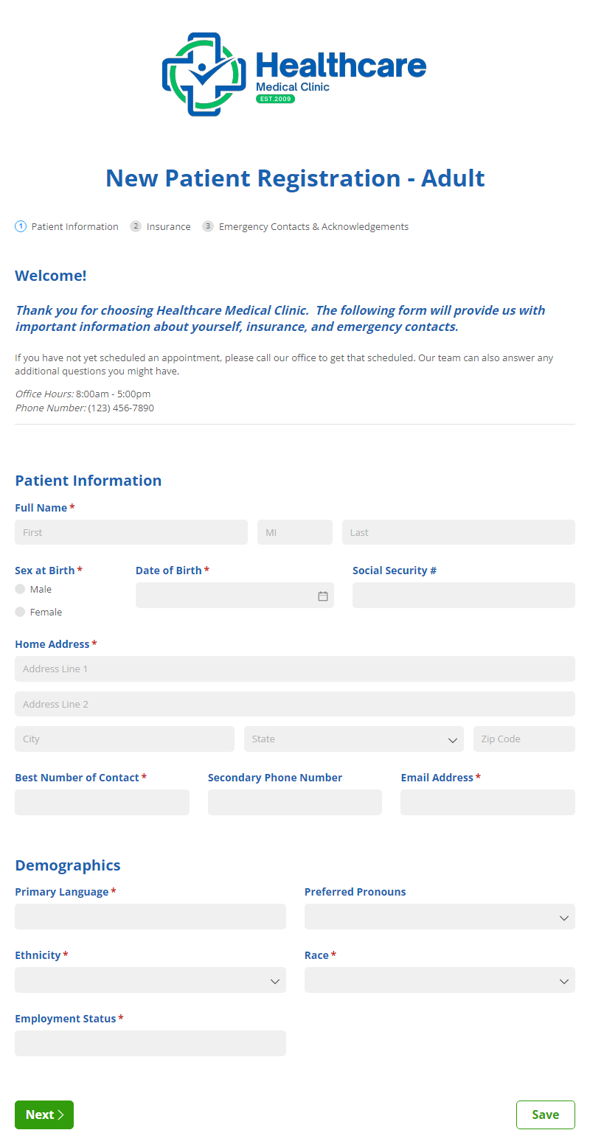
New Patient Registration - Adults
Use our free new patient registration form template to collect information from prospective patients.
Preview
New Patient Registration - Children
Use our free new patient registration form template to collect information from prospective patients.
Preview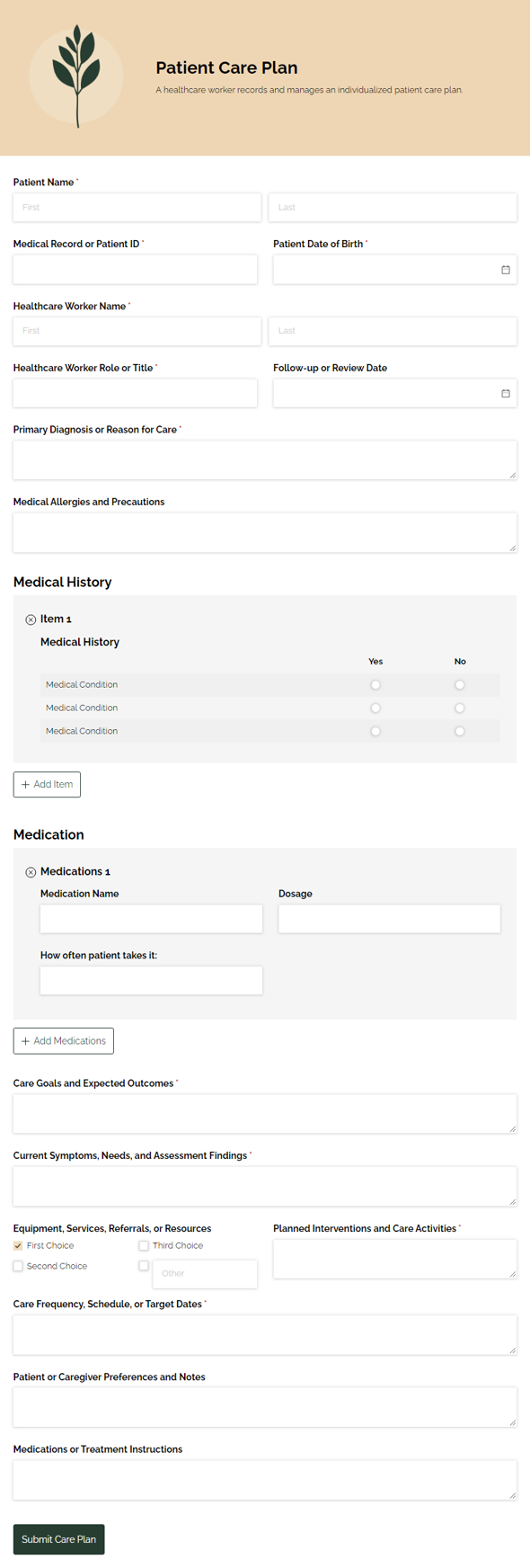
Patient Care Plan
Outline and organize a patient care plan for healthcare workers, capturing the details needed to coordinate care, track next steps, and keep everyone aligned.
Preview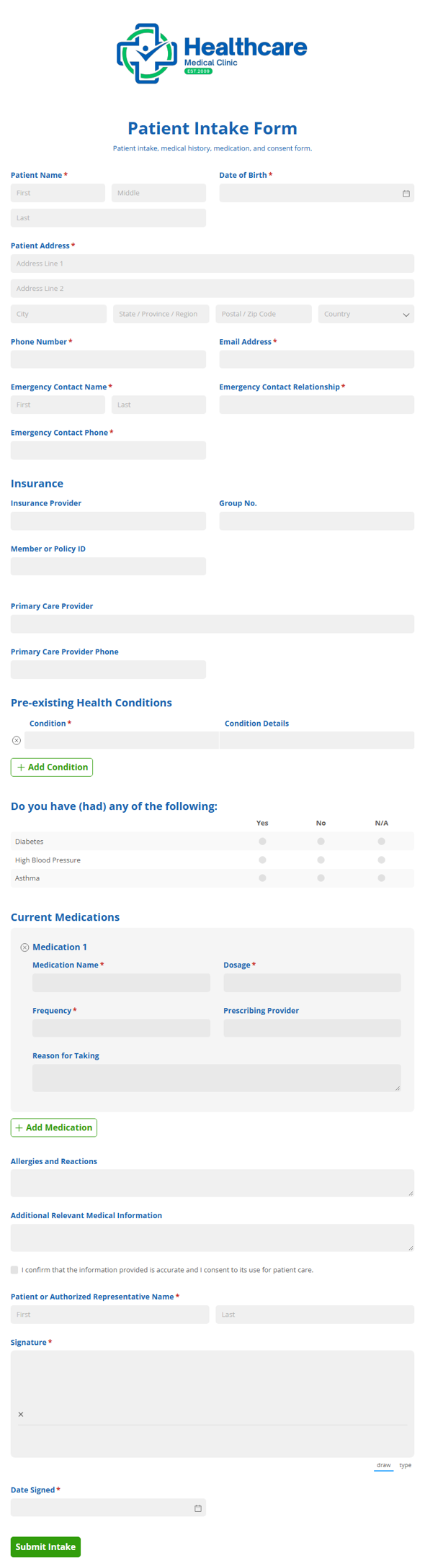
Patient Intake Form
Collect patient details, medication history, existing conditions, and consent in one Patient Intake Consent form so your care team can verify information and start visits with confidence.
Preview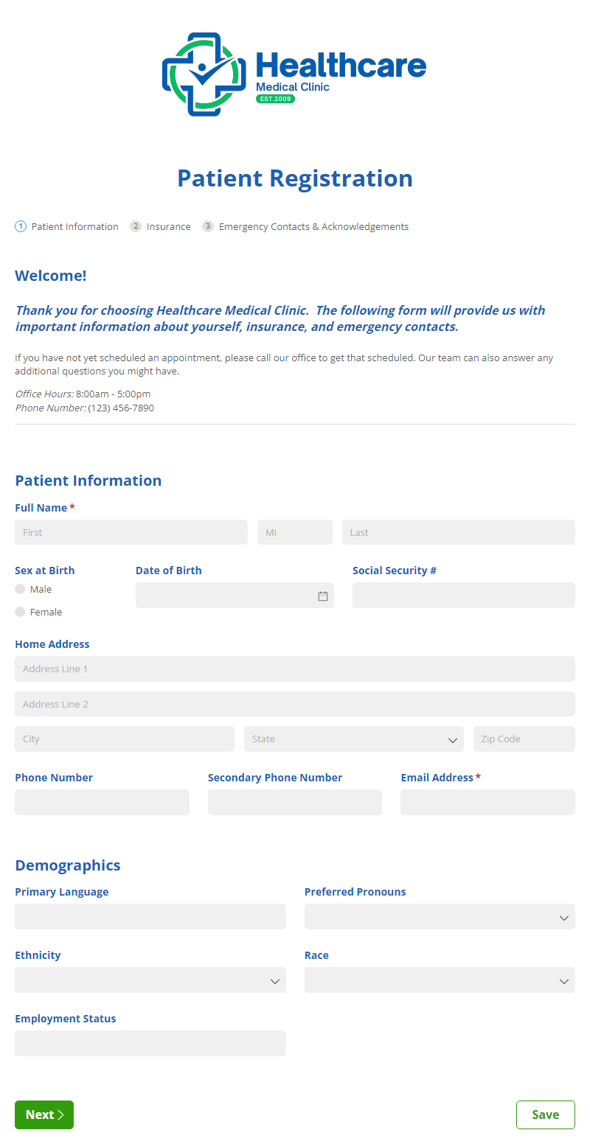
Patient Portal Template Bundle
Streamline healthcare processes with ease and give patients a secure, HIPAA-compliant portal for their registration, insurance, and consent form needs.
Preview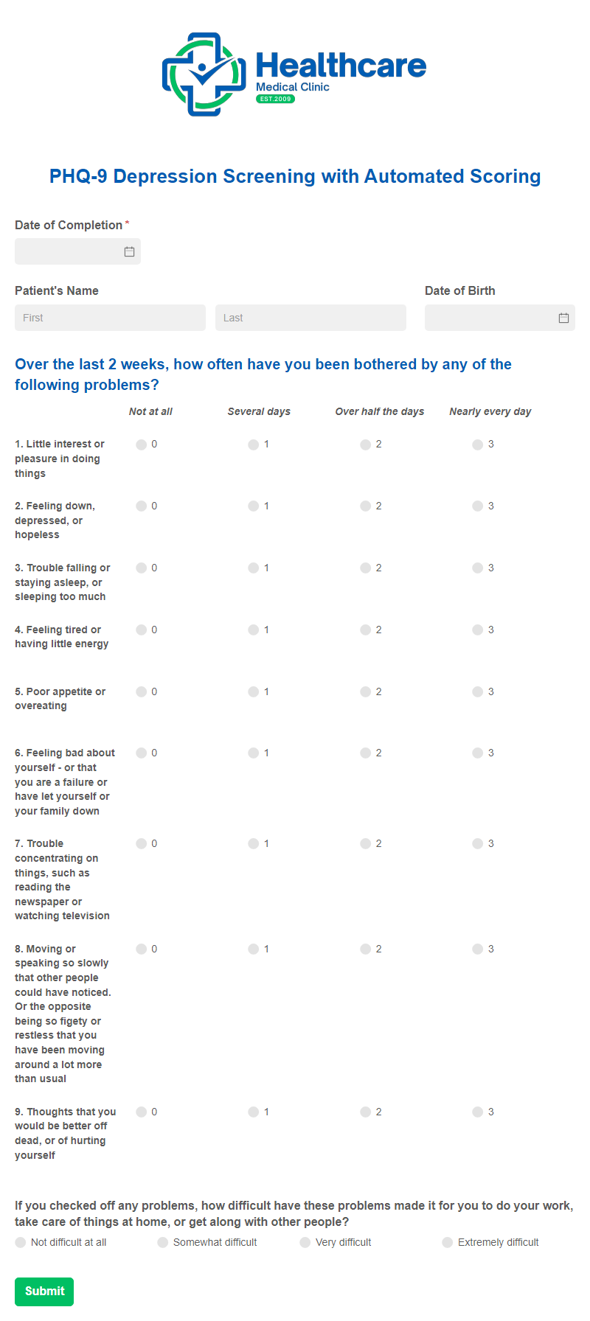
PHQ-9 Depression Screening Template with Automated Scoring
Our PHQ-9 Depression Screening Template with Automated Scoring provides you with a digital version of the frequently used patient health and depression screening form and also calculates the patient’s total score automatically.
Preview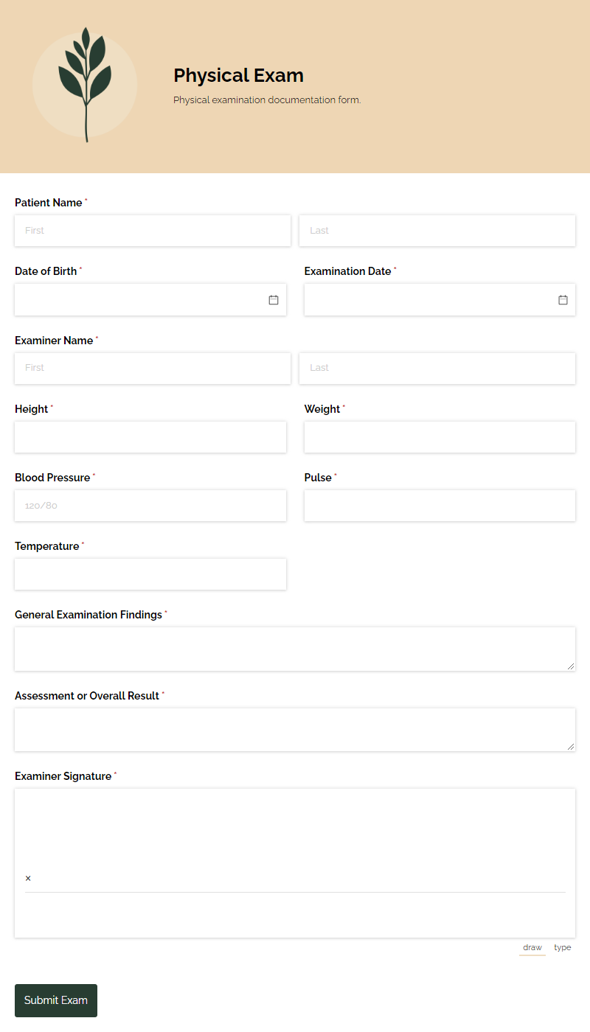
Physical Exam
Collect health details and exam results with the Physical Exam template for clinics, employers, and other reviewers who need a clear record and faster follow-up.
Preview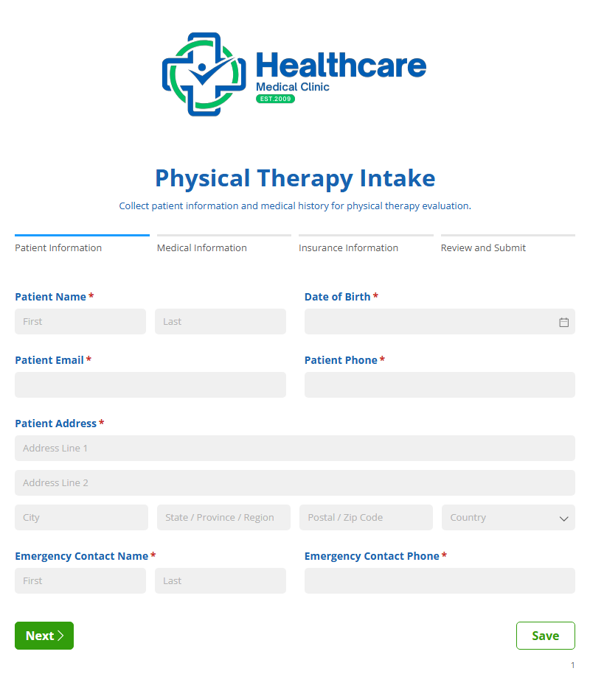
Physical Therapy Intake
Collect detailed patient and injury information with the Physical Therapy Intake form to support evaluations and treatment planning for physical therapy practices.
Preview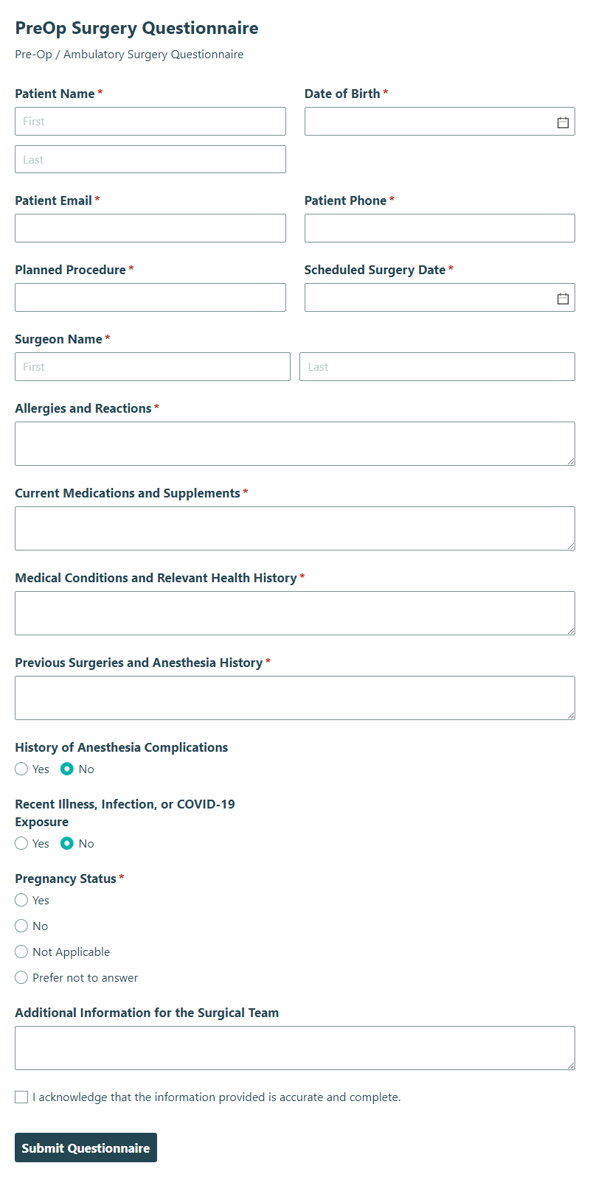
Pre-Op Surgery Questionnaire
Collect patient details and medical information before an ambulatory surgery procedure with the Pre-Op Surgery Questionnaire, so your team can prepare with confidence.
PreviewPremedication Refusal
Collect patient acknowledgement and details when they decline recommended premedication before dental treatment, so your team can document the decision clearly and keep care moving.
Preview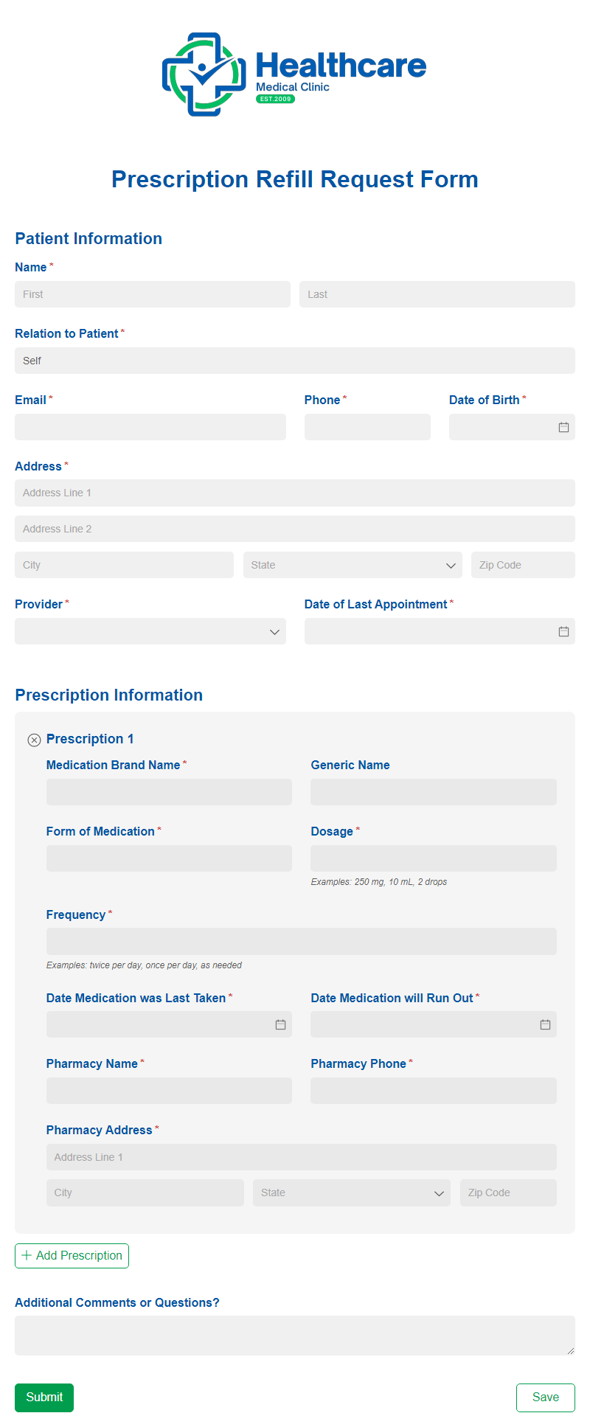
Prescription Refill Request
Use our free prescription refill request form template to allow patients to request prescriptions online.
PreviewTattoo Consent
Collect client details and consent for tattoo work with artist legal terms and signature fields, so studios can document approval clearly before the appointment.
Preview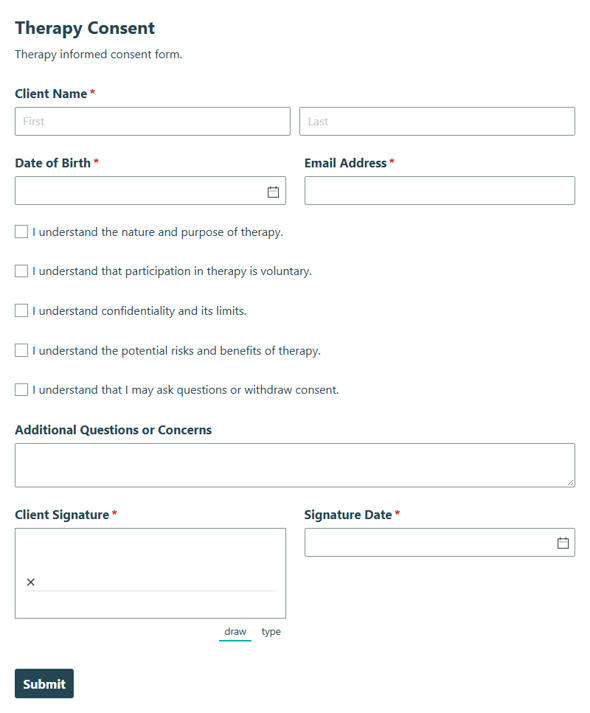
Therapy Consent
Collect client acknowledgment and consent for therapy services, risks, and confidentiality terms before treatment begins with this therapy consent template.
PreviewTooth Gem Consent
Collect patient consent and acknowledge treatment risks before a tooth gem procedure in a dental office, helping staff document approval and keep the visit moving.
Preview
Medical forms help clinics, practices, and care teams replace clipboards and paper packets with organized online paperwork patients can complete before they arrive. Explore templates for patient registration, medical history, consent, HIPAA release, screenings, and prescription refills, then customize the forms that fit your practice.
About Medical Forms
Front desk staff, nurses, and practice owners use medical forms to collect patient details, health history, signatures, and requests. On paper, that means re-keying information into your EMR, tracking down missing signatures, and returning voicemails for routine requests.
Cognito Forms offers free medical form templates you can adjust to fit your workflow. Office managers can embed forms on the practice website or share them by email, and practice owners get one organized record of every submission instead of a filing cabinet.
Looking for something more specific? Browse patient intake templates, medical history forms, HIPAA release forms, or dental forms. To see how practices put these forms to work, read the guide to digitizing healthcare processes.
How Practices Use Medical Forms
Digital forms change more than where patients fill out paperwork. They give your staff a clear, repeatable process for each stage of care, from the first registration to follow-up after the visit.
-
Registration and intake before the visit
Send new patients a link to registration, intake, and health history forms when they book, so their information arrives before check-in instead of at the front desk. Patients can use Save & Resume to finish a long packet on their own time, and you can use conditional logic to skip questions that don’t apply, such as pregnancy history or pediatric milestones. The Unumb Center for Neurodevelopment collects contact details, demographics, and treatment consent in one multi-page intake form, with a staff-only section for scheduling status and notes that patients never see. -
Screenings with scores ready for review
Use Calculations to total questionnaires like the PHQ-9 depression screening and GAD-7, so clinicians see the score as soon as a patient submits instead of adding it up by hand during the visit. You can also use conditional logic to flag responses that need a provider’s attention. Practices use the same approach for developmental questionnaires, asthma control tests, and other scored assessments. -
Appointment and refill requests with status tracking
Appointment and prescription refill request forms replace phone tag and voicemail. Use Workflow automation to give each request a status, such as submitted, in review, or completed, and notify the staff member responsible for the next step. Everyone can see where a request stands without calling the patient back to ask. -
Consent and release with signatures on file
Collect electronic signatures on consent, financial responsibility, and release forms before treatment begins. Use Document Generation to create a PDF of each signed form to save to the patient’s chart or upload to your EMR. -
Patient feedback after care
Send patient satisfaction or CAHPS surveys after an appointment to learn how patients experienced their care. Rating Scale fields keep responses easy to compare, and you can let patients answer with their name or anonymously.
“Around 97% of our patients complete their intake forms digitally through Cognito Forms, prior to the time of their appointment.”
The Unumb Center for Neurodevelopment
How to Create Medical Forms With Cognito Forms
Use a template
Choose the medical form template closest to your process, then customize the fields, instructions, and confirmations for your practice.

Describe what you want with AI
Use the AI Form Generator to describe the medical form you need, such as a pre-op questionnaire for outpatient surgery or a physical therapy intake form with an injury history section.

Start from scratch with drag-n-drop
Build your medical form manually when you need full control over layout, fields, and conditional logic.
Frequently Asked Questions
A digital medical form is an online version of a paper form that patients complete on a phone, tablet, or computer. Each submission is saved as an entry your team can search, export, or share, so patients type information once instead of staff re-entering it.
A medical release form, often called a HIPAA authorization, records a patient’s permission to share their health information with a named person or organization, such as a family member or another provider. It typically states what information can be shared, with whom, for what purpose, and when the permission ends. Start with the medical release (HIPAA) form template and review the language with your compliance team.
A medical consent form for a minor usually identifies the child, the parent or legal guardian giving consent, the care being authorized, emergency contacts, and the dates the consent covers. Requirements vary by state, so confirm the details with legal counsel. The child medical consent form gives you a starting point to adapt.
Enterprise plan accounts can be made HIPAA compliant after you sign a Business Associate Agreement. Learn how to enable HIPAA compliance in your account, and review your organization’s own compliance requirements before you collect protected health information.
Create a form with AI