Yes! New and existing Cognito Forms customers can import forms from Google Forms using our handy importer. To get started:
-
Sign up or log in to your Cognito Forms account.
-
Find the New Form section on the Home page or click the + New button in the bottom left corner of the sidebar.
-
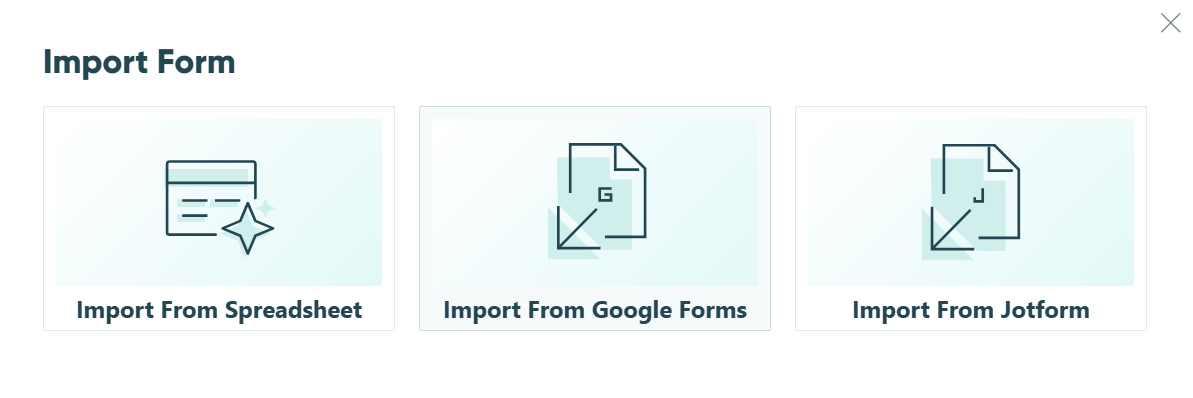
Select Import Form > Import From Google Forms.
-
Log in to your Google account and select the form(s) you want to import. This process may take up to a few minutes, depending on the number of forms you’re importing.
-
When the import is complete, hit Continue to access your imported forms. If your forms have any responses, they will be automatically imported in the background.
Importing notes
- Checkbox grid items will be imported as rating scales, and only the first choice for each question will be preserved.
- Due to Google Drive limitations, files uploaded as responses to file upload fields will not be imported.