
Looking for the right client portal?
This guide covers what client portals are, which tools are worth considering (including DIY options), and how to choose one that fits your workflow.
If your client experience runs through email, you’ve probably felt the friction: files scattered across message threads, sensitive information sitting in inboxes, and a steady stream of questions like “What’s the status on my project?” and “Can you re-send me that document?”
A client portal solves this by providing clients with one secure place to find everything they need to work with your business—think of it as the modern front desk, filing cabinet, and project board built for clients.
What Is Client Portal Software?
Client portal software is a secure online space where clients can log in to access the information you share with them, including documents, status updates, files, and messages. Instead of relying on email threads and scattered folders, a portal creates a centralized, permission-controlled hub that keeps work organized and gives clients a clear place to go for “what’s next.”
Depending on the tool, clients may also upload documents, submit requests, fill out forms, or pay invoices. Self-service portals empower customers to complete routine tasks at their own time, reducing the time your team spends on repetitive admin.
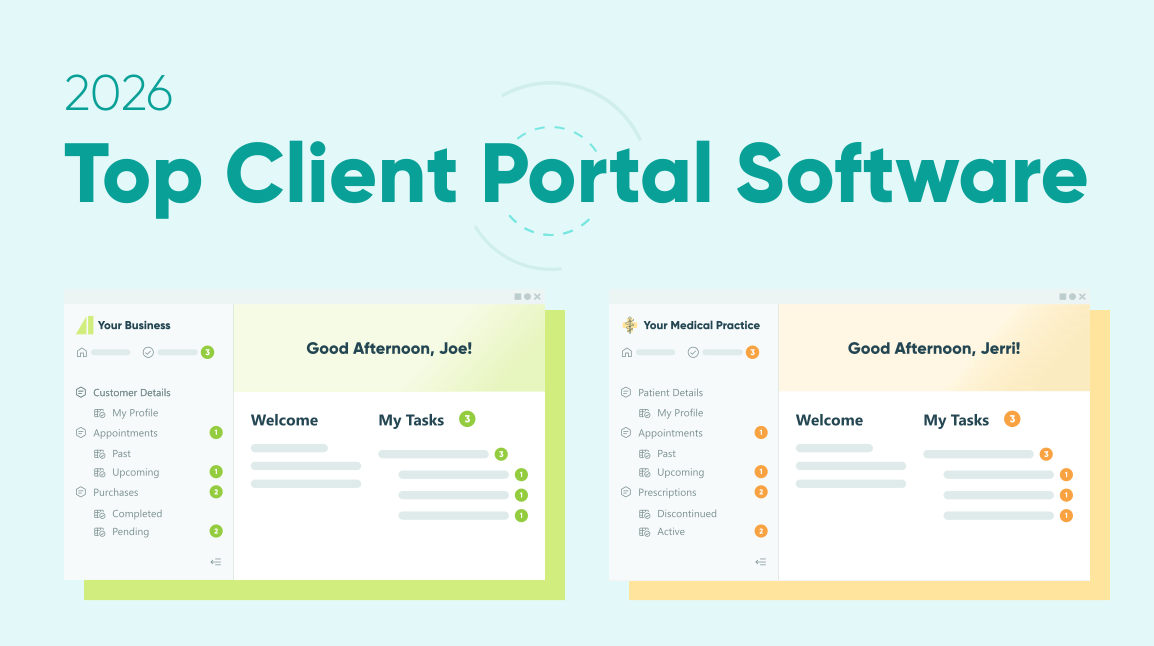
Quick Shortlist: Best Client Portal Software for 2026
Best overall client portal software for 2026: SuiteDash
Known as the Swiss Army Knife of client portal software, SuiteDash is a favorite for its white-label, custom client portal experience, tailored to different needs and industries.
Best for agencies and creative teams: Clinked
Clinked is our top pick for agencies and creative teams, thanks to its project workflows and portal capabilities that move projects forward and centralize information for easy collaboration.
Best for security-focused industries: Onehub
With activity tracking, detailed permission controls for security compliance, and an intuitive interface, Onehub stands out as a leading client portal that balances security with functionality.
Best for freelancers and small teams: Honeybook
Honeybook offers a centralized platform and client portal for small teams, businesses, and freelancers to easily manage client information, invoices, contracts, and payments.
Best DIY option for building custom portals: Cognito Forms
Cognito Forms is a DIY solution for businesses needing client portals with advanced data collection and automation. It offers a central space for collaboration, task review, appointment requests, file uploads, and offers SOC 2 and HIPAA compliance for data security.
Comparison Table: Client Portal Software at a Glance
When looking at client portal software and the vast array on the market, we have to include more than five. Here’s the comprehensive list of our top 12 platforms—each one is unique.
| Software | Best For | Starting Price | Standout Features |
|---|---|---|---|
|
SuiteDash
All-in-one client portal |
Running a services business in one place |
$19/user/month 14-day free trial |
|
|
Foyer
All-in-one client portal |
Simple branded portal for service teams |
$19/user/month 14-day free trial |
|
|
Zendesk
Support portal |
Customer support and self-serve help center |
$19/user/month 14-day free trial |
|
|
Clinked
Project portal |
Client collaboration and approvals |
$95/month 10-day free trial |
|
|
Moxo
Project portal |
Structured client workflows |
Contact for quote |
|
|
Honeybook
Billing portal |
Freelancers and small teams managing client flow and payments |
$29/month 7 day free trial |
|
|
Cognito Forms
DIY portal |
Small to medium businesses that want portal customization |
$19/month Free plan and 14-day trial |
|
|
Softr
DIY portal |
Teams that want dashboards and DIY portals |
$49/month Free plan |
|
|
Zoho Creator
DIY portal |
Building a custom portal with a database |
$8/user/month 15-day free trial |
|
|
SmartVault
Document portal |
Accounting/tax and compliance-heavy teams |
$50/user/month Free trial available upon request |
|
|
Onehub
Document portal |
Secure client file sharing |
$12.50/user/month 14-day free trial |
|
|
Progress Sharefile
Document portal |
Regulated, security-sensitive document exchange |
$25/user/month 30-day free trial |
|
Best All-in-One
All-in-one client portal software specializes in helping businesses create portals tailored to their specific needs. These platforms provide layouts and easy implementations for creating client portals.
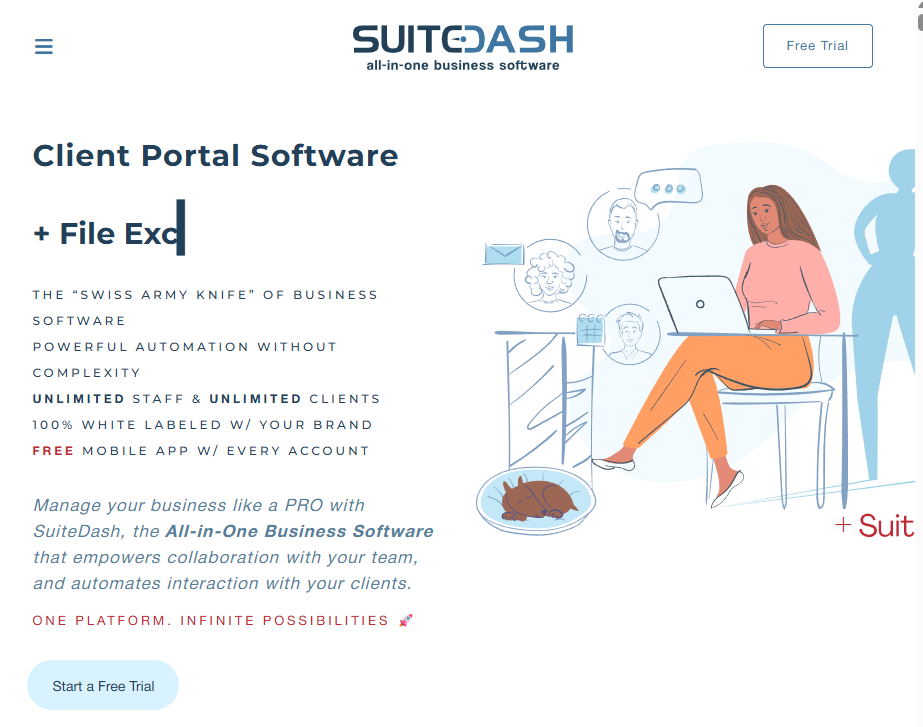
SuiteDash
Best for running a business in one place.
SuiteDash is known for its client portal, which includes advanced features that make it easy for business owners to run their business operations with minimal software. SuiteDash is a great overall choice for small- to medium-sized companies seeking custom portals and ease of use.
Pros
-
Great customer support
-
Feature-rich platform with seamless integration abilities
-
Extensive customization abilities
Cons
- Longer implementation time and learning curve for non-technical users
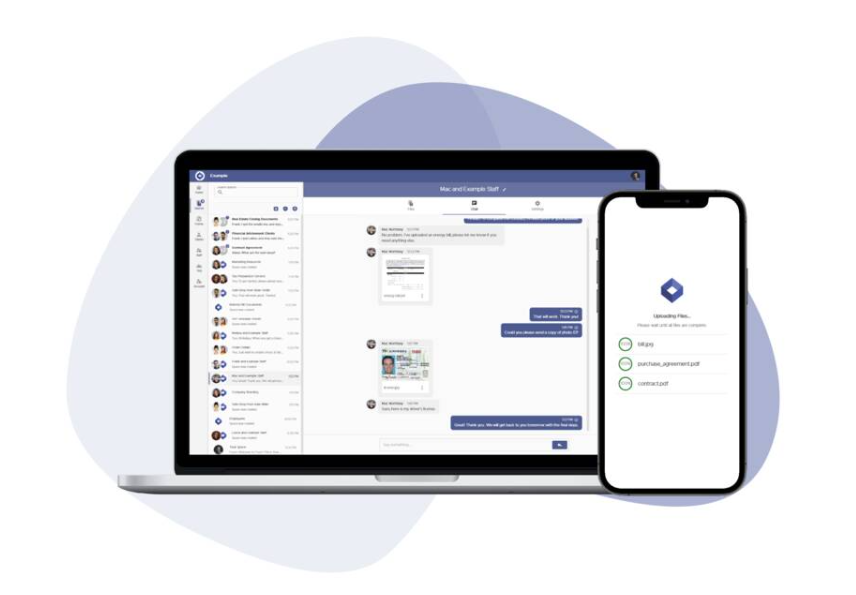
Foyer
Best for a simple, white-label client portal with security.
Relatively new, Foyer stands out for its client portal, security options, and ease of setup. Offering branded portals that work across devices, Foyer makes it easier to collaborate with clients with file sharing and other essential features.
Pros
-
Ease of setup
-
Exceptional customer service
-
User-friendly
Cons
- Small technical platform issues reported
Best Support Portal
For businesses that constantly help answer customer questions, there is a special type of portal software that specifically makes creating support portals easier. Here is our top pick.
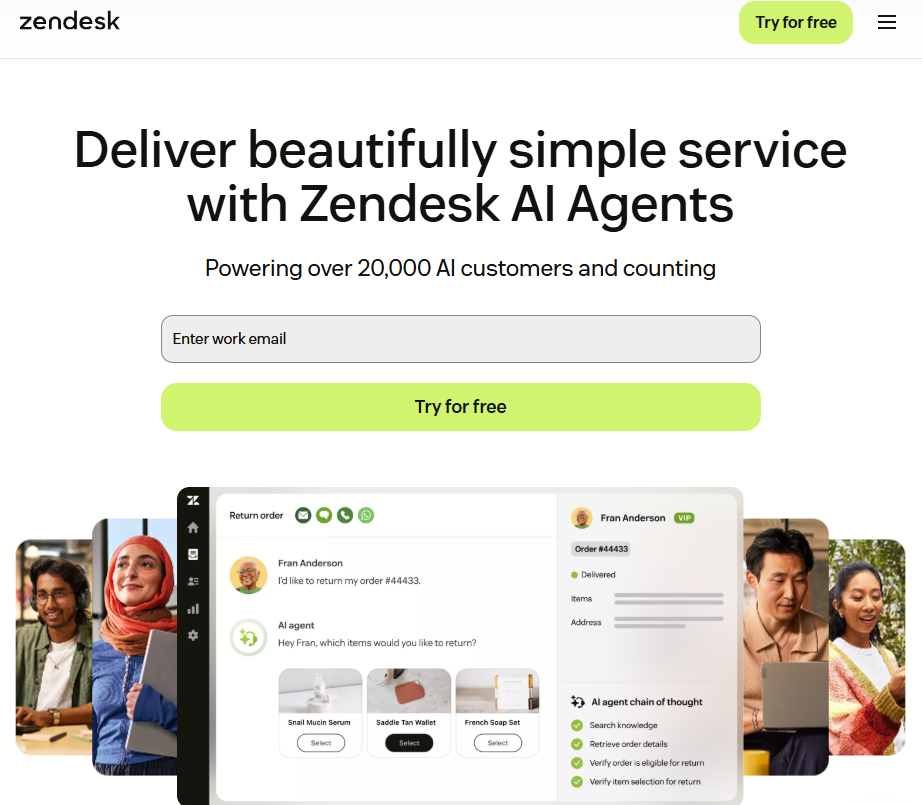
Zendesk
Best for customer support and ticketing.
Zendesk is widely recognized and used across organizations for its customer engagement platform, which lets clients find self-serve help articles, submit support requests, and track and update their tickets in one place. It enables businesses and teams to build portals that provide customers with quick support and easy access to a knowledge base tailored to their needs.
Pros
-
Strong ticketing and multi-channel support (email, texts, chat, and social)
-
Great self-service portal experience
-
Robust reporting and insights for teams
Cons
-
Pricing tiers can be higher for smaller teams, depending on features
-
Can be complex to set up
Best Project Portal
One of the top reasons businesses choose project portal software is to reduce back-and-forth with clients and provide a clear picture of where the collaborative process stands. These are some of the top software for this specific portal.
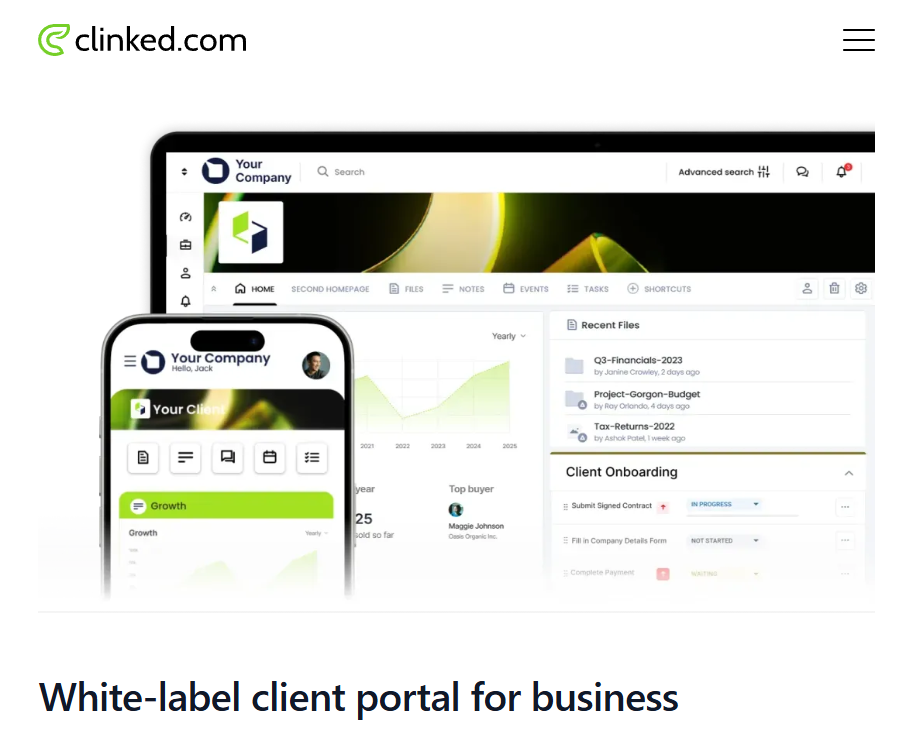
Clinked
Best for client collaboration and project workflows.
Clinked is widely recognized as easy to use for project management and client portals. With in-app messaging, document sharing, project workflows, and a client portal, it’s a favorite for versatile client management and collaboration.
Pros
-
Cross-team and client collaboration
-
Ease of use
-
Progress tracking, organization, and effective communication tools
Cons
-
Limited integrations compared to others
-
Lack of robust features
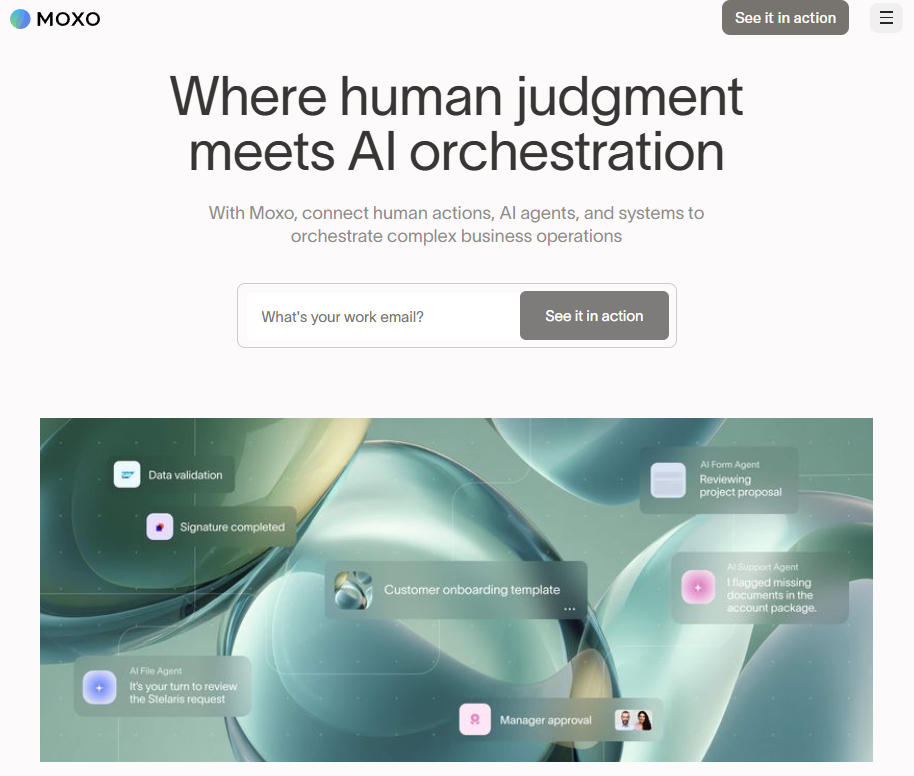
Moxo
Best for a project-style client portal focused on guided workflows.
Moxo is a premium, secure, branded client portal that centralizes onboarding, document sharing, approvals, and automated workflows for seamless project collaboration with clients. Aimed at larger or more regulated organizations with enterprise-grade capabilities in higher tiers.
Pros
-
Secure and organized client communication
-
Easy-to-use video conferencing
-
Effective team collaboration
Cons
- Limited reporting and performance abilities in-house
Best Billing Portal
While most client portals support payment collection or invoicing, this recommendation stood out for its straightforward implementation as a dedicated billing portal for businesses and clients.
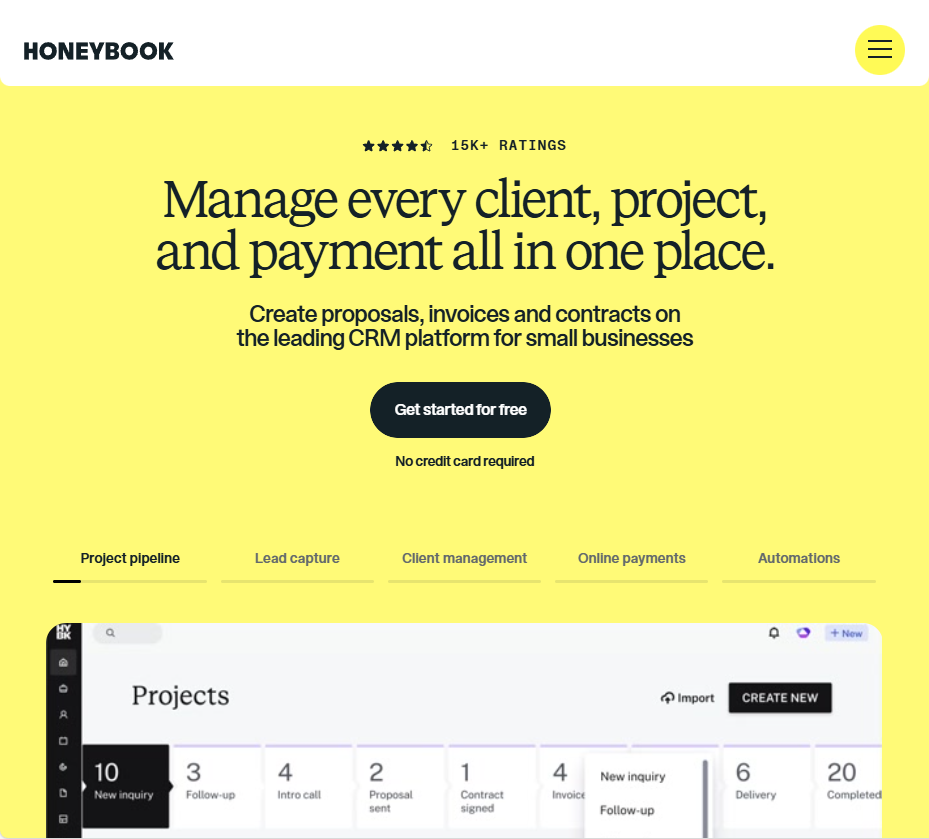
HoneyBook
Best for freelancers and small service teams.
HoneyBook makes managing the full client lifecycle simple. From inquiries and proposals to contracts and invoices, and from payment collection to project communication, HoneyBook provides a client-facing portal that makes each step visible to clients.
Pros
-
Great end-to-end client workflows and client portal
-
User-friendly for non-technical users
-
Automations and reminders
Cons
- UX/UI experience can be confusing at times
Best DIY
This category includes software that, in addition to client portals, offers other specialized features. They deliver seamless experiences for clients by providing a dedicated account page that integrates with their standout features.
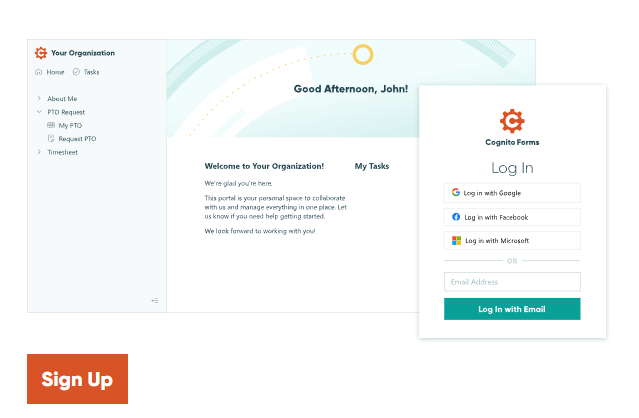
Cognito Forms
Best for custom workflows powered by forms and workflow automation.
Cognito Forms, a leading automation and form builder, offers unique customization of the client portal. With distinct features like automated reminders, tasks, and secure login, it makes portal creation and customer portals do exactly what you need.
Pros
-
Quick implementation
-
Customize customer portal for any type of client (client, patient, student, etc.)
-
Drag-and-drop builder, templates, and AI make customizing each portal easy
-
Custom branding available
Cons
- Not a full portal suite on its own, takes a “do-it-yourself” approach
Softr
Best for no-code apps that turn data sources into client portals.
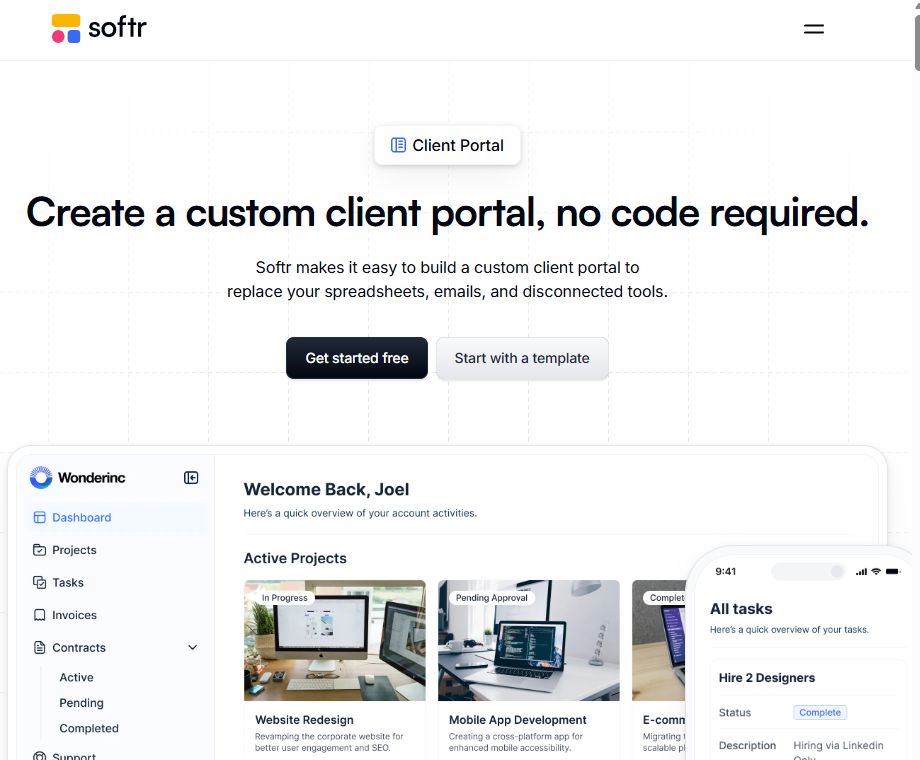
Softr is a leading app-building platform. Businesses can create custom applications with databases using no code for their business needs. While that is Softr’s main function, it also offers client portals for customer-facing needs. Teams can create the unique portals they need with Softr, making it a DIY solution.
Pros
-
Strong ease of use and implementation
-
Numerous integrations across platforms
Cons
-
Some template constraints are making it less customizable compared to other platforms.
-
Some users note slowness depending on data complexity.
Zoho Creator
Best for low-code app development with client portals.
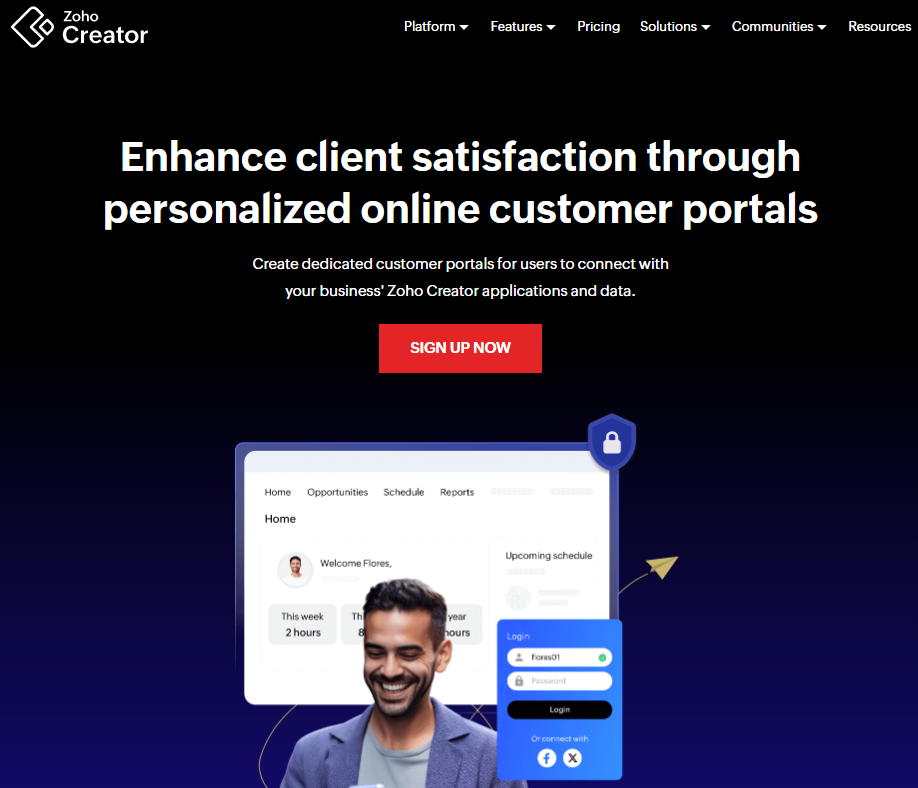
Part of the Zoho suite, Zoho Creator allows teams to customize low-code applications for their business and build a client portal. A standout feature of their portals is that they can be downloaded as a progressive web application or a native mobile application.
Pros
-
Extensive and seamless integrations
-
Makes cross-team collaboration seamless
-
Drag and drop builder with low-code options
Cons
- Like other DIY options, more build/setup work than a “ready-made” client portal.
Best Document Portal
The top document portals are recognized for their security measures and collaboration workflow capabilities. These were the most frequently mentioned options when choosing the best document portals.
SmartVault
Best for accounting/tax teams for tax-specific workflows and secure file storage.
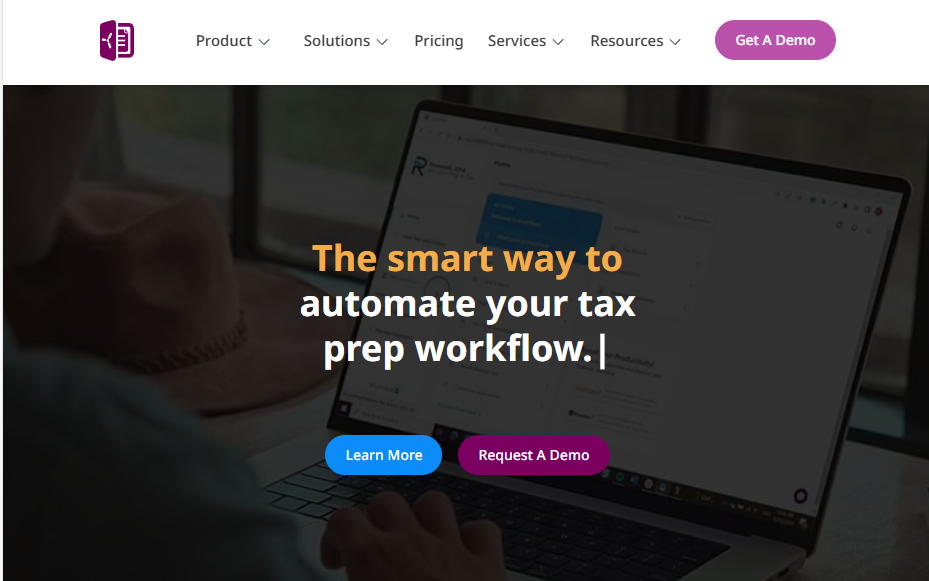
SmartVault is a blend of secure document management and a client portal software. It’s popular in the accounting industry for its ability to collect, organize, and exchange sensitive files, with strong security and compliance options.
Pros
-
eSign and workflow add-ons
-
Security and compliance
-
Branded client portal
Cons
-
Limited offline capability
-
Cost adds up as the number of users increases
Onehub
Best for general-use secure file exchange and client workspace.
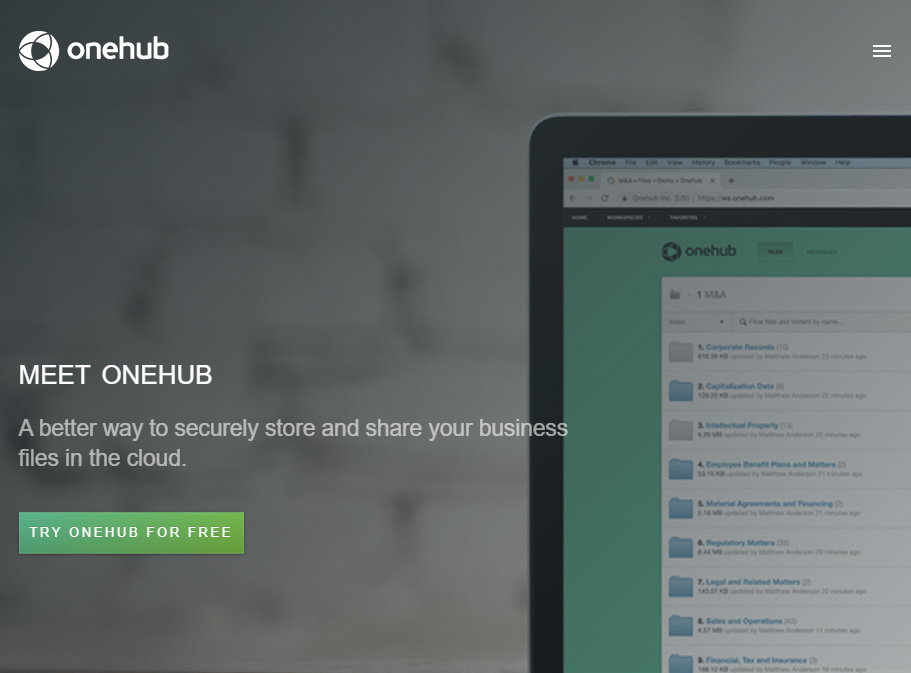
As a secure file-sharing platform used as a branded client portal, Onehub is recognized for its bank-level security on documents and files. Not only is it secure, but it also offers features such as tracking the activity clients spend on each page and granular permissions that can be set down to specific files for individuals/groups. This makes it ideal for a document portal that collaborates well with clients.
Pros
-
Bank-level security with granular permissions
-
Activity tracking can show how much time clients spent on a page
-
Clean, user-friendly interface experience
Cons
-
May require additional tools for invoicing and payment collection
-
Limited workflow automation compared to platforms like all-in-one client portals
Progress Sharefile
Best for teams who want enterprise-grade secure document exchange.
Progress ShareFile offers robust security and HIPAA compliance—making it ideal for industries that handle client data. Across the health, legal, and corporate sectors, it’s recognized as a secure client portal for document storage, handling, and exchange.
Pros
-
Great for teams that use Microsoft 365
-
Robust security features
-
Seamless file sharing
Cons
-
Lacks advanced features compared to other platforms
-
Some reported issues with uploading large files
Top 8 Benefits of Client Portal Software
Before selecting the ideal client portal software, it’s important to understand its benefits. Some platforms specialize in secure document portals, while others offer broader services. Generally, they share these main advantages:

Increases client satisfaction
Clients want the ability to perform actions, look for information, download receipts, or seek help on their own schedule. Clients stay satisfied when they can get what they need, when they need it.
Strengthens data security and compliance
Client portals securely store and transfer sensitive data, offering features like two-factor authentication, encryption, permission controls, and compliance with standards like SOC 2 and HIPAA, reducing security vulnerabilities.

Centralizes information
Managing multiple clients and projects can be overwhelming, with files often scattered, causing missed deadlines. Client portals centralize data such as contracts, invoices, files, and communications, keeping everything organized. Clients can access relevant info directly, helping you stay organized and efficient while reducing tech sprawl.

Improves efficiency
With centralized data, automated reminders and workflows, and a system that supports your business processes, client portals improve your own efficiency. Jumping between projects, answering the next ticket in the queue, or reviewing client uploads is easier when everything is in one system, leading to higher productivity.

Creates a professional branded experience
A white-labeled portal that showcases your branding not only strengthens your brand image but also helps nurture your clients' trust. Instead of being taken to a generic third-party site, your clients get to enjoy a personalized portal that feels like a natural part of your business environment.

Reduces support workload
Client portals offer access to valuable information. Incorporating a knowledge base allows customers to quickly find statuses, files, and support documentation or easily submit support tickets. This reduces the need to email for information, wait for replies, or send multiple follow-up requests, as clients can simply use their portal for straightforward questions.

Enables 24/7 self-service client access
Client portals offer 24/7 access to information, enabling clients to check project updates, download files, or get answers to common questions at any time. This is particularly helpful for businesses operating across different time zones or serving clients requiring flexible access. Clients no longer have to wait for business hours for most of their needs—they can find what they need when they need it.

Streamlines communication
Customer portal software enables streamlined communication with clients. By centralizing collaboration and account management for a client, client portal software also provides easier access to recent communications, documentation, and other relevant information.
Essential Features to Look for in Client Portal Software
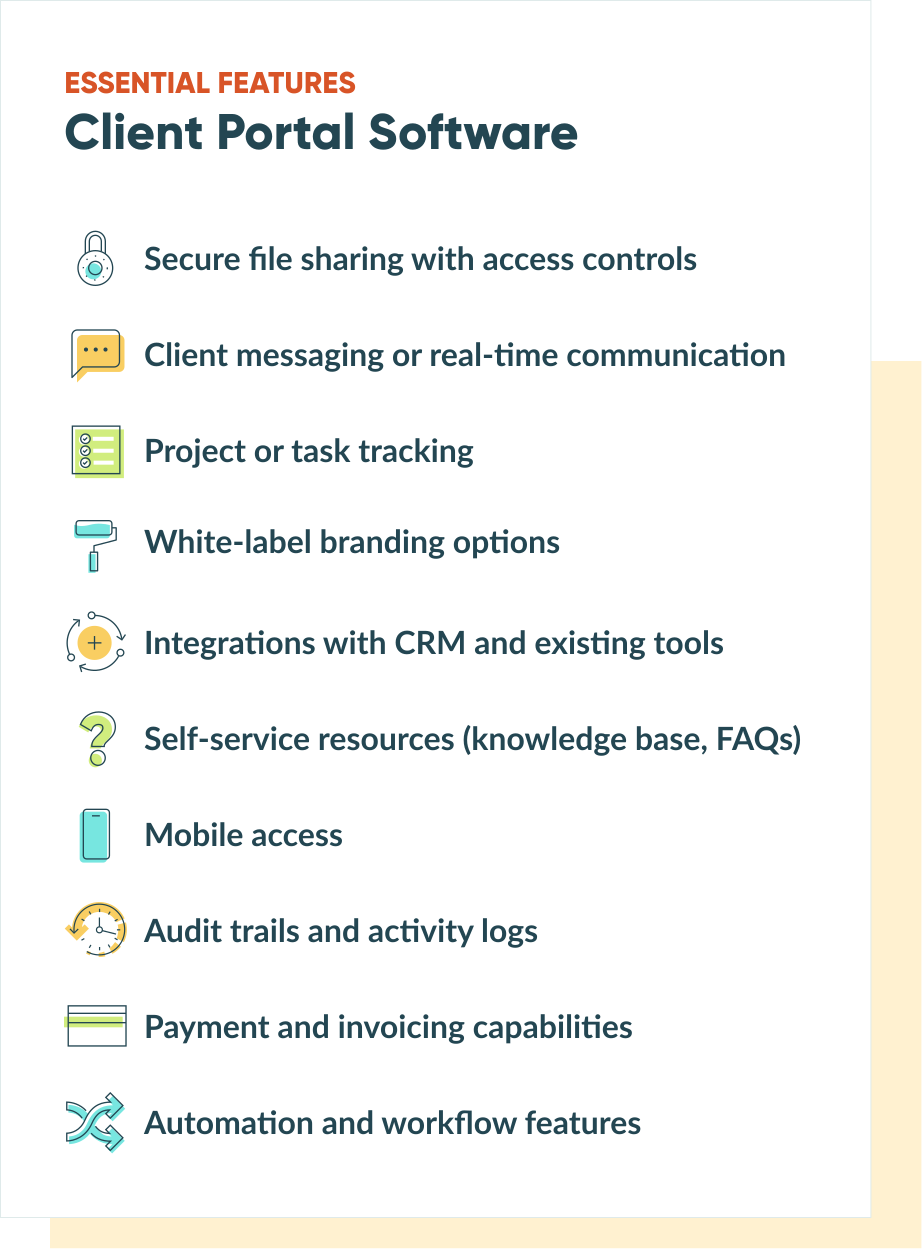
Client portal software offers essential features that improve organization, client independence, and data management.
-
Security features
Encryption, two-factor authentication, and role-based permissions protect sensitive data. Healthcare and legal firms need HIPAA compliance and audit trails, while other businesses may only need basic secure file sharing. -
File sharing and doc management
Version control, bulk uploads, and activity tracking help manage client documents. Activity logs show when clients download files, which brings insights into follow-up timing. -
Communication tools
Built-in messaging keeps conversations tied to specific projects instead of scattered across email. This creates easy-to-reference points of contact and the ability to search for a specific conversation within the tool. -
Project and task tracking
Clients see project status, completed milestones, and required actions without needing status update emails. Progress indicators keep everyone aligned on timelines — increasing accountability for project completion. -
White-label branding
Custom logos, colors, and domains make portals feel like a true extension of your business. This builds rapport and creates a professional experience for your client. -
Payment and invoicing
Integrated billing lets clients view invoices and make payments in one place. -
Self-service resources
Knowledge bases and FAQs let clients find answers independently, reducing repetitive support questions. Ticketing systems help track complex requests. -
Mobile access
Mobile-responsive design and accessibility ensure clients upload documents, review materials, and receive notifications from any device. -
Integrations
Connections to your CRM, accounting software, or project tools prevent data silos and eliminate duplicate entry across platforms. -
Automation capabilities
Automated notifications alert clients when documents need signatures or when deliverables are ready. Giving businesses the opportunity to scale as their client base grows.

Types of Client Portals
You’ve noticed variations across platforms mainly because different types of client software exist. As doctors specialize in a medical field, certain customer portal platforms specialize in specific areas.
Document portal (secure file exchange)
The document portal will be your go-to for security and, depending on your industry, a place where clients and teams can collaborate on documents together. Most document portals target industries that handle large volumes of documents and files, such as contracts, tax documents, and other important records. Security is key for these platforms.
Project portal (tasks, updates, approvals)
A project portal focuses on providing a seamless collaboration experience for the client and team. With workflows, project approvals, proposals, and messaging features, this type of client portal is designed for high visibility and workflow.
Support portal (tickets + help center)
Support portals are platforms where businesses offer assistance to their clients. They often show ticket statuses to both clients and support staff and include knowledge bases. These resources help clients find answers in help documentation when immediate support isn’t available.
Billing portal (invoices + payments)
Billing portals allow teams and organizations to house current invoices, contracts, and payments for themselves and their clients.
All-in-one (mix of the above)
All-in-one client portal software is simple to use. It integrates features such as document storage, project management, support, and knowledge bases on a single platform. Businesses can customize it to include billing capabilities, making it ideal for teams that prefer a comprehensive solution over specialized portals. This approach provides a versatile, all-in-one tool that performs each function effectively.
DIY (offers a client portal in addition to other functions)
DIY solutions to create client portal software offer the benefits of a client portal, while at the same time offering other powerful features they’re known for on their platform. Client portal-specific software does it well and is ready to go most of the time. The benefits of a DIY solution often include pricing, customization, and a platform with strong suites in other areas of software as well.
Costs and Pricing for Client Portal Software
When selecting client portal software, pricing is a key factor to compare options. Most portals aren’t priced on a simple monthly rate; instead, costs depend mainly on who needs access and what functions the portal must support.
User-based pricing
Often, the assumption is “we have 5 employees, so we pay for 5 users.” But with client portals, costs can vary by vendor for external and guest access. Depending on the platform, you might pay for internal users, client accounts, client users, guests with view access, or support agents. Since two tools might seem similar in features, it’s essential to consider your specific usage needs to estimate costs accurately.
Features and tiers
Consider the features and capabilities you want in your portal and how they impact pricing:
-
File-sharing portals typically increase in cost with more storage, permissions, and security.
-
Intake and workflow portals often scale with the volume of client activity, such as submissions, approvals, and automations.
-
All-in-one portals tend to cost more when adding messaging, tasks, billing, or branding options.
-
Support portals usually scale by agent seats and may include charges for advanced routing, automation, analytics, AI, or multiple brands.
-
Security and compliance features like HIPAA, SSO, and audit logs are often included in higher-tier plans across different portal providers.
Knowing this, you’re one step ahead of pricing and less likely to be surprised by costs once you start using your portal software.
How to Choose the Best Client Portal Software for Your Team
Selecting the right client portal begins with understanding your specific needs and workflow. Here are some helpful tips on how to narrow down your options:
Start with your primary use case.
What’s the main problem you’re solving? If it’s a secure document exchange with strict compliance requirements, prioritize a product that supports those measures. If you’re managing end-to-end projects with approvals, lean towards project or DIY portals that simplify processes and bring visibility. For teams or businesses juggling invoicing, billing, communication, projects, and more, an all-in-one solution makes more sense.
Consider your technical resources.
Do you or your team have time to install portal software, or would you prefer something that works “off-the-shelf?” All-in-one and specialized portals require minimal setup and ongoing maintenance, whereas DIY options offer greater flexibility but require more initial setup time.
Evaluate your client’s experience.
Think about your client. How tech-savvy they are. Will they struggle with complex interfaces? Platforms that elevate client-facing processes, like billing, and offer all-in-one portals are known for intuitive client experiences—making it easy to engage, no matter where they are in their tech experience. More feature-rich options might overwhelm less technical users or require some instruction to navigate effectively.
Test before committing.
This is probably already on your mind, but make the most of free trials. Most platforms offer 7-14-day trials. Use this period to evaluate the client experience and the user and admin interfaces. Invite a trusted colleague or team member to provide honest feedback and insights.
Consider business growth.
This involves evaluating cost and pricing adjustments, as well as the platform’s ability to scale workflow automations and key capabilities. If your team is currently three members but aims to grow to 10 or 15, review the pricing changes and ensure the platform can handle higher client volumes and workflows without performance issues.
Build Your Custom Portal with Cognito Forms
With so many options available, choosing the right client portal comes down to understanding your specific needs. Do you need the security and compliance of a document portal, or the workflow capabilities of a project portal? Payment features of billing portals? Or perhaps all three?
If you’re looking for flexibility without compromising on power, Cognito Forms offers a DIY approach that lets you build exactly what your business needs—without paying for features you won’t use.
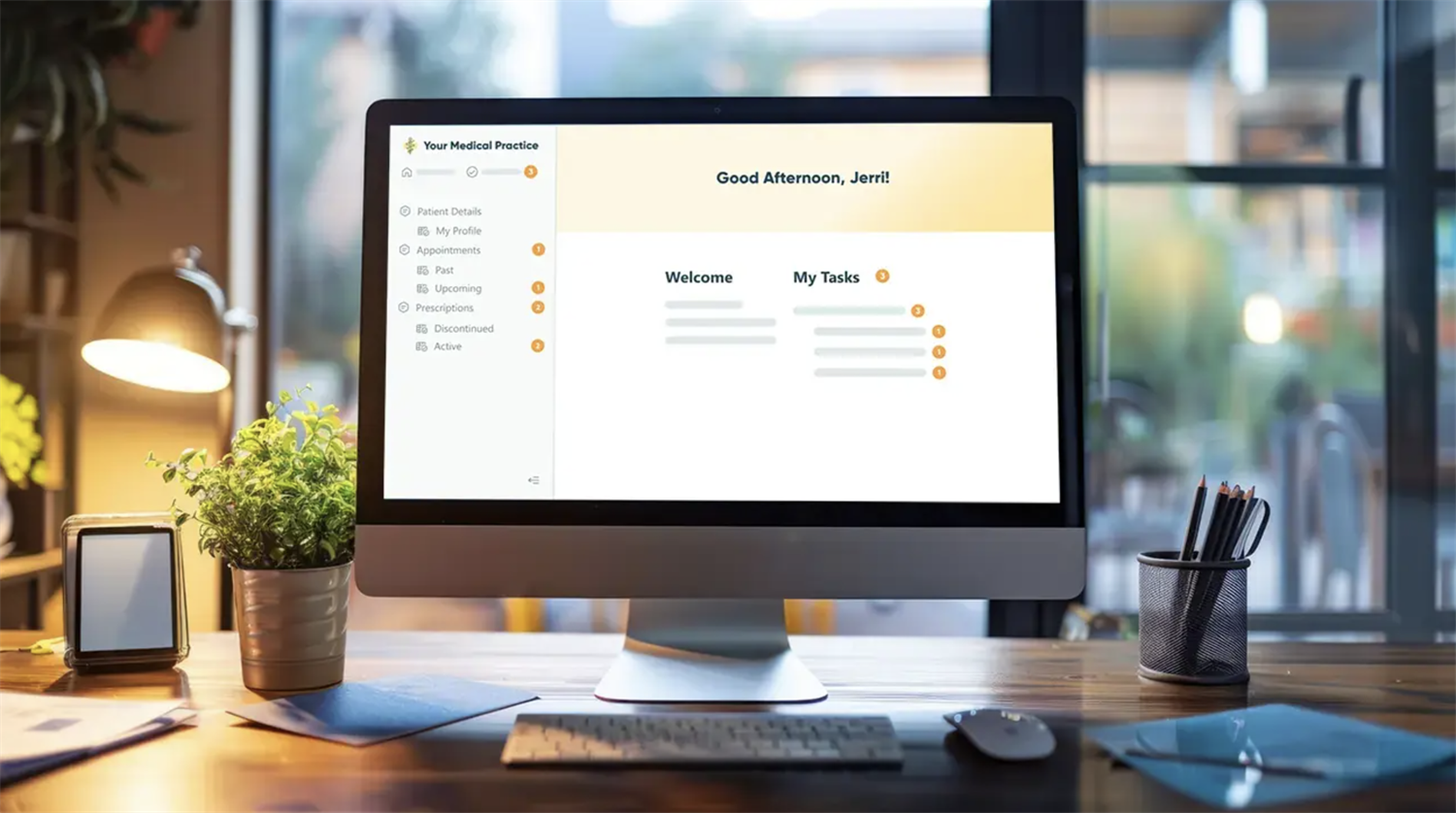
Cognito Forms gives you the building blocks to create a portal tailored to your workflows. You get enterprise-grade security, professional branding, document uploads, e-signatures, automated workflows and tasks, and 24/7 secure client access–all configurable in hours, not weeks.
Ready to build your ideal client portal? Start with our Cognito Forms 14-day free trial.
FAQ
Client portal software is a secure online platform that provides clients with personalized access to files, project updates, invoices, and communication tools in one centralized location. It replaces scattered emails and shared drives with a branded, self-service hub.
Essential features include secure file sharing, messaging or communication tools, project/task tracking, white-label branding, integrations with existing tools, self-service resources, mobile access, and activity logging.
Pricing ranges from free plans with limited features to $100–$600/month for full-featured solutions. Most platforms charge per user, per client, or offer flat-rate tiers. Expect to pay $20–$50/user/month for mid-tier options.
Unlike email threads or shared folders, a client portal offers secure access controls, activity tracking, self-service resources, and a branded experience. It centralizes all client interactions in one organized location rather than scattering them across inboxes and folders.
Client portals are ideal for agencies, consultants, accountants, law firms, healthcare providers, and any service business managing ongoing client relationships, sensitive documents, or complex projects with multiple stakeholders.

Miranda Peterson
Miranda is a Marketing Specialist at Cognito Forms who loves turning complex ideas into content that’s clear, helpful, and human. Outside of work, you can find Miranda enjoying local coffee shops, spending time in nature with her husband and two children, reading on her Kindle, or cooking for a group of friends.