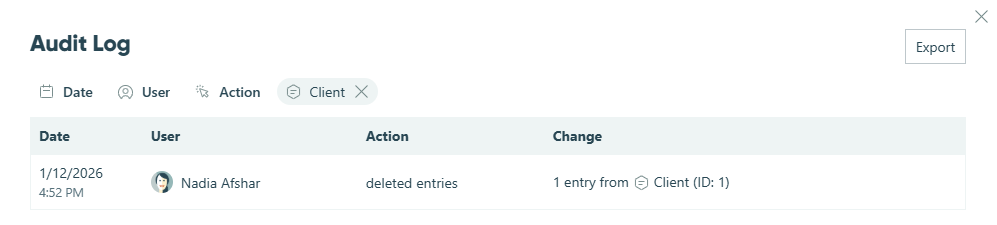
To identify who deleted an entry, check your organization’s audit log. Go to the Usage section in your organization settings and select Audit Log. Use the filters to narrow down to entry deletion events – you can filter by date range and event type. The audit log will show you which user deleted the entry, along with the timestamp and the form it was deleted from.
Note that only organization owners have access to view the audit log. If you need this information but don’t have owner access, you’ll need to ask an owner to look it up for you.
Learn more about using the organization audit log.