
Client work gets messy when files, feedback, and next steps are all somewhere different. A client portal gives that work one place to go.
Picture this: the intake form is in one email, the uploaded file is in another, and the payment link is buried in a thread from last week. Meanwhile, your team is answering the same question again: “Where do I find that?”
For service businesses, that kind of follow-up adds up fast.
A client portal gives clients a shared place to move work forward. Instead of sorting through emails, links, folders, and reminders, clients can see what they need to do and your team can see what’s already been done.
In this guide, we’ll compare client portal software for common service-business workflows, including intake, document collection, client dashboards, scheduling, and secure file sharing.
What Is Client Portal Software?
Client portal software gives clients a secure place to work with your business online. Depending on the tool, that might include forms, files, messages, payments, approvals, saved submissions, or project updates.
The important part is that clients don’t have to guess where to go next. A good portal shows them what your team needs, where things stand, and what still needs to happen.
That’s what separates a portal from a shared folder. A folder can hold files. A portal can guide the client through your specific business process.
For example, a bookkeeping firm might use a portal to collect monthly statements. A consultant might use one to gather onboarding information. A contractor might use one to manage service requests, photos, approvals, and payments.
In each case, the portal works best when it replaces scattered follow-up with one clear path.
What Service Businesses Actually Need From a Client Portal
Client work rarely happens in one step. Before a project, appointment, or request can move forward, clients may need to answer questions, send files, approve details, or check what comes next.
A good client portal gives them one secure place to do that work.
For many service businesses, the most useful portals help clients:
- Share the information your team needs
- Complete tasks without emailing back and forth
- See what they’ve already submitted
- Know what still needs to happen
- Return to the same secure place as the work moves forward
The best fit depends on the client task you want to simplify.
Best Client Portal Software for Service Businesses
With that in mind, let’s compare the best tools for service business client portals.
| Software | Workflow category | Best for |
|---|---|---|
| Cognito Forms | Form-first portal | Client intake, file uploads, payments, approvals, and progress tracking |
| Content Snare | Document collection | Collecting client information, files, and follow-up requests |
| TaxDome | Industry-specific portal | Accounting, bookkeeping, and tax firms with document-heavy workflows |
| Ahsuite | Client dashboard | Agencies, freelancers, and consultants sharing reports, links, and resources |
| Hubflo | Service-business work OS | Teams that want portals, CRM, billing, projects, and client communication together |
| SuperOkay | Agency portal | Creative teams sharing assets, documents, project links, and client resources |
| SmartVault | Secure document portal | Professional services firms that need secure file storage and sharing |
| Bonsai | Freelancer business hub | Solo consultants managing proposals, contracts, invoices, and scheduling |
| vcita | Scheduling and CRM portal | Appointment-based businesses that need booking, payments, and client communication |
Ratings are based on G2’s ratings at the time of publishing.
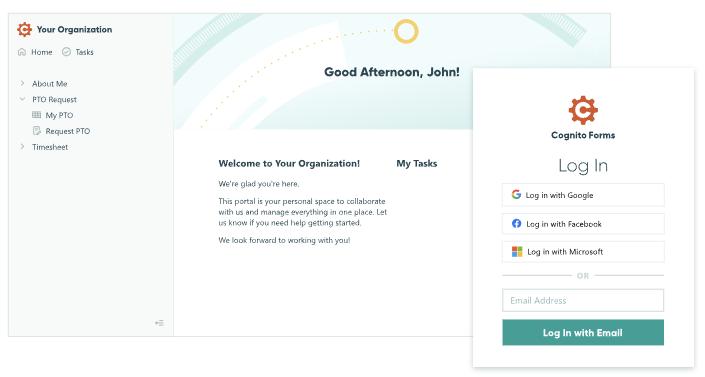
Cognito Forms
Best for form-driven client workflows
Cognito Forms is a strong fit when clients need to submit information, upload files, make payments, track progress, or update information.
Key Features
- Client intake forms
- Secure file uploads
- Saved progress on longer forms
- Review and approval workflows
- Payment forms
- Client-specific access to previous submissions
- Supports custom client workflows without custom development
- Works well for forms, files, approvals, Payments, and status tracking
- Helps small teams reduce manual follow-ups and repeated data collection
Pros
- Not a full CRM, accounting system, or project management platform
- May not be the right fit if you want a ready-made portal instead of customizing one around your workflow
Cons
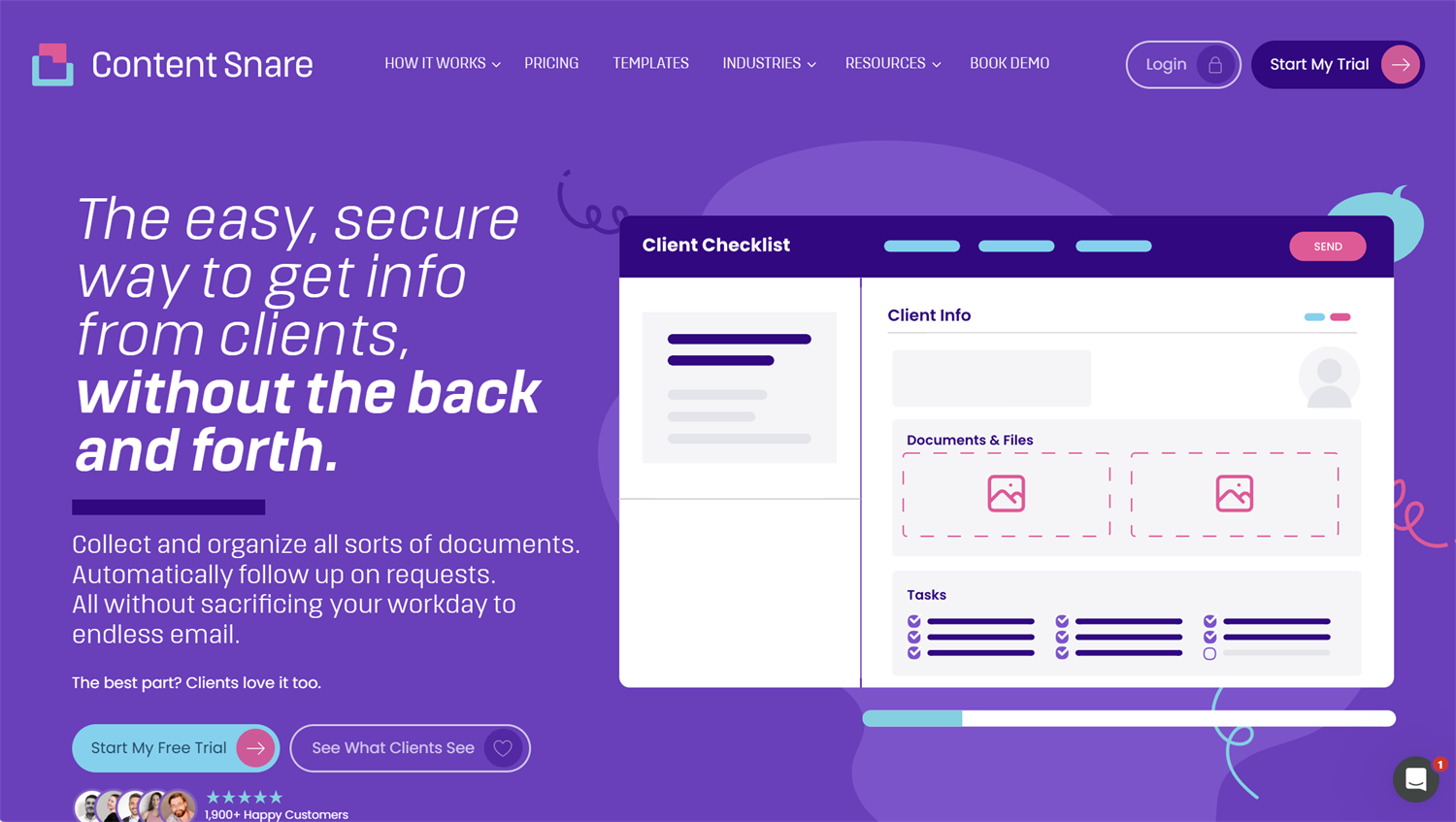
Content Snare
Best for collecting client information and documents
Content Snare helps teams request, collect, and organize client information without relying on long email threads.
Key Features
- Client document requests
- Structured information collection
- Automatic reminders
- Client onboarding checklists
- File collection workflows
- Helps teams stop chasing clients for missing files and information
- Good fit for repeatable document request workflows
- Useful for agencies, accountants, legal teams, and finance teams
Pros
- More focused on client requests than full portal management
- May not be enough if you also need payments, detailed status tracking, or broader client history
Cons
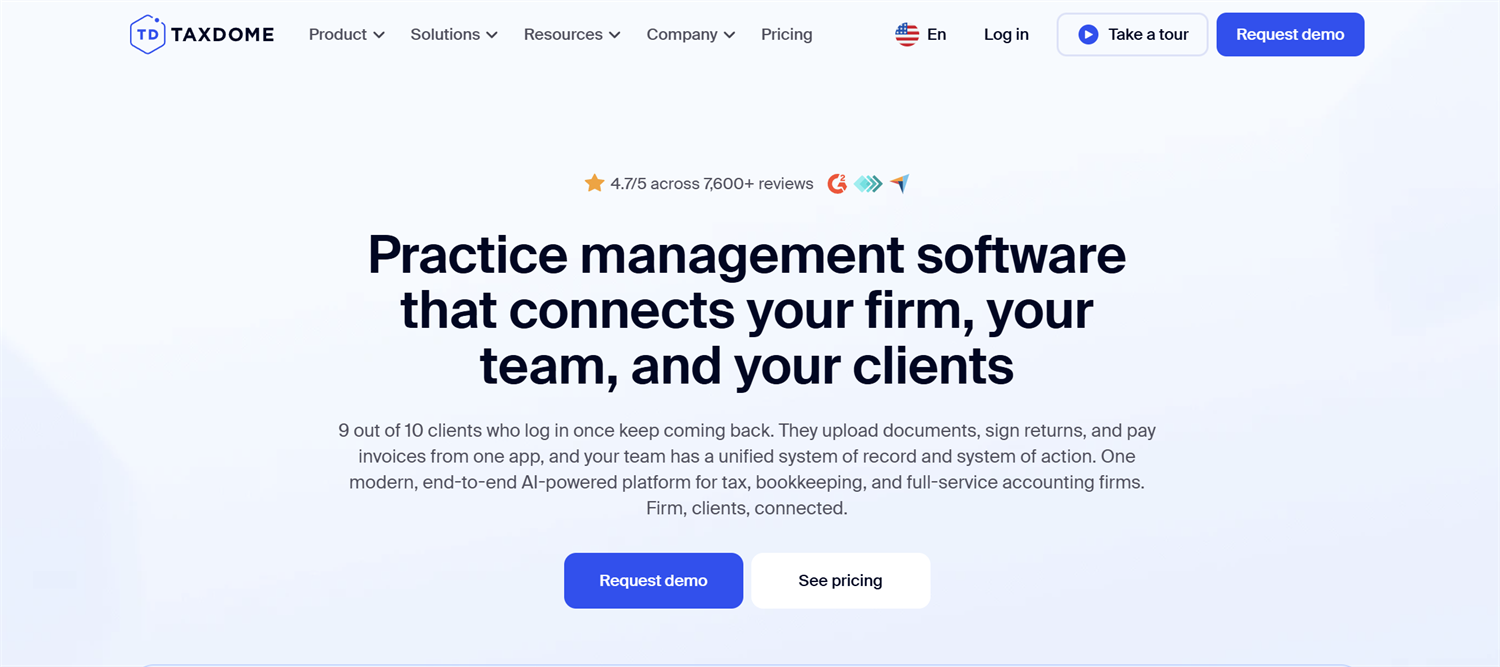
TaxDome
Best for accounting, bookkeeping, and tax firms
TaxDome is built for accounting, bookkeeping, and tax firms that need client communication, document management, e-signatures, billing, and workflow automation in one place.
Key Features
- Tax document collection
- Secure client messaging
- E-signatures
- Billing
- Firm workflow automation
- Built specifically for accounting, bookkeeping, and tax workflows
- Combines client portal features with firm operations tools
- Helpful for document-heavy, deadline-driven client work
Pros
- Likely too specific for service businesses outside accounting and finance
- May include more firm-management features than smaller teams need
Cons
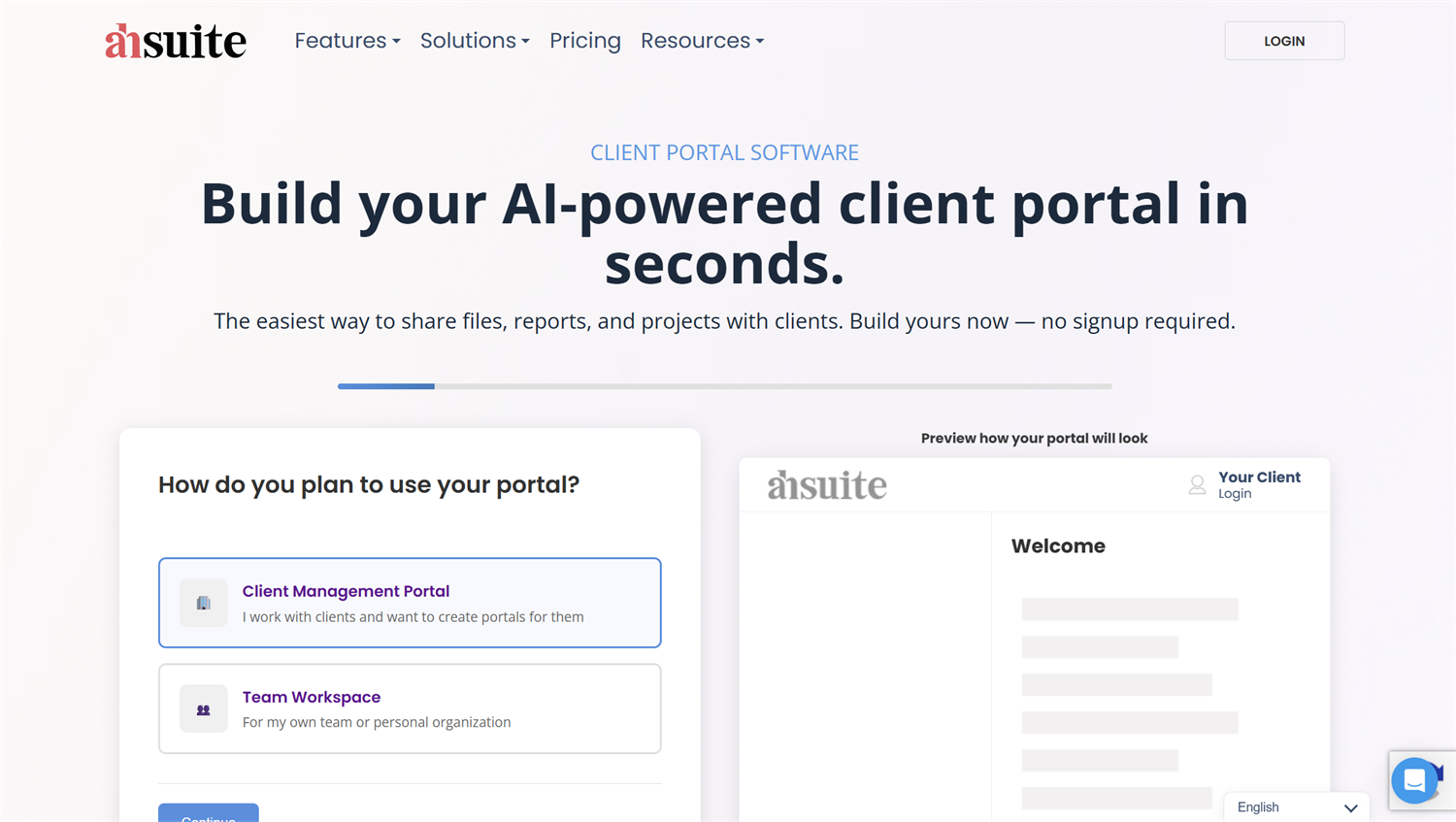
Ahsuite
Best for lightweight client dashboards
Ahsuite helps service providers organize client-facing information, such as dashboards, reports, tutorials, files, links, and embedded tools.
Key Features
- Client dashboards
- Reports and project links
- Embedded resources
- File sharing
- Client handoff materials
- Gives clients one place to access reports, files, links, and resources
- Works well for agencies, freelancers, and consultants
- Lightweight compared with larger project management systems
Pros
- Less suited for complex forms, approvals, or payment workflows
- Better for organizing resources than managing every step of a client process
Cons
Hubflo
Best for service-business client portal and work OS
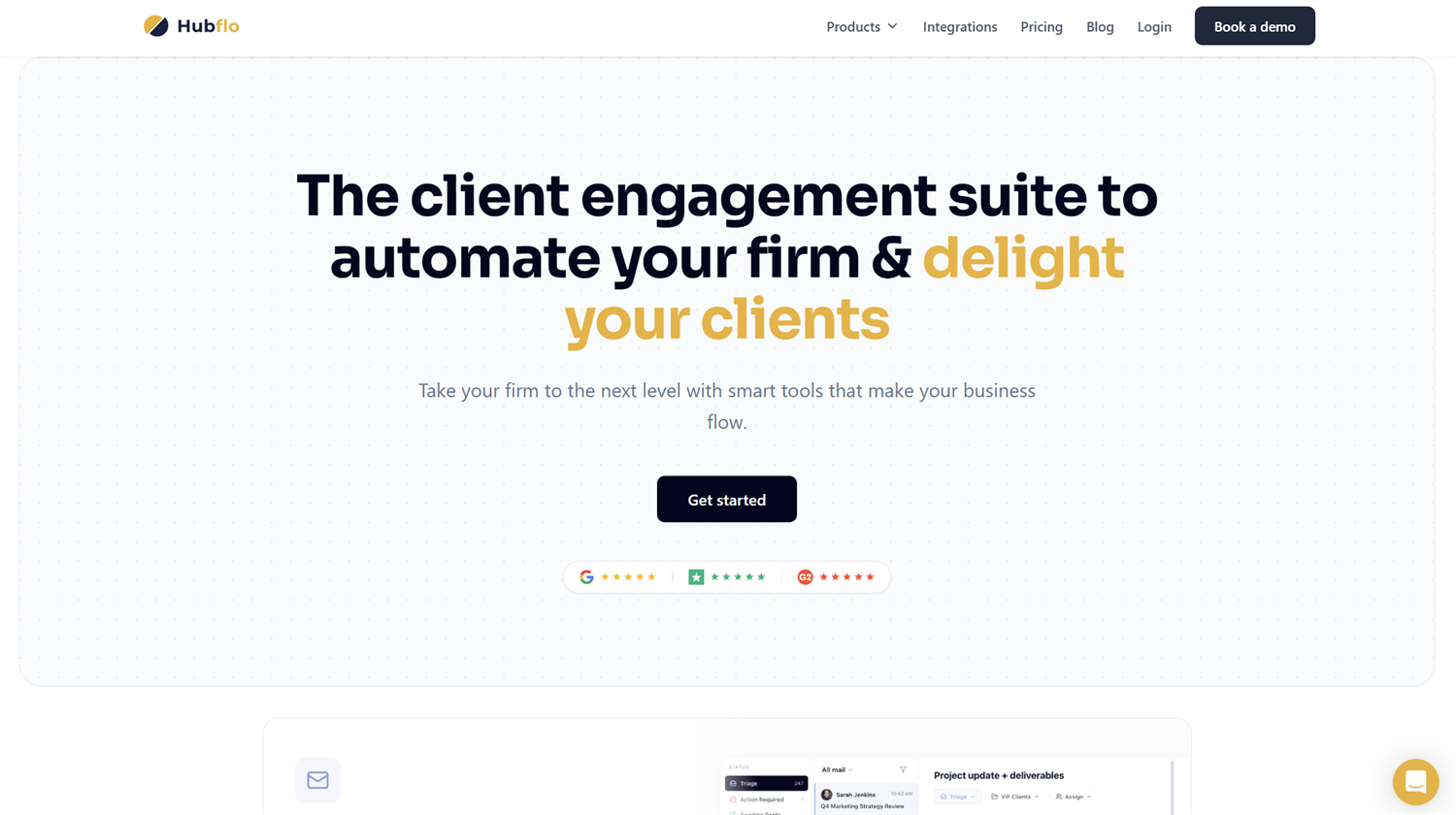
Hubflo is built for service businesses that want a branded client portal connected to internal operations.
Key Features
- Branded client portals
- Client messaging and files
- Tasks and projects
- Proposals and billing
- CRM-connected workflows
- Combines client-facing portal tools with internal operations features
- Good fit for service businesses that want one system for clients, projects, and billing
- Designed around service-business workflows
Pros
- Has a smaller review footprint than more established platforms
- Teams should test the workflow carefully before moving core operations into it
Cons
SuperOkay
Best for creative agencies and freelancers
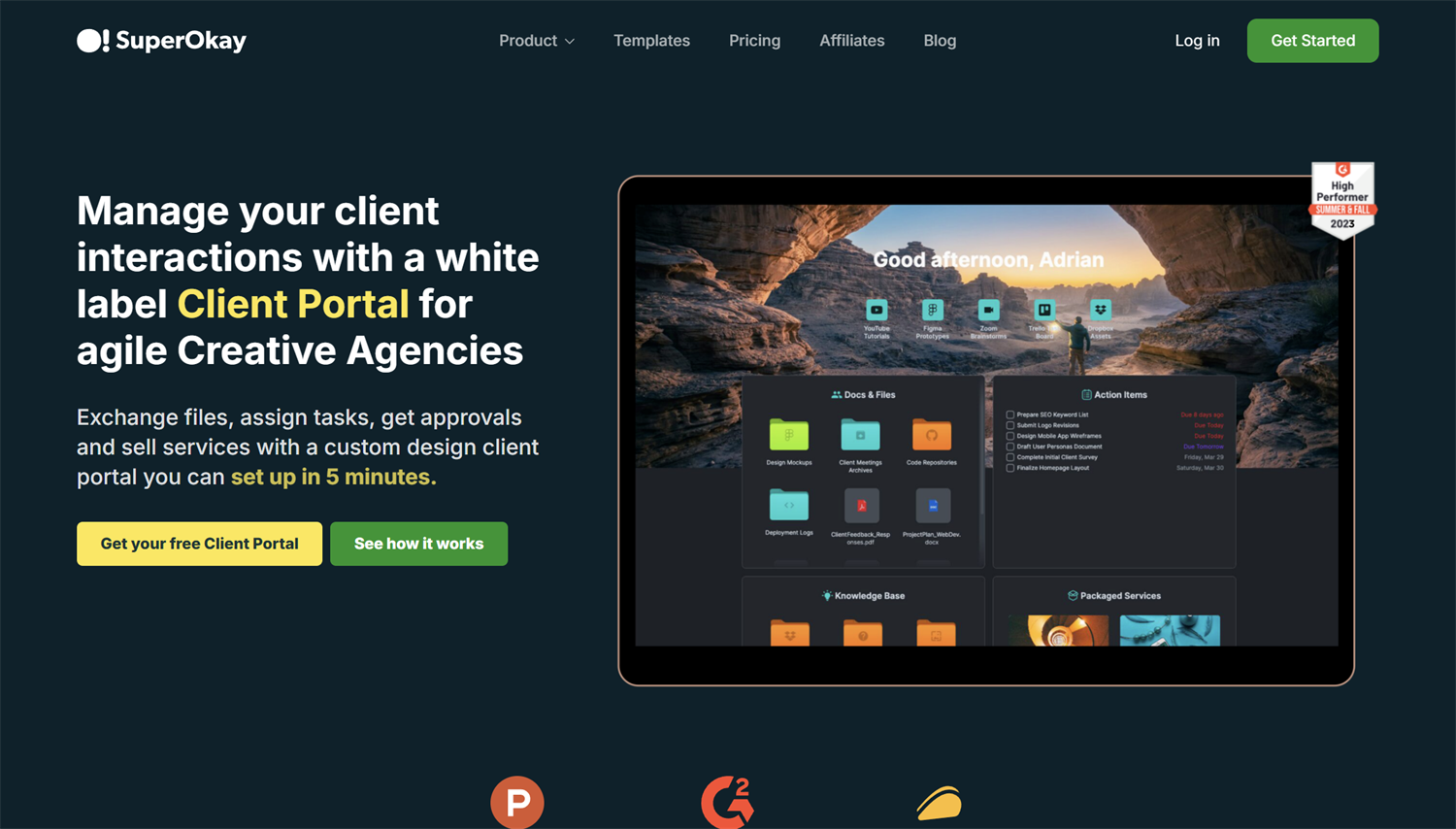
SuperOkay gives agencies, freelancers, and service providers a white-labeled dashboard for project information, documents, files, apps, and assets.
Key Features
- Branded client dashboards
- Project resources
- Client-facing documents
- File and asset sharing
- White-labeled client workspace
- Creates a polished client-facing experience for agencies and freelancers
- Good for organizing project resources, assets, files, and links
- Helpful when presentation and client handoff matter
Pros
- Less focused on structured intake, complex document collection, or compliance-heavy workflows
- May not be the right fit for teams that need forms, approvals, and payments in one workflow
Cons
SmartVault
Best for: Secure document-heavy professional services
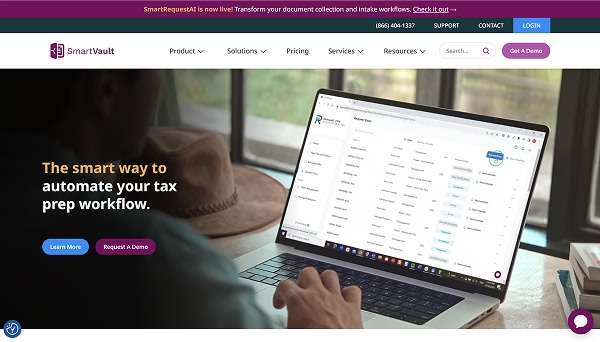
SmartVault focuses on secure file sharing, document storage, and client document requests for accounting, finance, and professional services teams.
Key Features
- Secure file sharing
- Client document requests
- Document storage
- Accounting and finance workflows
- Client portal access
- Strong fit for firms that handle sensitive client documents
- Good for secure file storage, sharing, and document requests
- Useful for accounting, finance, and professional services teams
Pros
- More document-focused than workflow-focused
- Less flexible for custom forms, approvals, progress tracking, and payments
Cons
Bonsai
Best for: Solo consultants and freelancers
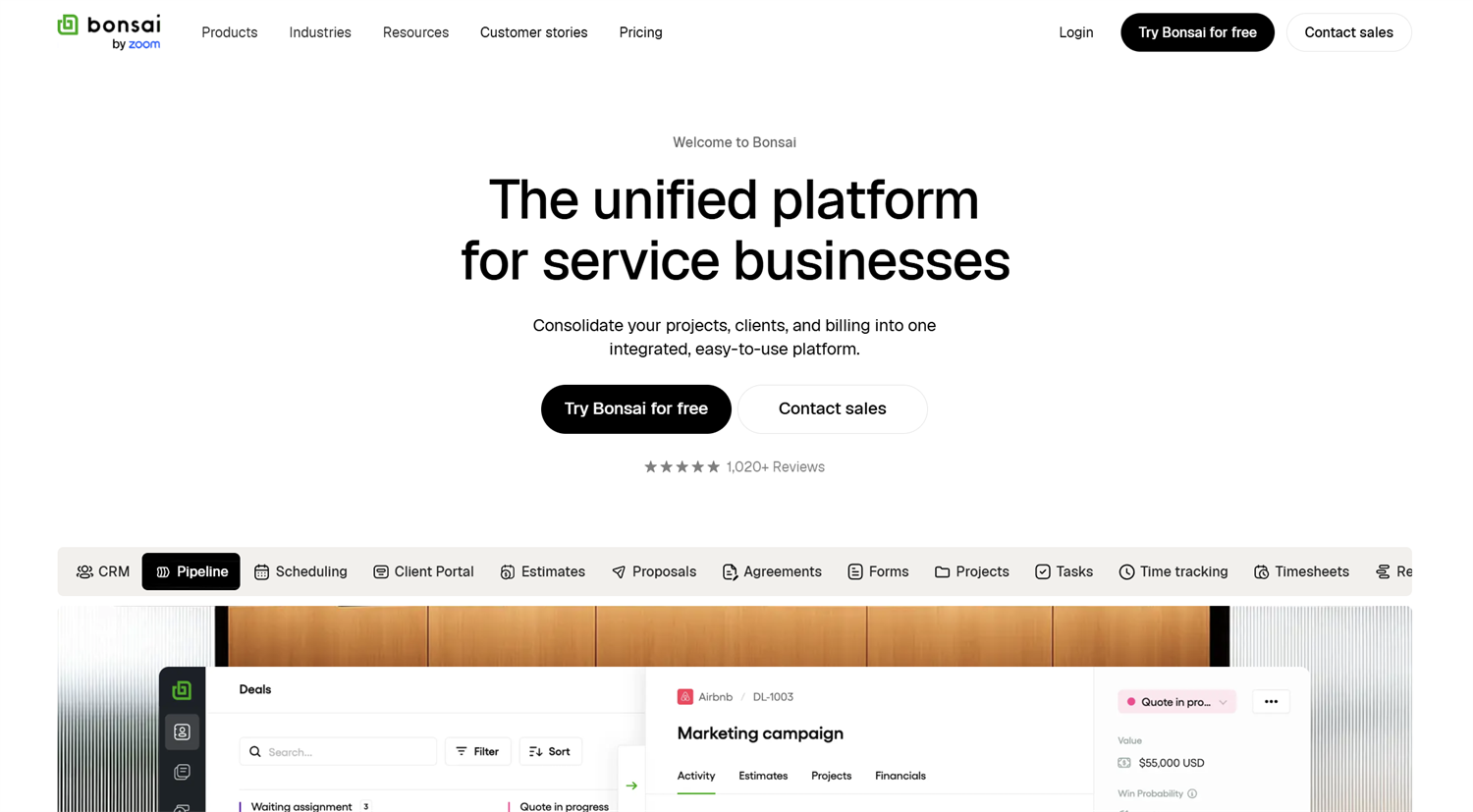
Bonsai is less of a traditional client portal and more of a business hub for independent professionals. It includes client-facing tools for proposals, contracts, invoices, scheduling, forms, and project communication.
Key Features
- Proposals
- Contracts
- Invoicing
- Scheduling
- Client admin tools
- Helps solo service providers manage proposals, contracts, invoices, and scheduling in one place
- Can reduce the number of separate tools freelancers need
- Good fit for consultants and independent professionals
Pros
- Less suited for larger teams or complex client workflows
- Not the strongest option for custom portals, detailed permissions, or structured data collection
Cons
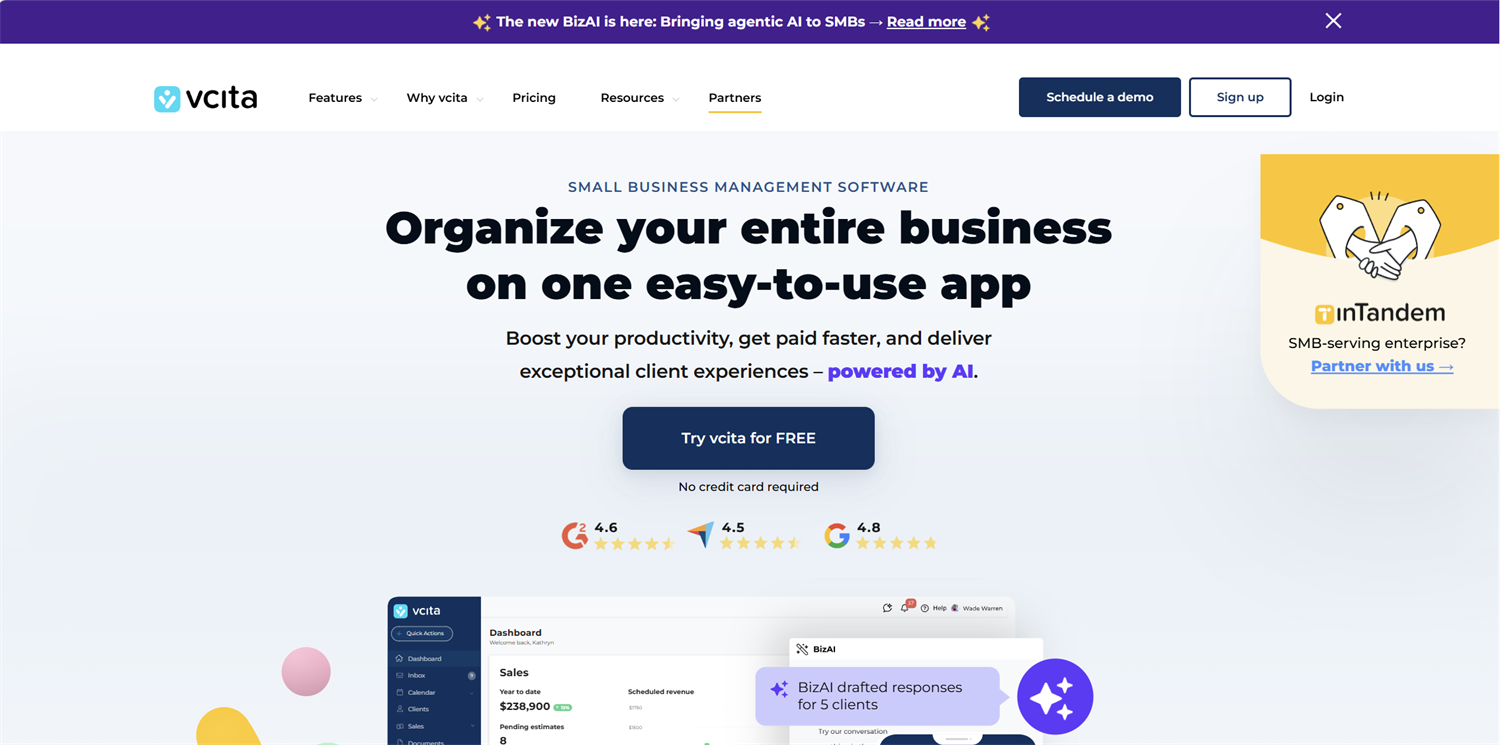
vcita
Best for: Appointment-based service businesses
vcita helps small service businesses manage scheduling, client communication, payments, invoices, and simple CRM workflows.
Key Features
- Online booking
- Appointment reminders
- Client payments
- Invoicing
- Simple CRM
- Good fit when booking drives the client experience
- Combines scheduling, payments, invoicing, and client communication
- Useful for coaching, wellness, consulting, and local service businesses
Pros
- More scheduling-focused than portal-first
- May not be the best fit for structured forms, file uploads, or complex intake workflows
Cons
Client Portal Use Cases for Different Service Businesses
After reviewing the options, the pattern is clear: the “best” client portal depends on the client work you’re trying to clean up. A tool built for tax firms may be excellent for accountants and irrelevant for a design agency. A simple form-first portal may save a small consulting team more time than a large all-in-one platform.
Consultants and agencies often need a portal that keeps projects moving without constant check-ins.
Useful portal workflows include:
- Intake questionnaires
- Proposal approvals
- File and asset collection
- Project status updates
- Feedback forms
- Client dashboards with reports or links
For this group, the right tool depends on whether the work starts with structured intake, ongoing collaboration, or client-facing reports.
Accounting and bookkeeping firms usually need portals that make document collection easier and more secure.
Useful portal workflows include:
- Monthly document requests
- Tax organizer forms
- Secure file uploads
- Client checklists
- E-signatures
- Status updates for tax prep or monthly close
Tools like TaxDome and SmartVault are built for this world. A form-first portal can also work when the firm needs custom intake, onboarding, or checklist workflows.
Legal teams often collect sensitive information and need clients to complete detailed intake steps.
Useful portal workflows include:
- Matter intake forms
- Secure document uploads
- Client-specific instructions
- Follow-up questionnaires
- Status updates
- Payment or retainer forms
The main priority is giving clients a clear, secure way to send information without scattering it across email.
Contractors and home service businesses need portals that help clients request work, share details, and approve next steps.
Useful portal workflows include:
- Service request forms
- Quote approvals
- Photo uploads
- Project updates
- Permit or document collection
- Deposit or payment forms
For these teams, a simple portal that handles forms, files, updates, and payments may be more useful than a broad project management system.
Healthcare-adjacent and wellness teams often need repeat client forms and follow-ups.
Useful portal workflows include:
- Intake forms
- Consent forms
- Progress questionnaires
- Appointment follow-ups
- Document uploads
- Client history
These workflows usually benefit from saved progress, secure access, and forms that clients can complete on their own time.
Once you know which workflow matters most, the next step is avoiding software that creates more work than it solves.
Want to see what a client portal could look like? Start with a customizable Cognito Forms client portal template and adapt it to your workflow.
How to Choose the Right Client Portal for Your Workflow
The easiest way to choose a client portal is to start with the client’s next step.
Do clients need to fill out a form? Upload documents? Check project updates? Book an appointment? Approve next steps?
It helps to take inventory before you compare tools. Some all-in-one portals come with features you may not need, which can add cost and complexity without solving the tasks that slow your team down most.
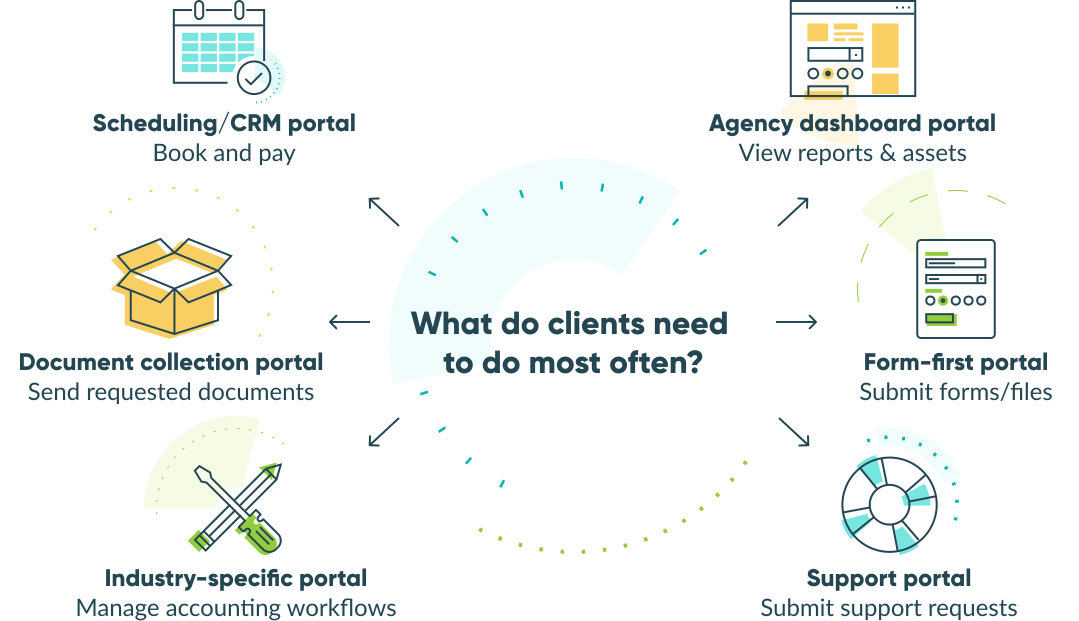
Use your actual client workflow as a litmus test for the type of client portal software you need. For example:
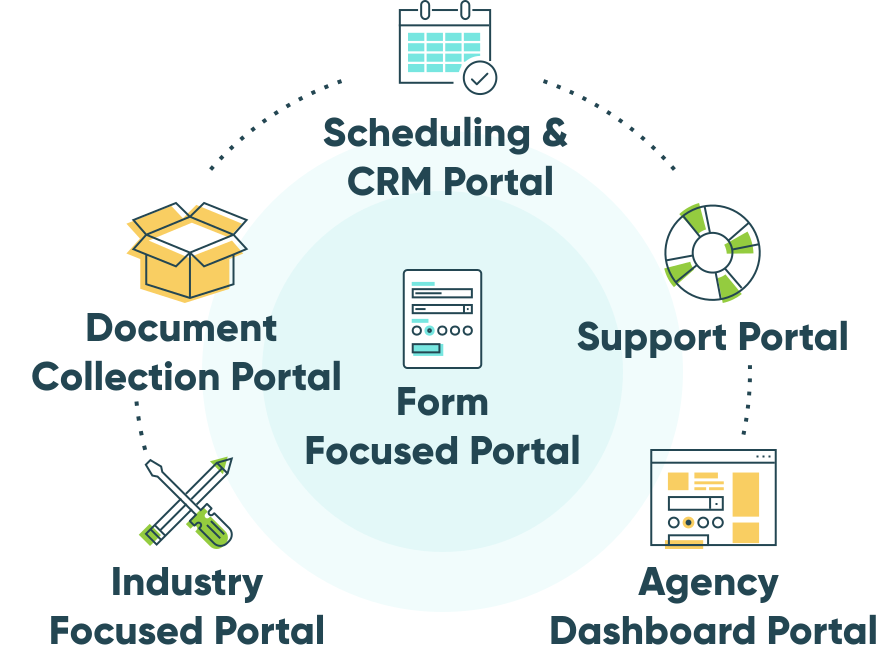
- Forms, uploads, or progress tracking → form-first portal
- Repeated document requests → document collection tool
- Appointments and payments → scheduling or CRM tool
- Reports, assets, and project links → client dashboard tool
- Client work plus internal operations → service-business work OS
The right portal should make each step easier for clients and reduce follow-up work for your team.
Common Mistakes to Avoid When Choosing Client Portal Software
Choose the process first. Then choose the software. These mistakes can turn a helpful portal into more work.
Choosing the tool with the longest feature list
More features do not automatically mean less work. Start with the client handoff that causes the most delays, then choose the simplest tool that can handle it well and scale.
Treating a shared folder like a portal
A shared folder stores files. A portal should show clients what you need, what they’ve already done, and what happens next.
Ignoring client adoption
If the portal is harder than email, clients will keep emailing. Make the first workflow obvious, useful, and easy to complete.
Buying more software than you need
All-in-one tools can help when you’re ready to manage more of your business in one place. But if your main issue is intake, uploads, or status updates, a focused tool may save time faster.
Forgetting internal ownership
Someone needs to maintain the portal. That includes updating forms, checking notifications, managing access, reviewing submissions, and improving the workflow over time.
Launching too much at once
Start with one high-friction process, such as client intake, document collection, or status updates. Once that process works, expand from there.
Build a Client Portal Around the Work Your Clients Actually Need to Do
The best client portal is the one that fits the way your clients already work with you.
For some service businesses, that means an accounting-specific portal. For others, it means a dashboard, scheduling tool, or document request platform. And for many teams, it means a secure place for clients to complete each step without extra follow-up.
Cognito Forms helps you turn those steps into a client portal your team can manage without custom development.
Frequently Asked Questions
The best client portal software depends on what your clients need to do. Cognito Forms is a strong fit for forms, file uploads, payments, approvals, and status tracking.
Maybe. Email and shared folders can work for simple file sharing, but a portal helps clients complete tasks, send structured information, and check progress in one place.
Yes. No-code tools like Cognito Forms let you create client-facing workflows with forms, uploads, payments, approvals, saved progress, and portal access.

Miranda Peterson
Miranda is a Marketing Specialist at Cognito Forms who loves turning complex ideas into content that’s clear, helpful, and human. Outside of work, you can find Miranda enjoying local coffee shops, spending time in nature with her husband and two children, reading on her Kindle, or cooking for a group of friends.