User Guides
Detailed explanations of each Cognito Forms feature—what it does, how it works, and how to configure it effectively.
-
Building Forms
Use the builder. Set up notifications. Manage forms.
Learn How -
Style & Publish
Customize styles. Add logos and images. Embed forms.
Learn How -
Managing Entries
Create entry views. Import and export data. Share entries.
Learn How -
Workflow
Create actions. Manage entry statuses. Share role-based links.
Learn How -
Guest Access
Create secure, self-service portals for clients, members, patients, students, and more.
Learn How -
Collecting Payments
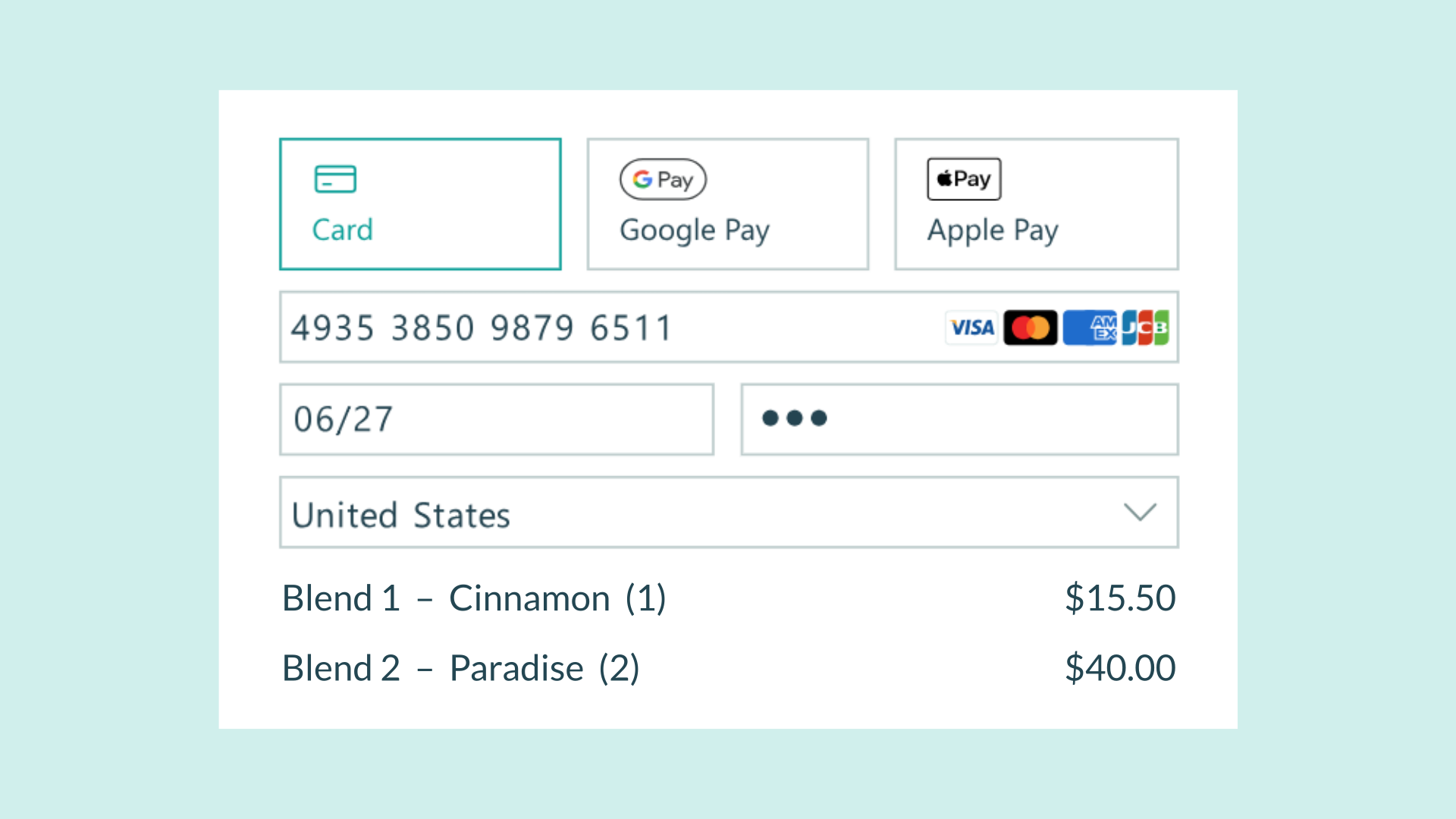
Connect payment accounts. Receive payments. Create coupon codes.
Learn How -
Calculations
Use conditional logic. Hide and show fields. Example calculations.
Learn How -
Data Integration
Create webhooks. Prefill fields. Integrate with third-party apps.
Learn How -
Document Generation
Generate PDF and Word documents from your form entry data.
Learn How -
Account & Organizations
Manage your profile. Adjust users, plans and billing.
Learn How
How-To Guides
Explore tutorials and step-by-step guides that help you get the most out of Cognito Forms.