
Not every form needs a prompt. The secret to fast form generation is knowing when to use AI, and when to just build it yourself.
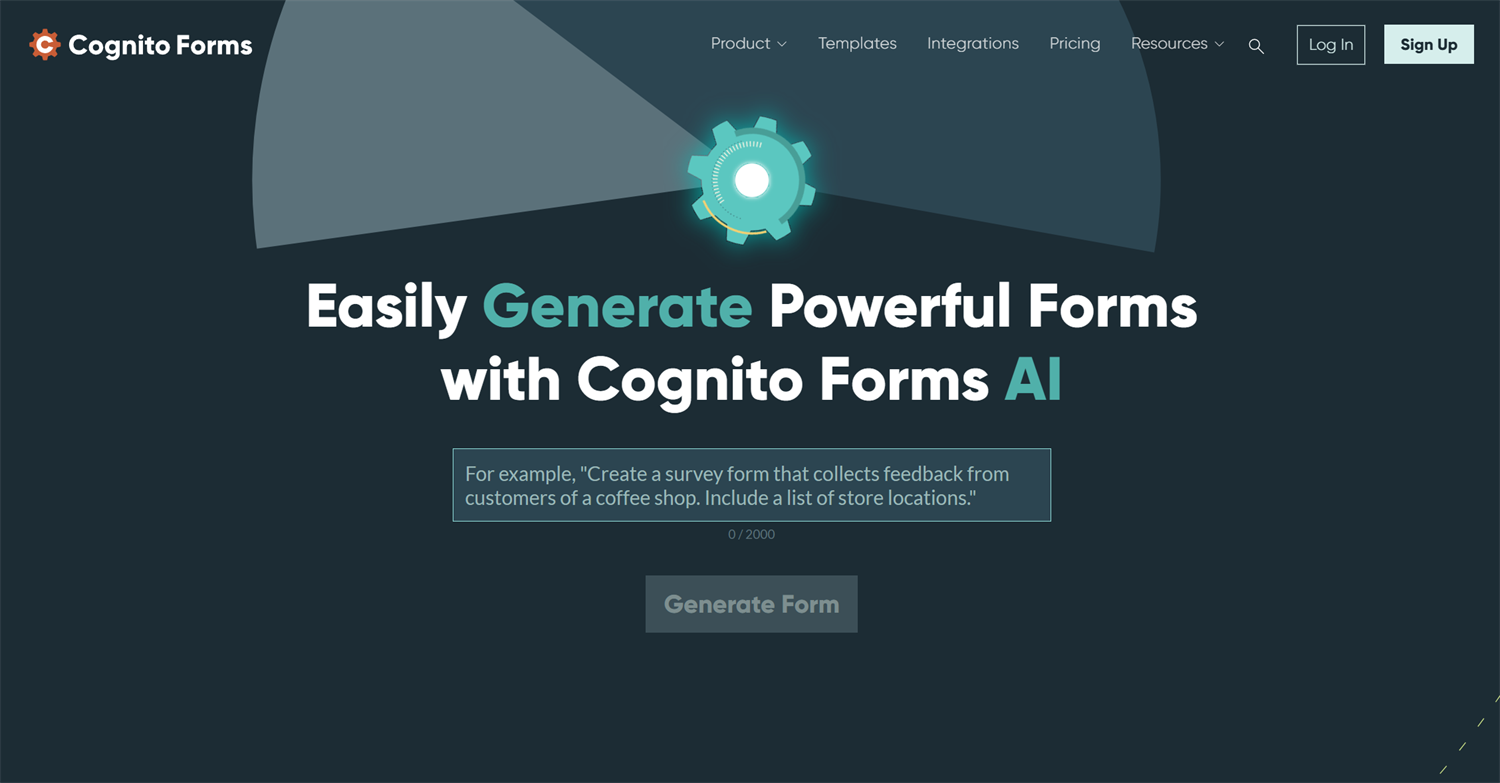
You land on a form builder’s website, and there it is: Create your form with AI.
You describe the form you want, click a button, and a draft appears with fields, sections, and sometimes even logic or workflow steps. Depending on the platform, the result can be seriously impressive.
But is AI form generation faster than manual setup?
It depends.
AI form generators are quick. In many cases, it can create a first draft faster than most people could build one by hand. But that does not mean every AI-generated form is ready to publish. Some drafts still need review, edits, and a few tweaks before they match the process behind the form.
Manual setup can also be faster in the right situation. If you already know exactly what fields, wording, logic, and settings you need, building the form yourself may take less time than prompting AI, reviewing the result, and adjusting the draft.
Let’s break down when AI saves time, when manual setup is the faster path, and how to use both to build better online forms.
When AI Form Generation Is Best
AI is best when you need momentum and speed.
Maybe you know what the form should accomplish, but you don’t know what questions to ask. Or you need a form with multiple sections but don’t know how to organize them. You could have an end product in mind, but you don’t know how to turn that process into fields, logic, or routing.
That’s where AI can save real time.
A strong AI form generator can take a plain-language idea and turn it into a useful first draft. Depending on the platform, that draft may include fields, labels, answer choices, sections, instructions, conditional logic, and workflow ideas.
AI is especially helpful when you need to get past the blank page. Instead of building each field one by one, you get something to react to. That alone can make form building feel easier.
| AI is best when… | Why it helps |
|---|---|
| You know the goal, but not the setup | Turns an idea into fields and sections |
| You’re starting from scratch | Skips the blank page |
| The form has multiple sections | Suggests structure |
| You need workflow ideas | Gives you a first path to review |
| You want a draft you can refine | Speeds up the starting point without locking you in |
How to use an AI form generator
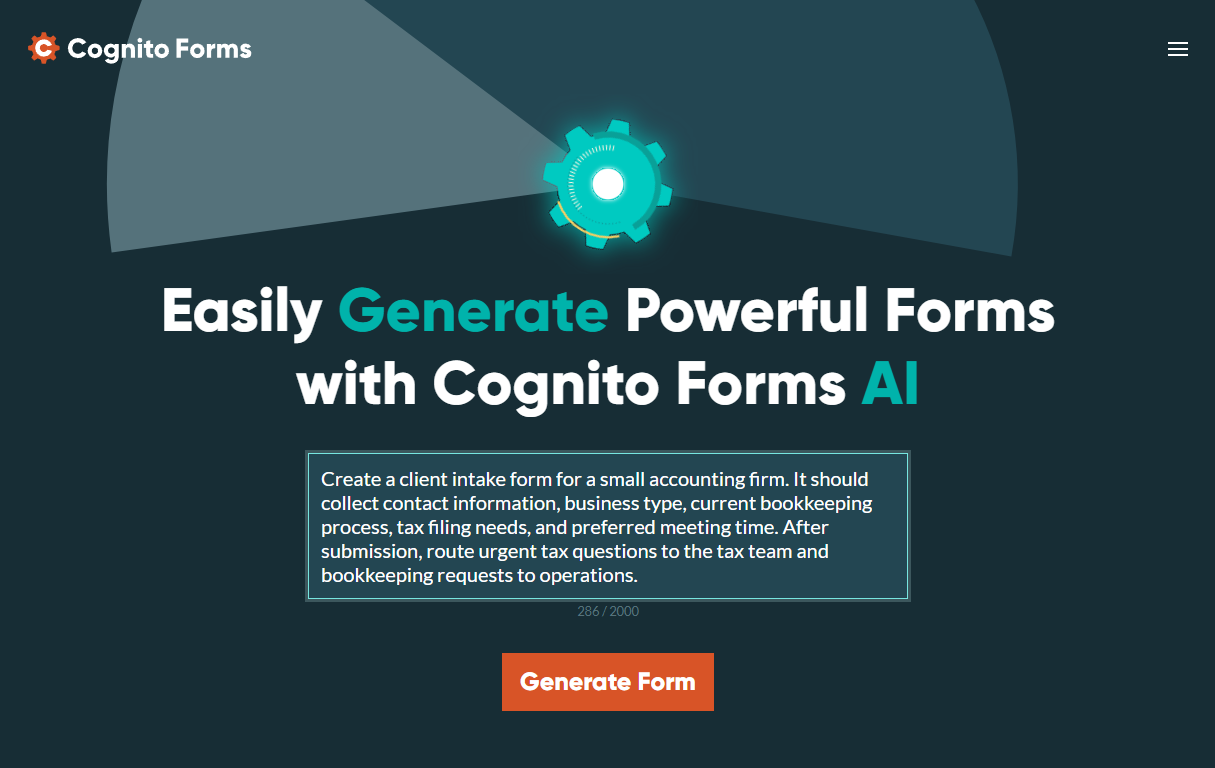
Prompt formula: Create a [type of form] for [audience] that collects [specific information]. The form should help us [goal]. After submission, it should [workflow or routing need].
Think of AI as the fast first pass. It helps you turn a rough idea into something concrete. Then you can decide what to keep, remove, rewrite, or adjust.
If you need a volunteer application, you might know you want to collect availability, interests, experience, emergency contact details, and consent. But you may not know the best order, wording, or section structure. AI can draft that for you quickly.
The same goes for customer intake forms, event registrations, internal requests, applications, and feedback forms. These forms follow familiar patterns, so AI can often create a useful draft in seconds.
When Manual Setup Is Faster
Manual setup is different from manual review.
Manual setup means building the form yourself from scratch or making exact changes by hand. Manual review means checking and refining an AI-generated draft before you publish it.
Sometimes manual setup is simply faster.
If you already know exactly what you need, you may not need AI to create a draft. You can open the form builder, add the fields, set the logic, adjust the settings, and move on. In those cases, asking AI to generate a form may add an extra step instead of saving one.
This happens most often with simple forms, small edits, or highly specific forms where you already know the structure.
| Manual setup is faster when… | Why |
|---|---|
| You know every field already | No need to generate a draft |
| The form is simple | Setup may be faster than prompting and editing |
| The wording must be exact | You can control it from the start |
| The payment setup is specific | Amounts and settings need precision |
AI usually gets you most of the way there. If you have ever tried to get an AI-generated result from “close enough” to “exactly right,” you know closing that gap can take time.
Forms are the same way.
If AI creates a good draft but you spend the next hour fixing field names, moving sections, changing logic, and rewriting instructions, manual setup may have been faster. That does not mean AI failed. It just means the task needed more precision than a broad first draft would provide.
Manual setup may be the better path for a simple contact form, a short, personalized intake form with exact wording, a small update to an existing form, or a payment form with specific amounts and settings.
Manual setup is often faster when you already know exactly what the form should include and how it should work.
Where AI Still Needs Manual Review
Even when AI is the fastest way to start, the finished form still needs review.
That review is not the same as manual setup. You are not rebuilding the form from scratch. You are checking the draft, making sure it fits your process, and catching anything that could cause confusion later.
This matters because forms often do more than collect answers. They may trigger approvals, collect payments, route requests, start application reviews, or send information to another team.
Before publishing an AI-generated form, review the parts that affect accuracy and follow-through:
- Fields and required settings
Make sure the form asks for the right information, and that only the fields someone truly needs to answer are marked required. - Question and field wording
Ensure questions are clear, specific, and understandable. Healthcare, legal, and any organization that collects sensitive data may require precise legal wording on certain documents. Verify accuracy before proceeding. - Logic and routing
Test any conditional logic or routing rules so the right people see the right questions and receive the right submissions. - Payments
Confirm the payment account is connected, the amounts are correct, and receipts or confirmation emails say what they should. - Workflow roles
Make sure the right people are assigned to the right steps, especially if the form includes approvals or internal review. - Notifications and emails
Customize the messages sent to respondents and your team so they match the actual process. - Permissions
Check who can view, edit, approve, or manage submissions, especially if the form collects sensitive information. - Mobile experience
Open the form on a phone to make sure labels, fields, instructions, and errors are easy to use. - Test submissions
Submit the form once from start to finish so you can catch anything that looks right in setup but does not work in practice.
AI can help you start faster. Manual review helps you publish with confidence.
Generating Forms Faster with Cognito Forms
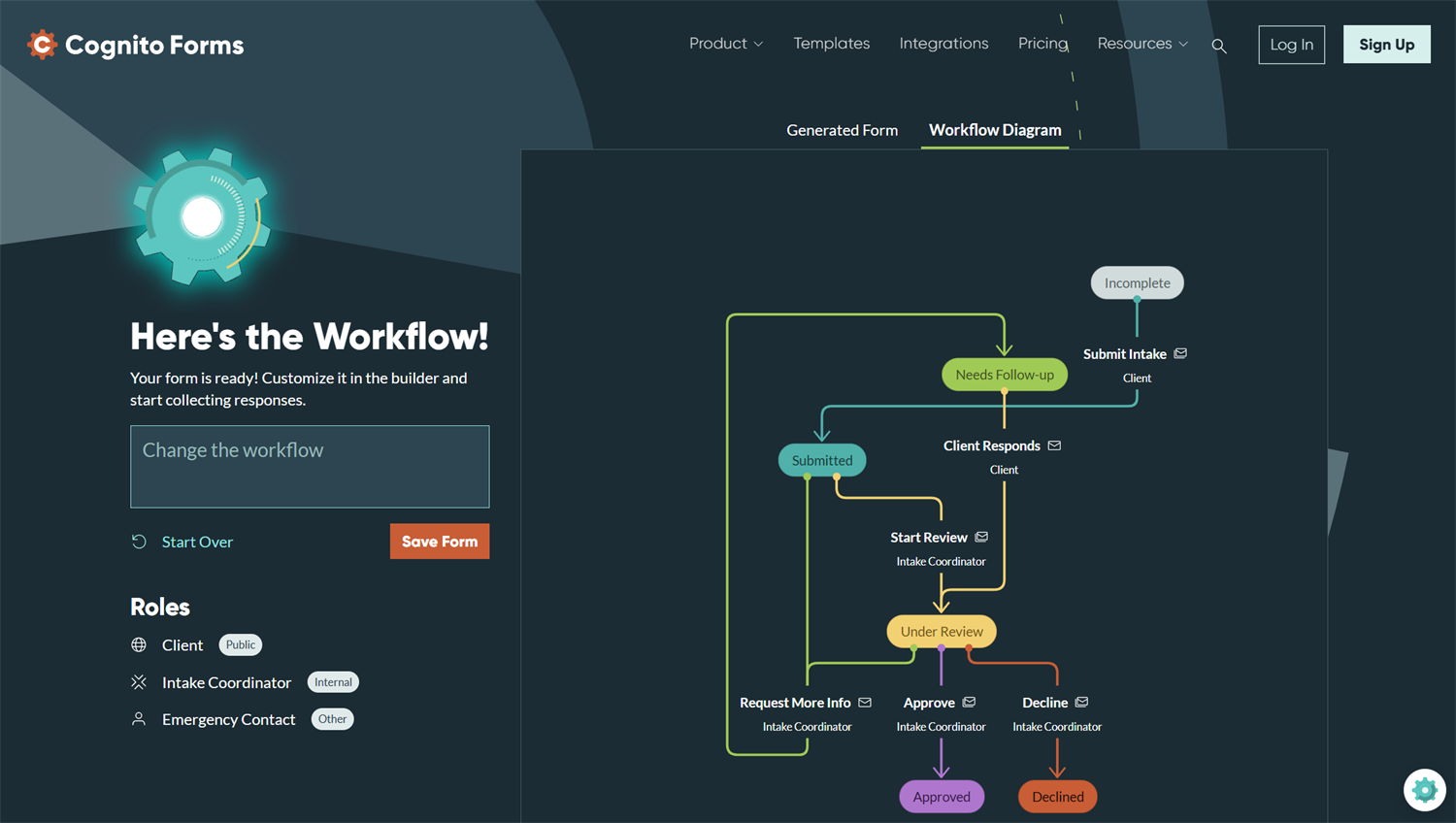
With Cognito Forms, you can quickly start with a simple idea and turn it into a working form. Describe what you need, and the AI Form Generator can create the form structure, fields, and Workflow steps for you.
Our AI Form Generator does more than help you name fields. It helps create a form that is already configured with a Workflow process. From there, you can tweak the details: adjust wording, change fields, update logic, refine Workflow steps, and test the full process before publishing.
That combination is where AI works best: fast generation with full control afterward. You get the speed of AI without giving up the review and customization that make the form right for your team.
Start with an idea. Generate the form. Tweak it until it works the way you need.
Frequently Asked Questions
AI form generation is often faster for creating a first or second draft, especially when you know the goal but not the exact setup. Manual setup can be faster for simple forms, small edits, or forms where you already know every field and setting.
Yes. AI-generated forms should be reviewed before publishing. Check the fields, wording, logic, routing, permissions, payments, and notifications to make sure the form works for your process.
Yes. The AI Form Generator can generate forms and Workflow steps, then you can review, tweak, and customize the result before publishing.

Miranda Peterson
Miranda is a Marketing Specialist at Cognito Forms who loves turning complex ideas into content that’s clear, helpful, and human. Outside of work, you can find Miranda enjoying local coffee shops, spending time in nature with her husband and two children, reading on her Kindle, or cooking for a group of friends.