Notifications
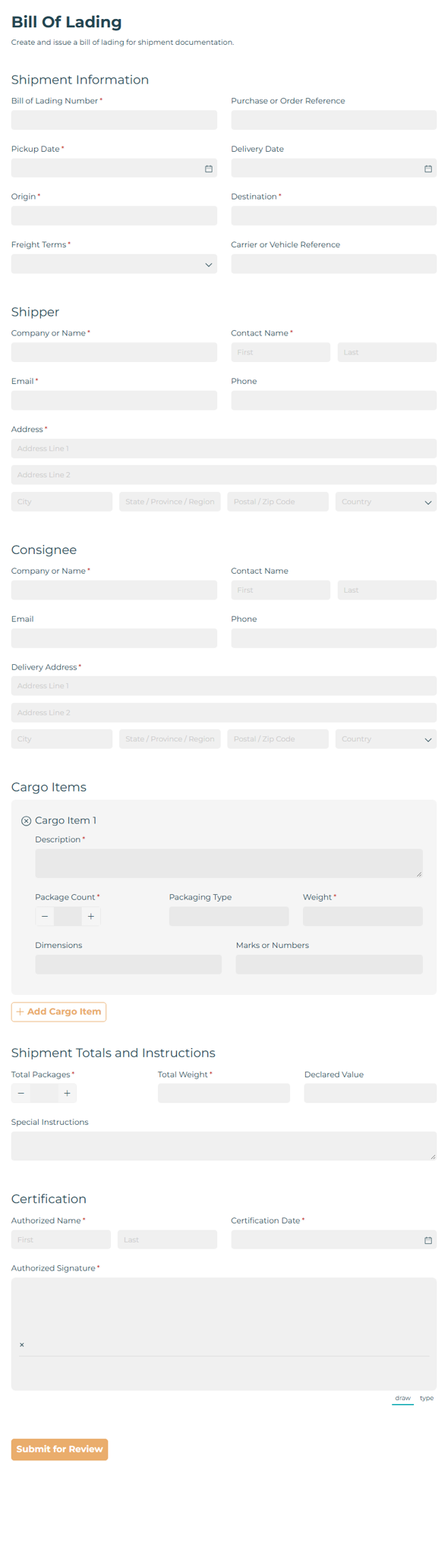
Bill Of Lading
Draft bills of lading with document generation and workflow automation to streamline shipping paperwork for carriers, shippers, and logistics teams.
Preview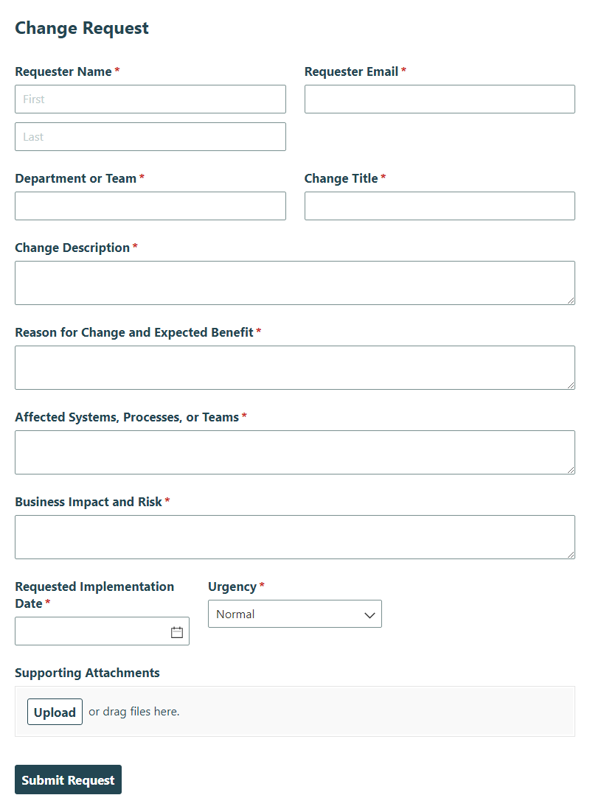
Change Request Form
Capture change requests for IT or business process review, approval, and implementation so teams can manage updates with clarity.
PreviewConstruction RFI
Track construction requests for information with project details, references, attachments, and response tracking so teams can keep answers organized and projects moving.
Preview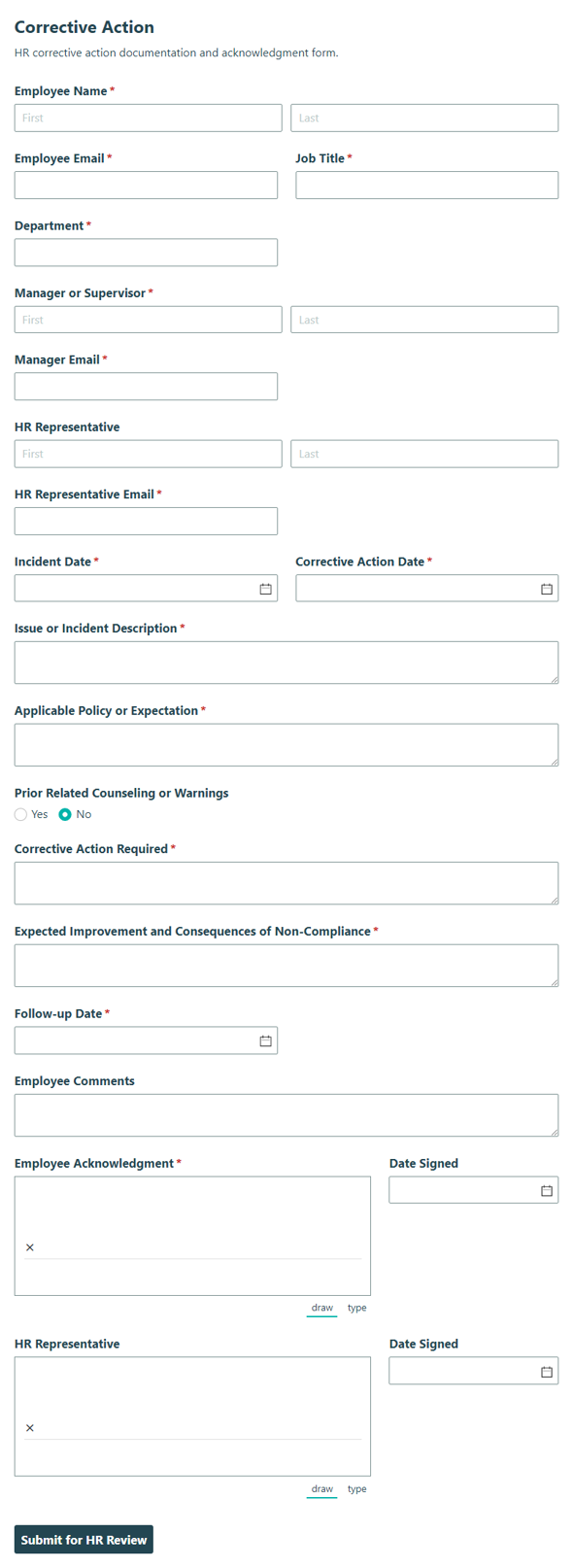
Corrective Action
Document employee performance or conduct issues, actions taken, and follow-up steps with the Corrective Action form for HR tracking and clearer accountability.
Preview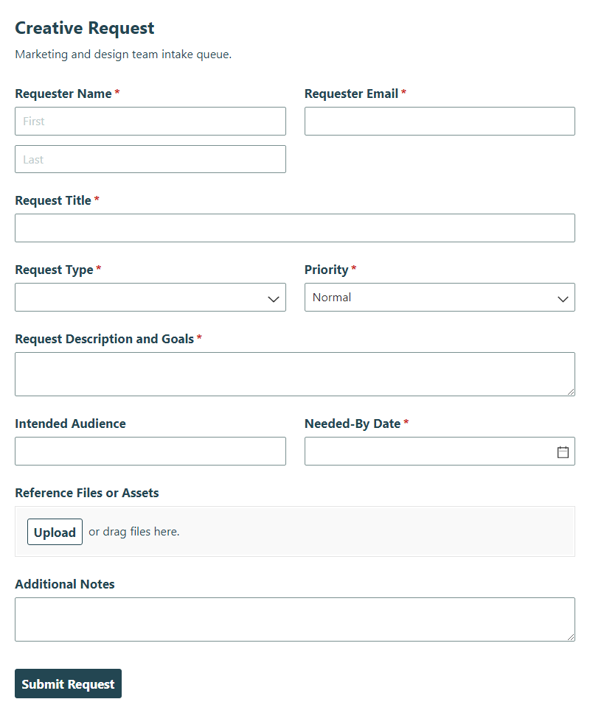
Creative Request
Collect creative requests in one place so teams can capture details, prioritize work, and keep the queue moving.
Preview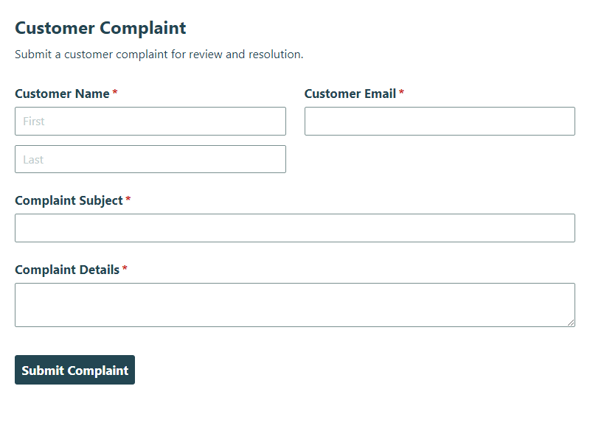
Customer Complaint
Collect customer complaints, issue details, and contact information so your team can respond quickly and keep every case organized.
Preview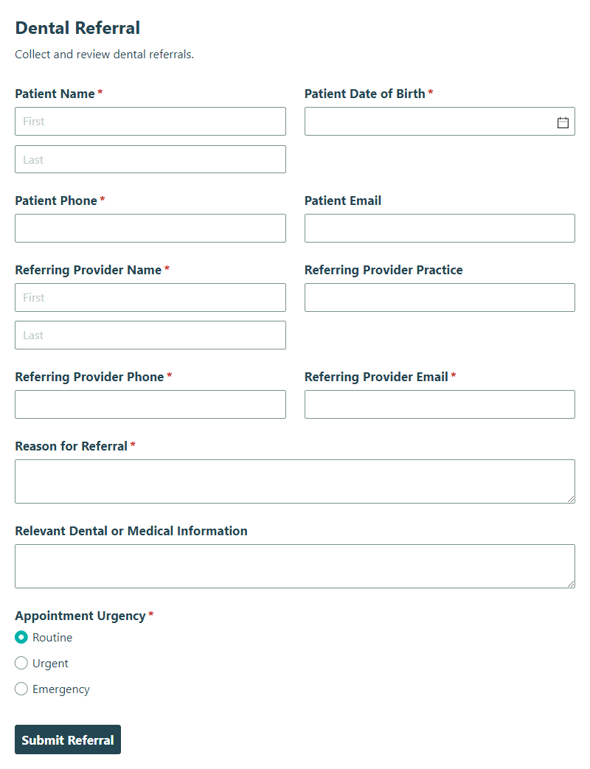
Dental Referral
Collect patient and treatment details with this Dental Referral template for specialists and providers, helping practices send clear referrals and keep care moving.
Preview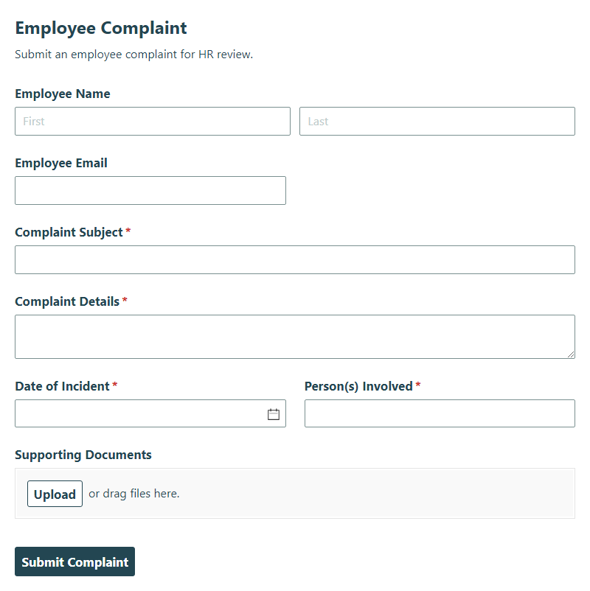
Employee Complaint
Collect employee complaints for HR review and follow-up with a clear Employee Complaint form that helps teams track concerns and respond consistently.
Preview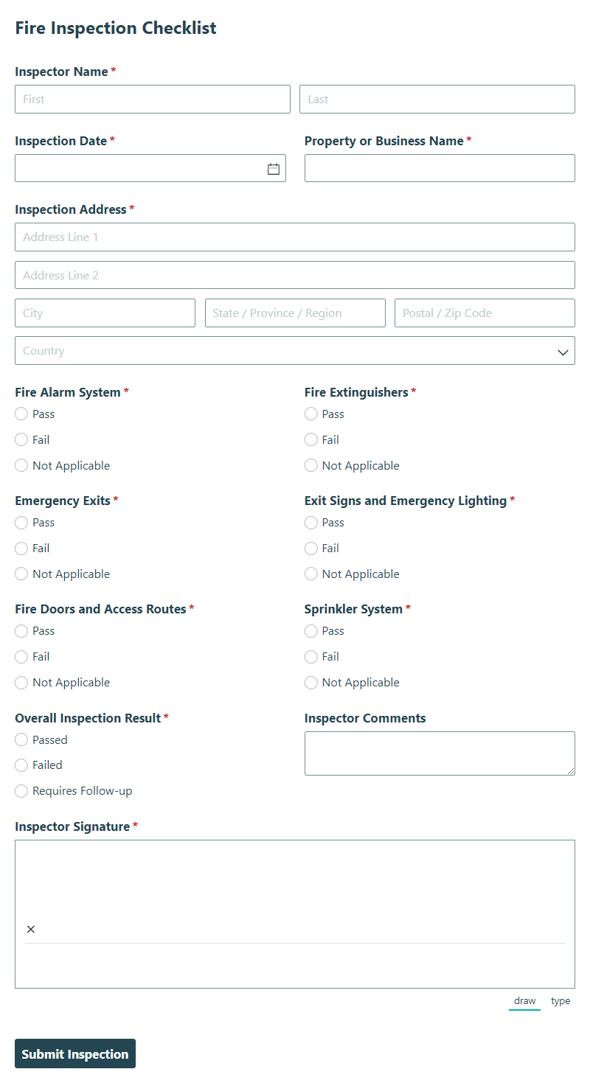
Fire Inspection Checklist
Record and review fire safety conditions during routine inspections with the Fire Inspection Checklist, so teams can document findings and keep safety checks organized.
Preview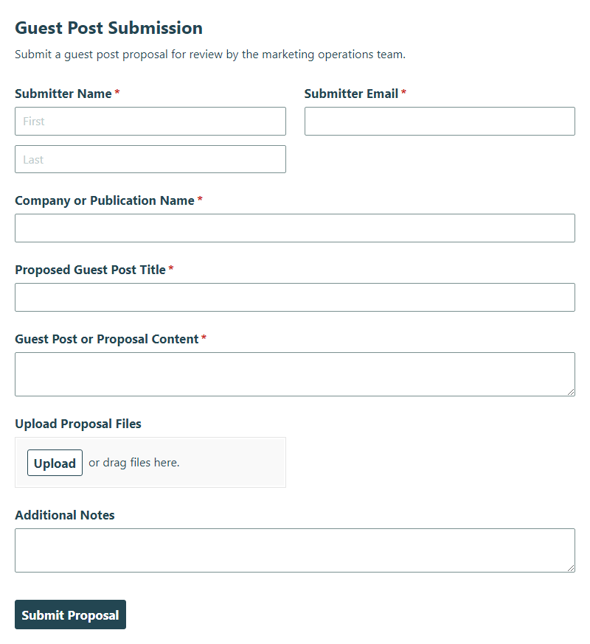
Guest Post Submission
Collect guest post pitches, article details, and author information for editorial review and publishing with this Guest Post Submission template.
Preview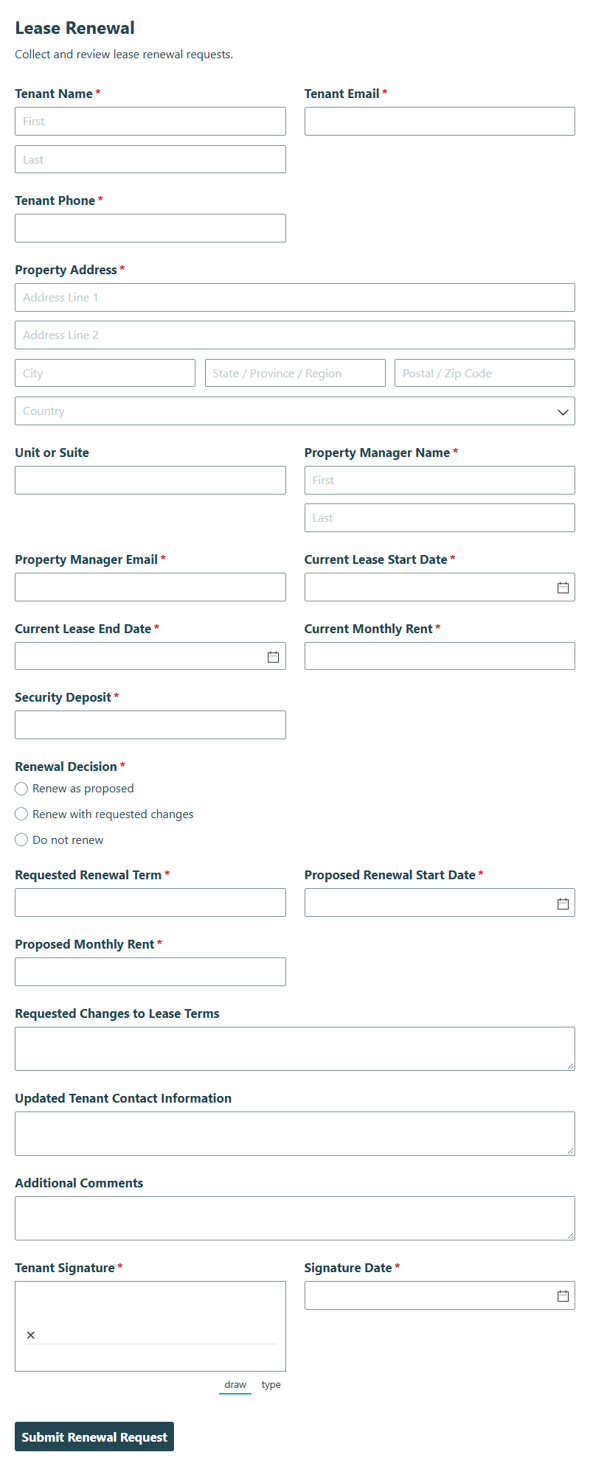
Lease Renewal
Collect tenant and property details to confirm, update, and approve lease renewal terms for real estate, helping landlords and property teams keep renewals organized.
Preview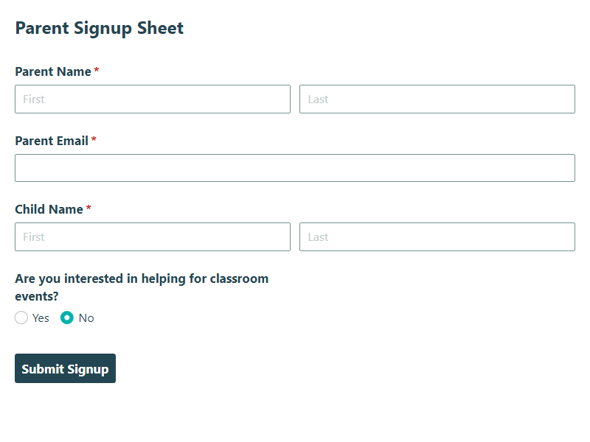
Parent Signup Form
Collect parent contact details and register families for school or program updates with the Parent Signup form to keep communication organized and timely.
Preview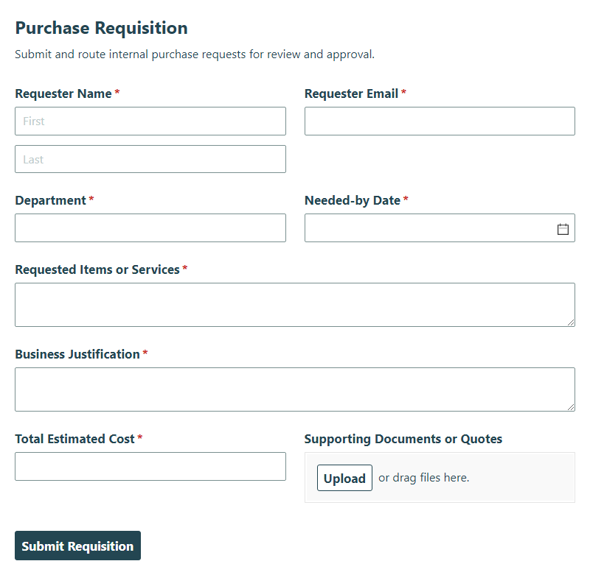
Purchase Requisition
Collect internal requests to buy goods or services and route them for approval with the Purchase Requisition template, keeping purchasing requests organized from submission to review.
Preview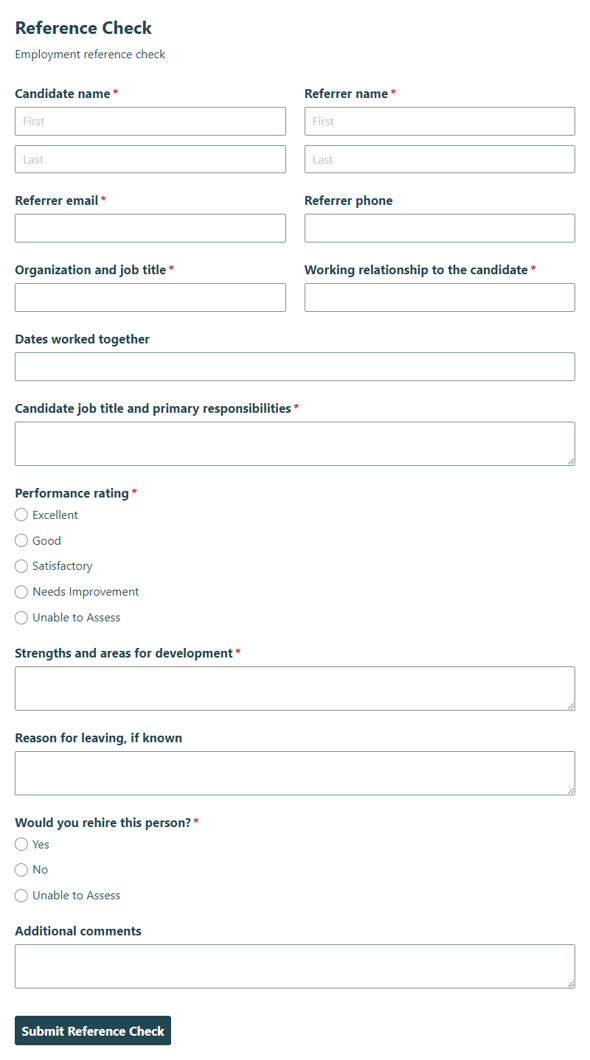
Reference Check
Collect reference details for a candidate’s work history and suitability so hiring teams can review responses with clarity and consistency.
Preview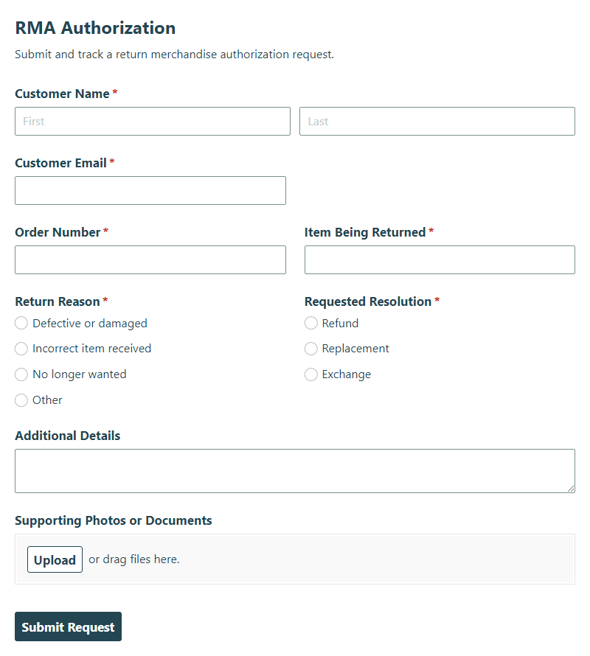
RMA Authorization
Collect return requests and approve merchandise returns with the RMA Authorization form, helping teams track each request and keep processing organized.
Preview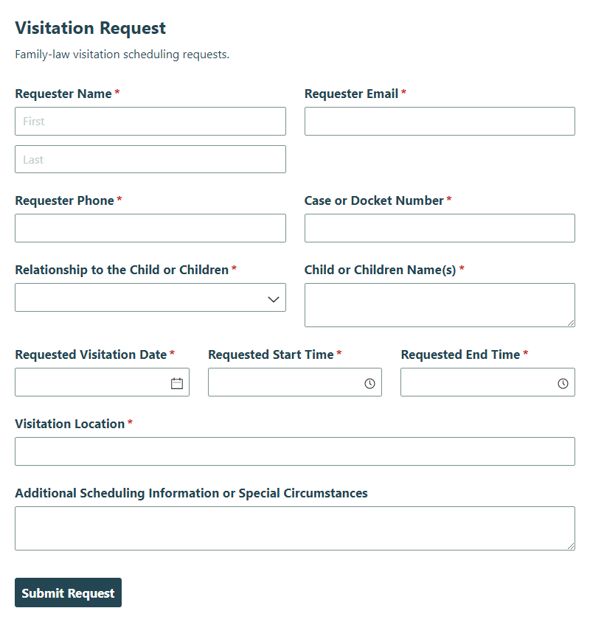
Visitation Request
Collect visitation details, parenting time preferences, and review information with the Visitation Request template for families and legal teams who need to confirm plans.
Preview
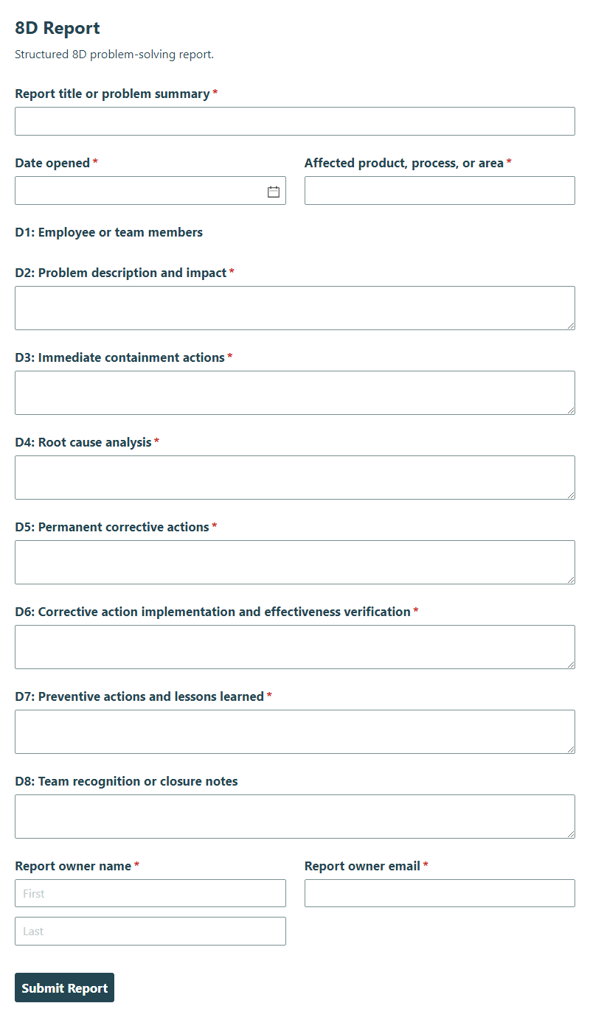
Notify the right people at the right time with custom email notifications.
Create custom email notifications to share with your customers and staff after new entries are submitted or updated. Personalize these emails by editing the subject/message and including options like entry details, payment information, uploaded files, and document copies of entries.
Email notifications are available on every plan level, from free and above. Additionally, Cognito Forms offers several advanced options for organizations on our Pro, Team, and Enterprise plans:
Include files, documents, and workflow links
Include any files that your users uploaded to their form as attachments in the email notification, as well as attach a PDF file or Word document copy of their submitted entry. Plus, include a workflow link that allows users to either view or edit their submitted form.
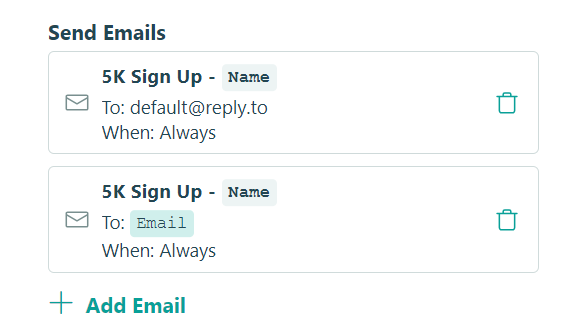
Create multiple notifications
You can create as many different versions of your email notifications as you want. And, using conditional logic, these emails can be sent to specific people depending on what your users select or based on the form status (Incomplete, In-Progress, Pending, etc.).
Additionally, you can open an individual entry to resend a notification at any time.
Send emails from your own domain
Cognito Forms customers on the Team plan and above can verify their email domains for use with our system. This enables you to create notification emails using your own email address. While the emails are still delivered using secure Cognito Forms servers, they’ll appear to recipients as though they came directly from you.
This helps provide a seamless experience for your customers and coworkers. All they’ll ever see is your form, your brand, and your email address – making the Cognito Forms platform completely invisible.
Learn more about customizing email notifications.
Create a form with AI