Forms with Calculations
-c7ff850.png)
-9642f65.png)
-82d1ebd.png)
Advanced Admissions Application
Our Admissions Application template provides colleges with an end-to-end application that serves to streamline the entire admissions process, from the student submitting an application to the admissions team coming to a final decision.
Preview-08caa80.png)
All(Targeted Field Calculation)
Determines whether all items of a repeating section or table satisfy a condition. If so 'true' is returned, if not 'false' is returned.
Preview+and+Any(Field+Targeted+Calculation)-347ade3.png)
Any() and Any(Field Targeted Calculation)
Determines whether a repeating section or table contains any items.
Preview-5d6ab6d.png)
Average Numeric Calculation
Runs the average of a numeric calculation for each Number field in a repeating section or table.
Preview-284d624.png)
College Application Form
Our College Application template provides colleges with an end-to-end application that serves to streamline the entire admissions process, from the student submitting an application to the admissions team coming to a final decision.
Preview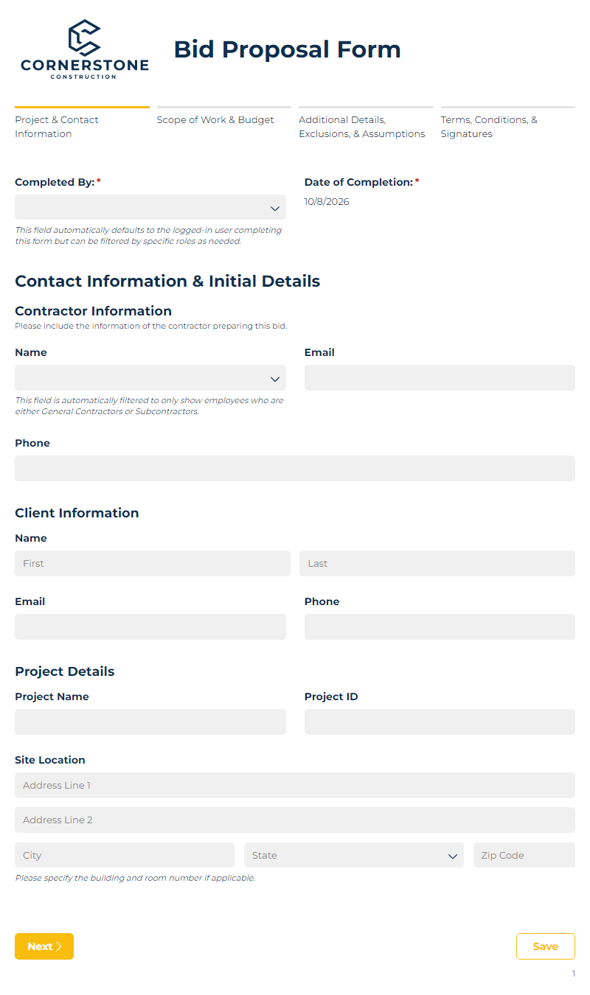
Bid Proposal Form
Create and submit construction bid proposals with ease using our bid proposal form template.
Preview
CAHPS Clinician & Group Adult Survey
Use our CAHPS Clinician & Group Adult Survey to collect feedback from your patients about their experiences with your providers. All required questions and content are built in using the publicly available CAHPS survey content and adapted to an online format.
Preview
CAHPS Clinician & Group Child Survey
Use our CAHPS Clinician & Group Child Survey to collect feedback from your patients about their experiences with your providers. All required questions and content are built in using the publicly available CAHPS survey content and adapted to an online format.
Preview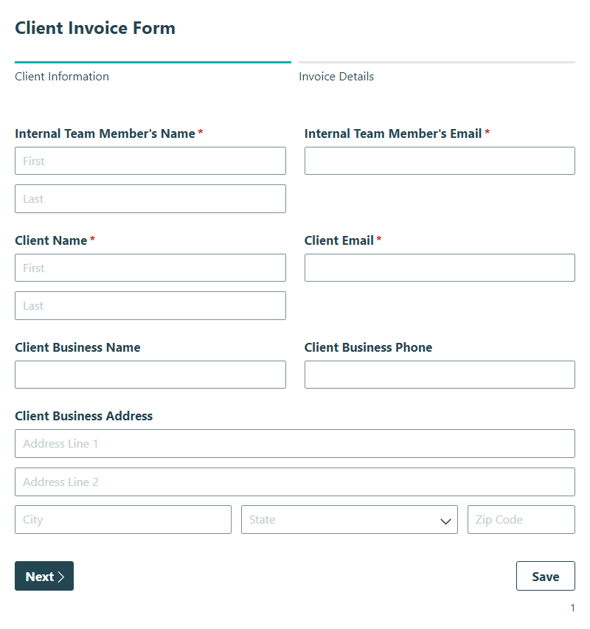
Client Invoice Form
Streamline your client invoice and billing process from start to finish with our easy-to-use client invoice form.
Preview-49bbff2.png)
CompareTo(DateTime)
Compares the value of this instance to a specified DateOnly value and returns an integer that indicates whether this instance is earlier than (1), the same as (0), or later (-1) than the specified DateOnly value.
Preview-5613bca.png)
CompareTo(Text)
Compares the field with a string to a specified object or String and returns an integer that indicates whether this instance precedes (-1), follows (1), or appears in the same position (0) in the sort order as the specified object or String.
Preview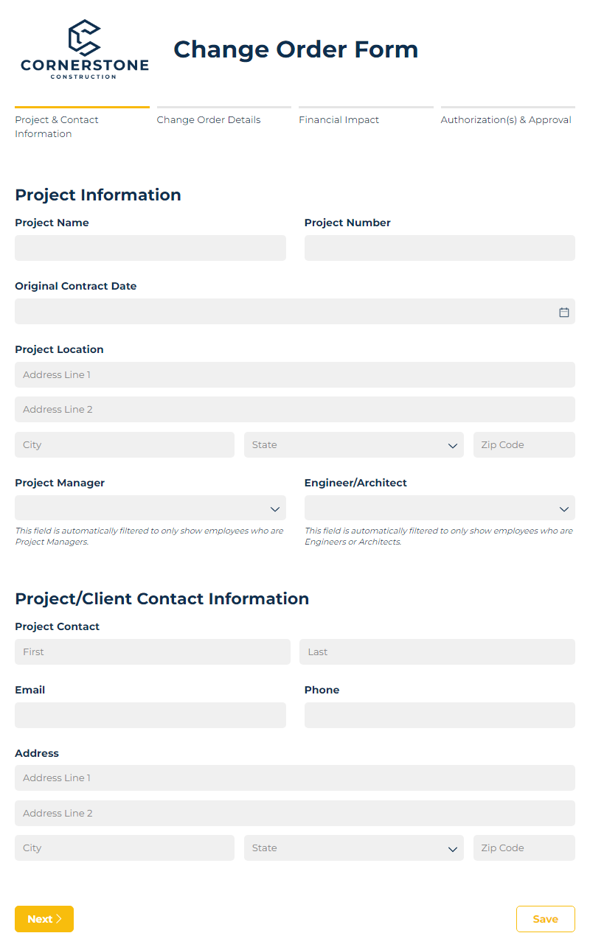
Change Order Form
This change order form template provides companies a way to capture project changes, route the changes to the appropriate team member, and track costs for a project - streamlining the change order process.
Preview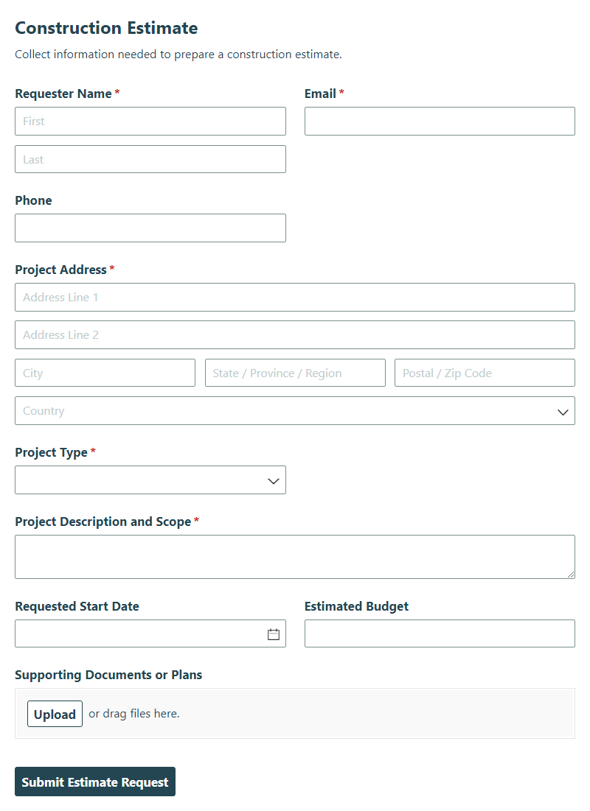
Construction Estimate
Collect project details, labor needs, and scope information with the Construction Estimate form to create accurate estimates and proposals for your construction projects.
Preview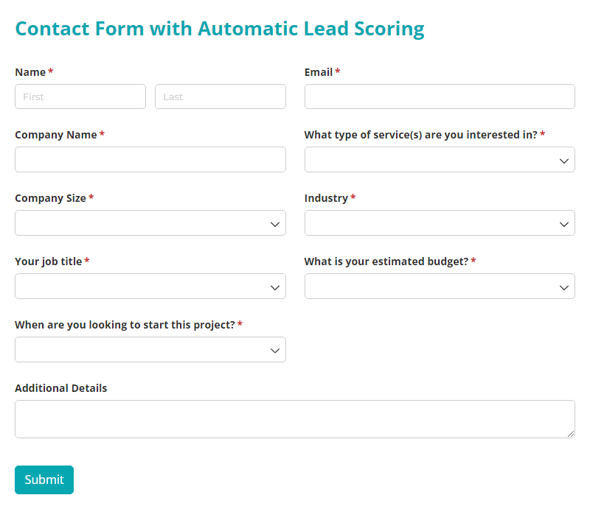
Contact Form with Automatic Lead Scoring
Filter out unqualified leads automatically and focus your sales team on high-value opportunities. Pre-built scoring logic, priority categories, and email routing included.
Preview-66aeabb.png)
Contains(Text)
Returns a true/false value indicating whether a specified substring occurs within this string.
Preview+and+Count(Targeted+Field+Calculation)-85d39ea.png)
Count() and Count(Targeted Field Calculation)
Returns the number of items in a repeating section or table. This won't check any of the fields in the repeating section, only the number of items that have been added to the repeating section.
Preview
Donation Form Template with Auto-Generated Donor Receipt
This Nonprofit Donation Template provides you with an easy-to-use form that can quickly be tailored to fit your needs. After donating, donors will receive a charitable donation receipt using a custom document template created with nonprofits in mind!
Preview-412ac92.png)
EndsWith(Text)
Determines whether the end of this string instance matches a specified string. This will check to see if the targeted fields content match up with the last or ending values of the operator. A true/false value will be returned based on the check.
Preview+and+First(YesNo+Calculation)-7d65386.png)
First() and First(Yes/No Calculation)
Returns the targeted field from the first item in a repeating section or table.
Preview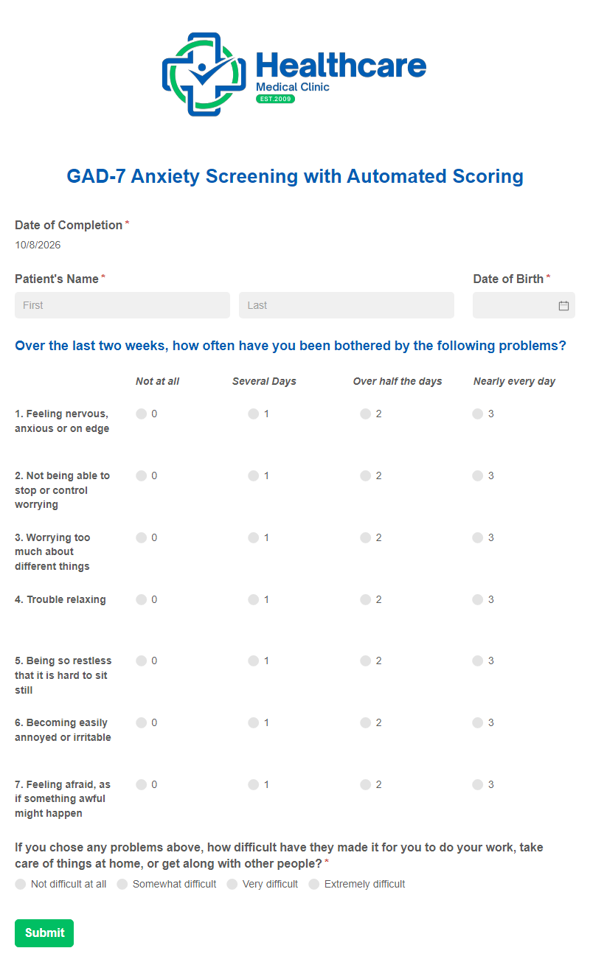
GAD-7 Anxiety Screening Template with Automated Scoring
Our GAD-7 Anxiety Screening Template with Automated Scoring provides you with a digital version of the frequently used anxiety screening while also calculating the patient’s total score automatically.
Preview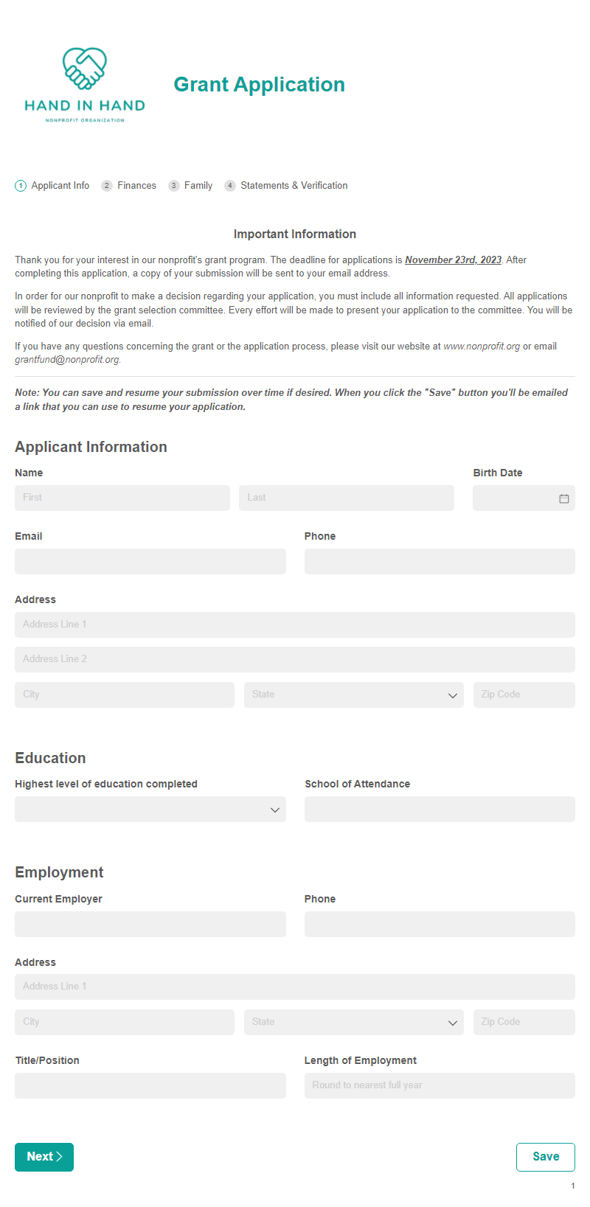
Grant Application Template
This Grant Application form template paired with our Voting Form template helps make your applicant screening and selection processes seamless.
Preview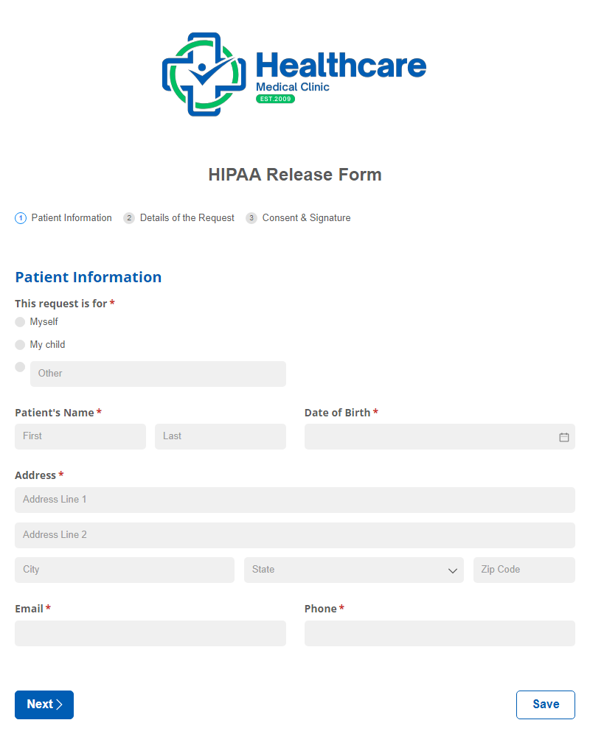
HIPAA Release Form
Collect patient consent to share medical info securely and maintain privacy standards.
Preview-8d272c2.png)
IndexOf(Text,Number)
The index of characters starts at 0 rather than 1. The search starts at the specified character for the specific character or string. A (-1) will be shown if the character or string is not found in the field.
Preview-542ecde.png)
IndexOf(Text)
Starting at 0 rather than 1 of the targeted value, the first occurrence of a specified character or string within the field. A -1 will be shown if the character or string is not found in the field.
Preview-789a324.png)
IndexOf(Text, Number, Number)
The index of characters starts at 0 rather than 1. Starting the search for a specific character or string at the specified character position and checking to a specific number of character positions.
Preview-bac04f0.png)
Insert(Number, Text)
The index of characters starts at 0 rather than 1. Inserts a string into this TextBuilder instance at the specified character position.
Preview+and+Double.Parse()-d978cf8.png)
Int32Parse and DoubleParse
Int32.Parse() - Converts a text string into a number value without a decimal. Double.Parse() - Converts a string, or an integer number value into a decimal number.
Preview+and+Last(Yes+No+Calculation)-7545792.png)
Last() and Last(Yes/No Calculation)
Returns the last item in a repeating section or table. Returns the last item in a repeating section or table that satisfies a condition.
Preview-1c0936f.png)
LastIndexOf(Text)
The index of characters starts at 0 rather than 1. Returns the index position of the last occurrence of a specified character or string within this instance.
Preview-aec0bd5.png)
LastIndexOf(Text, Number)
The index of characters starts at 0 rather than 1. The search starts at a specified character position and proceeds backward toward the beginning of the string. Returns the position of the last occurrence of the specified character or string.
Preview-904a468.png)
LastIndexOf(Text, Number, Number)
The index of characters starts at 0 rather than 1. The search starts at a specified character position and proceeds backward toward the beginning of the string for a specified number of character positions. Returns the position of the last occurrence of the specified character or string.
Preview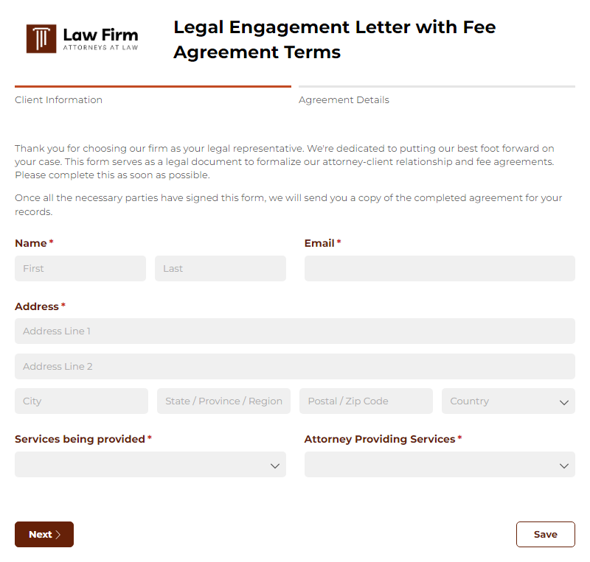
Legal Engagement Letter and Fee Agreement Form
Use this free online legal agreement form to generate client engagement letters with fee agreement terms automatically.
Preview-5e19ef0.png)
Math.Acos()
Returns the angle whose cosine is the specified number between -1 and 1. If you pass a number outside of this range to the Math.Acos() method, the method will return NaN (Not a Number).
Preview-08bf408.png)
Math.Ceiling(Number)
This function takes a decimal number and rounds it up to the nearest integer.
Preview-497c8a3.png)
Math.Exp(Number)
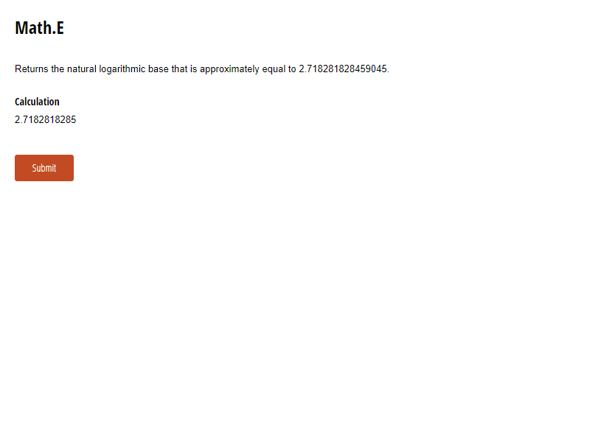
Returns e raised to the specified power. In this e is a mathematical constant whose value is approximately 2.71828.
Preview-75266e7.png)
Math.Floor(Number)
This function takes a decimal number and rounds it down to the nearest integer.
Preview+Calculations-8e67077.png)
Math.Log() Calculations
Returns the natural logarithm of a number. The natural logarithm is the logarithm to the base e, where e is approximately equal to 2.718281828459045. Returns the logarithm of arg1 to the base arg2. The logarithm of a number to a base is the power to which the base must be raised to equal the number.
Preview-ef66f5c.png)
+and+MathRound(NumberNumber)+Includes+Bankers+Rounding-3d1ca32.png)
Math.Round(Number) and Math.Round(Number, Number) Includes Bankers Rounding
Rounds a value to the nearest integer when targeting a Number field, or can be used to target a specific decimal place up to the hundredths place. Returns a decimal value to a specified number of fractional digits. We only support displaying up to 2 fractional digits, to the hundredths place. i.e. Round(num, 2).
Preview-5c93364.png)
Math.Sign(Number)
Returns a value representing the sign of the specified number. Returns -1, 0, or 1 which means the number is negative, 0, or positive, respectively.
Preview-2753419.png)
Math.Truncate(Number)
Calculates the integral part of a number, dropping off the decimal value.
Preview+Min(NumericCalculation)+and+Sum(NumericCalculation)-4008999.png)
Max(Numeric Calculation), Min(Numeric Calculation) and Sum(Numeric Calculation)
Computes the maximum value of a numeric calculation for all items in a repeating section or table. Computes the minimum value of a numeric calculation for all items in a repeating section or table. Computes the summation of a numeric calculation for all items in a repeating section or table.
Preview-d429d2f.png)
Medical Release Form (HIPAA Form)
Replace your inefficient paper release of information forms using our free HIPAA release form.
Preview
Number of Business Days Between a Date Range
Use our free form template to easily calculate the number of business days between dates.
Preview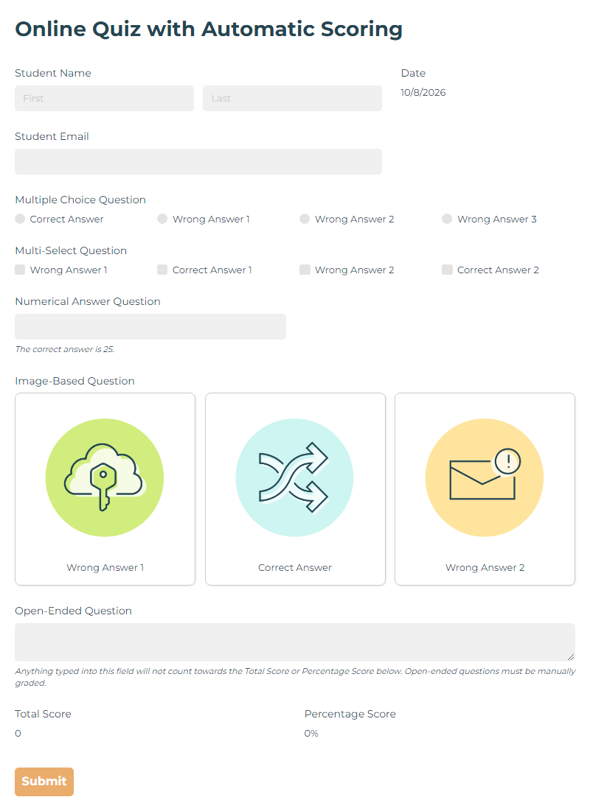
Online Quiz with Automatic Scoring
Create self-grading quizzes with multiple question types that calculate scores instantly and provide instant feedback in Cognito Forms.
Preview-cc9dcb7.png)
PadLeft(Number)
Returns a new text that is right-aligned and padded on the left with spaces for a specified total length.
Preview-8fe5d96.png)
PadLeft(Number, Text)
Returns a new text that is right-aligned and padded on the left with a specified character for a specified total length.
Preview-25baad6.png)
PadRight(Number, Text)
Returns a new text which is left-aligned and padded on the right with a specified character for a specified total length.
Preview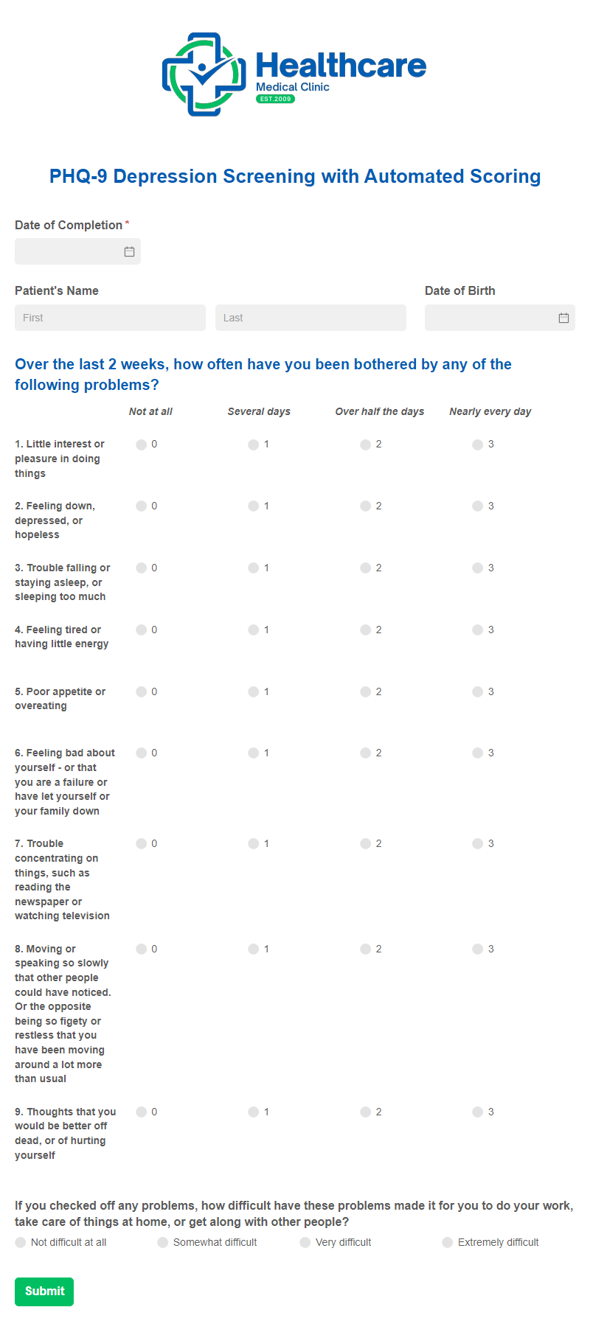
PHQ-9 Depression Screening Template with Automated Scoring
Our PHQ-9 Depression Screening Template with Automated Scoring provides you with a digital version of the frequently used patient health and depression screening form and also calculates the patient’s total score automatically.
Preview
Referencing Fields (Form, Section, ParentSection)
Target the base level of the form when inside a section. Target a field that is one section up from its current location in the form hierarchy. Target a field that is inside of several sections.
Preview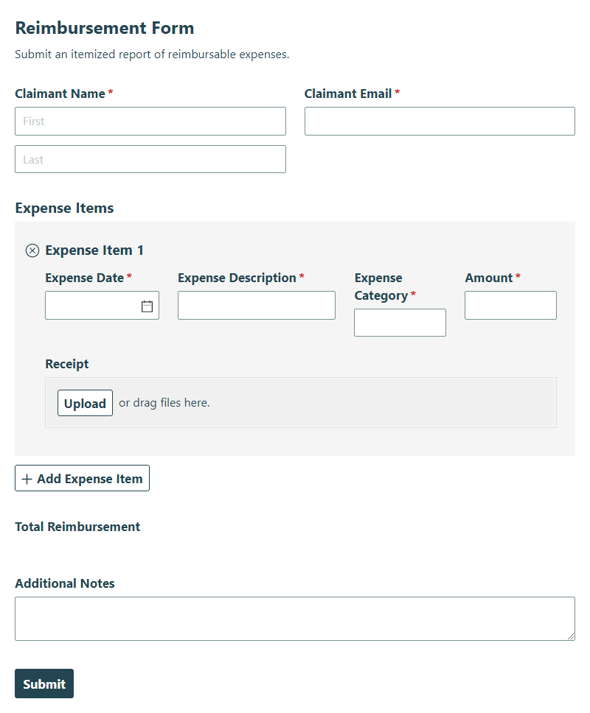
Reimbursement Form
Submit itemized expenses for reimbursement, including eligible reimbursable costs, so employees or team members can request payment with clear supporting details.
Preview
Remove(Number) and Remove(Number, Number)
Returns a new text in which all characters of this instance after the specified number has been removed. Returns a new text in which all characters of this instance after the specified number has been removed, for a specified length.
Preview
Replace(Text, Text)
Returns a new text where all instances of a text have been replaced with a new text.
Preview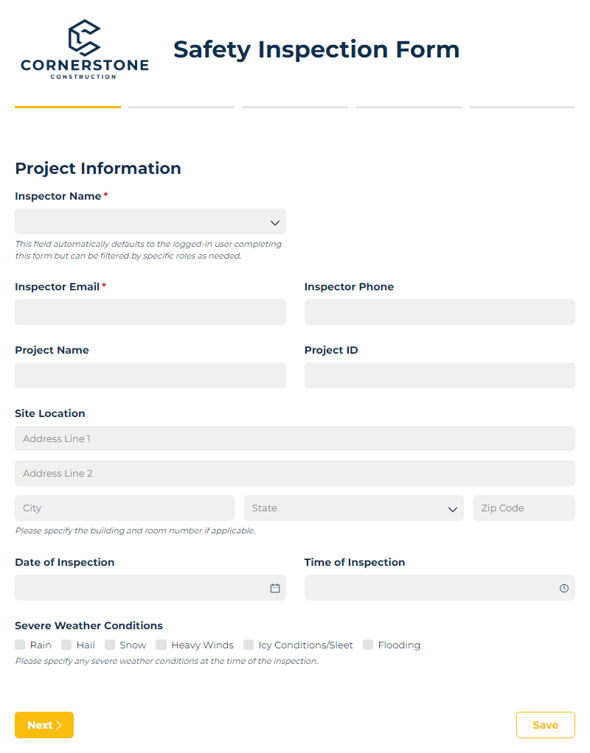
Safety Inspection Form
Use our safety inspection form to identify hazards and ensure workplace compliance.
Preview
Split(’').Length
Returns the number of words in this instance. Please note that in the following cases, spaces, commas, semicolons, parentheses, and dashes are considered word separators. You can adjust this for your needs.
Preview-7b8caaf.png)
Split(Text)
Returns a text array which contains substrings of this instance separated by any character in the specified character array.
Preview![Go to Split(‘Text’)[Number] template](https://static.cognitoforms.com/content/templates/assets/images/template-Split+Text+Number-dd91940.png)
Split(‘Text’)[Number]
Returns a text array that contains substrings of this instance separated by any character in the specified character array. A specified maximum number of substrings will be returned. Starting at 0 rather than 1.
Preview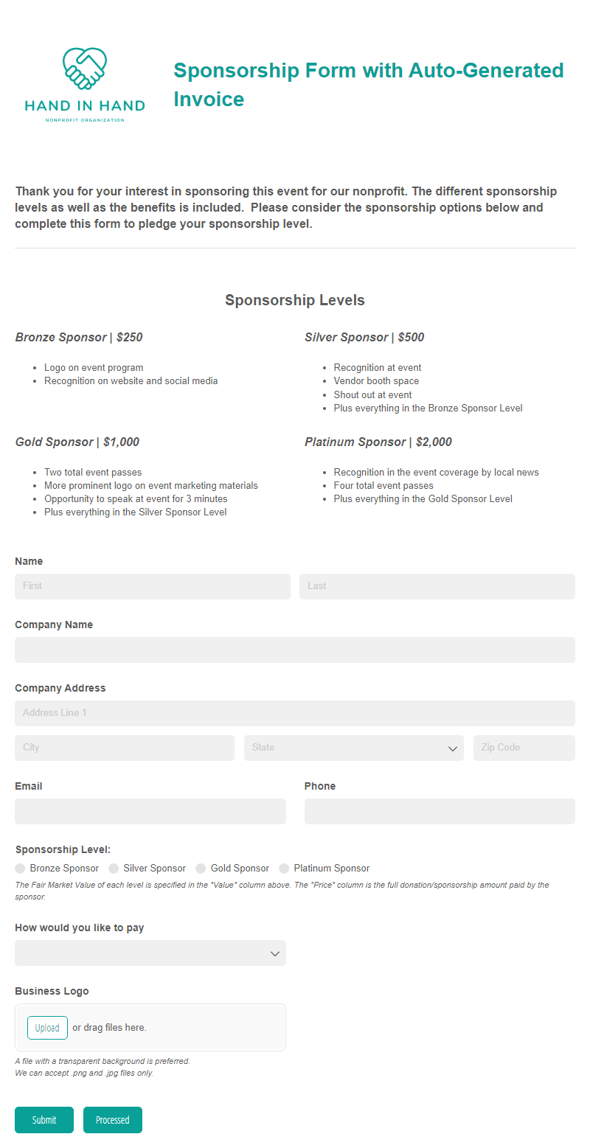
Sponsorship Form Template with Auto-Generated Invoice
Simplify the sponsorship process by automatically generating and sending out your invoice documents at the click of a button.
Preview-6785cd2.png)
StartsWith(Text)
Returns whether the beginning of this instance starts with the specified text.
Preview+and+Substring(Number+Number)-791d89f.png)
Substring(Number) and Substring(Number, Number)
Returns a substring of this instance starting at the specified character position and until the end of this instance.
Preview+and+ToUpper()-dd087f9.png)
ToLower() and ToUpper()
ToLower returns a copy of this instance converted to lowercase. ToUpper returns a copy of this instance converted to uppercase.
Preview+TrimStart()+and+TrimEnd()-fe07cd4.png)
Trim(Text), TrimStart() and TrimEnd()
Removes all leading and trailing occurrences of the specified set of characters from the targeted field.
Preview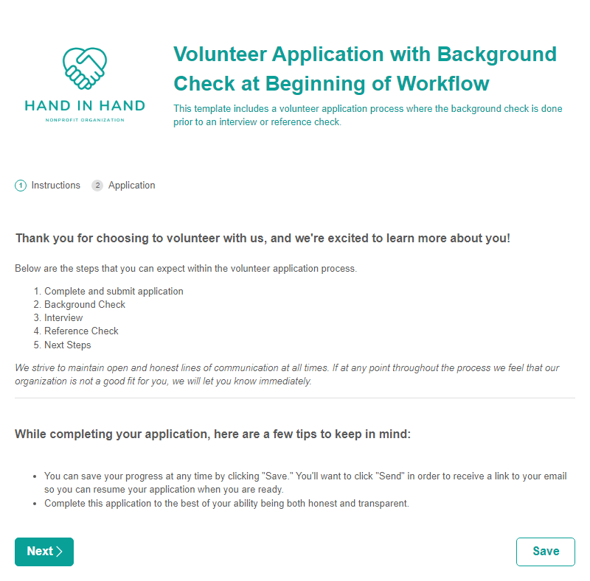
Volunteer Application Form with Background Check at Beginning of Workflow
Our Volunteer Application Template streamlines your entire volunteer process, making it easy for your volunteers and staff to interact with one another.
Preview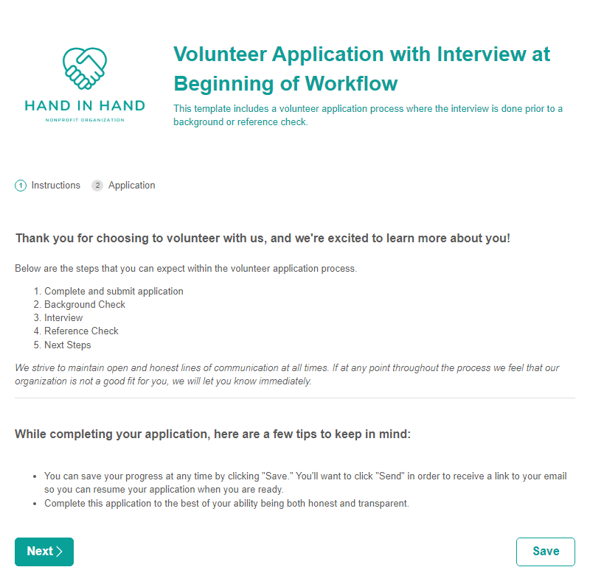
Volunteer Application Form with Interview at Beginning of Workflow
Our Volunteer Application Template streamlines your entire volunteer process, making it easy for your volunteers and staff to interact with one another.
Preview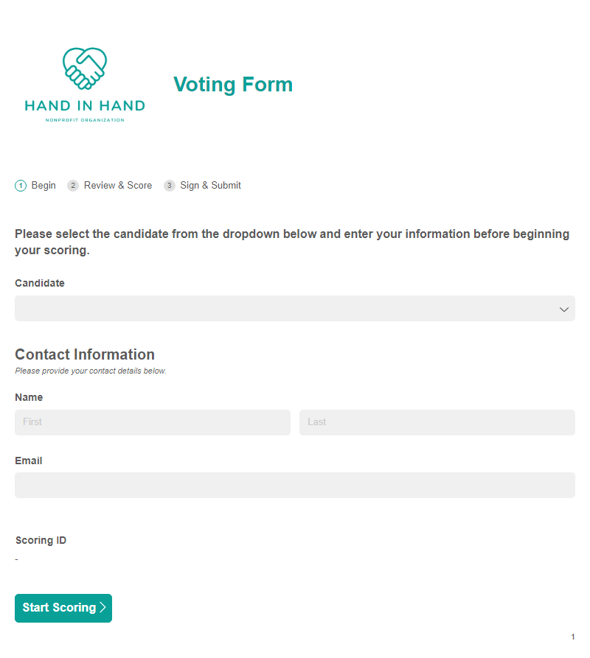
Voting Form Template
Speed up your voting and scoring processes by using our Voting Form Template, in combination with any other form, to maximize your efficiency.
Preview-ef76d8a.png)
Where(Item Number = 1)
Returns a specific item in a repeating section or table as denoted by the item number.
Preview-0325582.png)
Where(Yes and No Calculation)
Filters the items in a repeating section or table based on a condition.
Preview
-c6d4822.png)
-e2b26da.png)
-1ec96a6.png)
-1cefb1d.png)
-cc9f19f.png)

-e64c2a5.png)
-35e9c17.png)
-2ce05e3.png)
-059884c.png)

Easily create your own online forms that use calculations to total orders, set date ranges, and perform other automations. Use our simple visual builder or intuitive expression language to quickly put your forms to work.
Create a form with AI