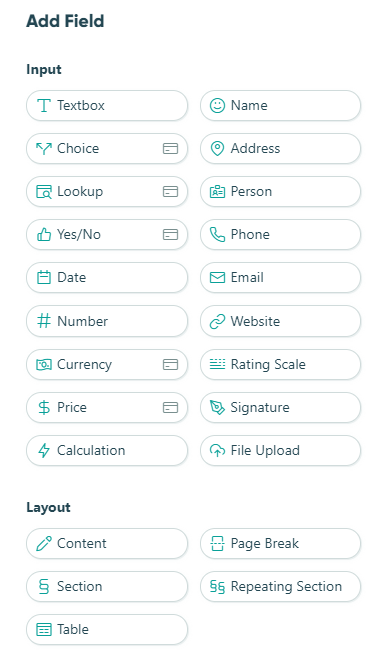
To add a new field to your form, open up the form builder and click into any of the empty placeholders on your form. From the Add field menu, you can select form field types from two main categories:
Input
Most field types are input fields, which collect information from the person filling out your form. Input fields are used whenever you need to capture responses such as text, numbers, selections, dates, or files.
Layout
Layout fields affect the format and organization of fields on your forms. For example, you can use repeating sections or tables to allow people to add duplicate groups of fields as necessary, a Section to visually group fields into a container, or a page break to split forms into multiple pages.